




Blog, Others
Top 20 Group Communication Tools for Small Businesses in 2026
- By Vinod Kumar VR
- No Comments


- Published on
- 10 min read
Clear and effective communication is the foundation of every successful small business. When people understand each other well, work becomes easier and results improve. For small businesses, strong communication group practices help teams stay connected, focused, and productive. As work styles continue to change, communication is no longer limited to the office or face to face meetings.
Many small businesses now work with remote or hybrid teams. Team members may work from different cities or even different countries. This makes group communication tools more important than ever. These tools help employees share ideas, ask questions, and work together, even when they are not in the same place. With the right tools, teams can communicate clearly and avoid confusion.
Group communication software helps small businesses bring all team conversations into one place. Instead of switching between emails, calls, and messages, teams can use a single platform to talk, share files, and stay updated. These tools often include chat, video calls, file sharing, and basic task tracking. Some tools also connect with project management software, making daily work easier to manage.
There are many online communication tools available for small businesses. Some focus on instant messaging, while others support video meetings, group chats, or team updates. Many modern communication apps for groups are easy to use and do not require technical skills. This makes them suitable for small teams with limited IT support.
In this blog, we will explore the top 20 group communication tools that small businesses can use in 2026. These tools support daily conversations, team meetings, file sharing, and collaboration. They help teams work together smoothly, whether they are working remotely or in the same office. By using these tools, businesses can reduce delays, avoid missed messages, and improve teamwork.
Recent trends show that the use of online communication tools is growing rapidly. More businesses are moving away from long email chains and relying on real-time communication instead. Small businesses are especially benefiting from group communication software because it helps them stay organized without adding complexity.
Choosing the right communication apps for groups can make a big difference for small businesses. The right tool improves internal communication, strengthens team relationships, and supports business growth. Whether teams meet face to face or work remotely, these tools help everyone stay connected, informed, and aligned with business goals.
By using the right group communication tools, small businesses can build stronger teams, improve collaboration, and stay competitive in 2026 and beyond.
Here is a list of 20 group communication tools and software.
1. Clariti
Group communication tool for context-based communication
Clariti positions itself as the best group communication tool for context-based communication due to its innovative use of artificial intelligence and machine learning algorithms. It combines various communication channels like emails, chats, documents, and calendar events related to the same topic into rich, contextual hybrid Conversations. This unified view eliminates the need to switch between multiple apps and ensures communication remains focused and organized.
By automatically making deep connections between different sources of information, Clariti provides users with the “why” behind each conversation, enabling a more holistic understanding of discussions. Its seamless integration into existing workflows without disrupting familiar communication habits further enhances its appeal as a context-driven group communication tool.
Pros
- AI-powered hybrid conversations for contextual communication.
- Unified platform for email, chat, calls, and file sharing.
- Easy integration with third-party apps via Zapier.
Cons
- Learning curve for users who are new to hybrid conversations.
Why did we choose this tool
- Ideal for keeping all communication in context.
- Streamlines workflow for better productivity.
- Suited for remote, hybrid, or in-office teams.
Pricing Plans
- Premium plans are available on request.
2. Flock
Communication App For Internal Business Messaging And Team Chats

Flock is a team communication and collaboration tool designed to simplify group messaging and daily coordination. It offers channels, direct messages, voice and video calls, file sharing, polls, reminders, and basic productivity features. Flock is well-suited for teams that want straightforward communication without complex setup.
Pros
- Easy to use with a familiar chat-style interface.
- Built-in productivity tools like notes and reminders.
- Cost-effective for small and mid-sized teams.
Cons
- Limited message history on the free plan.
- Fewer advanced integrations than larger platforms.
Why did we choose this tool
- Simple onboarding for non-technical teams.
- Covers core communication needs in one place.
- Suitable for budget-conscious organizations.
Pricing Plans
- Free plan available.
- Premium starts at approximately $4.50 per user/month.
3. Ryver
Communication App For Internal Business Discussions And Work Coordination
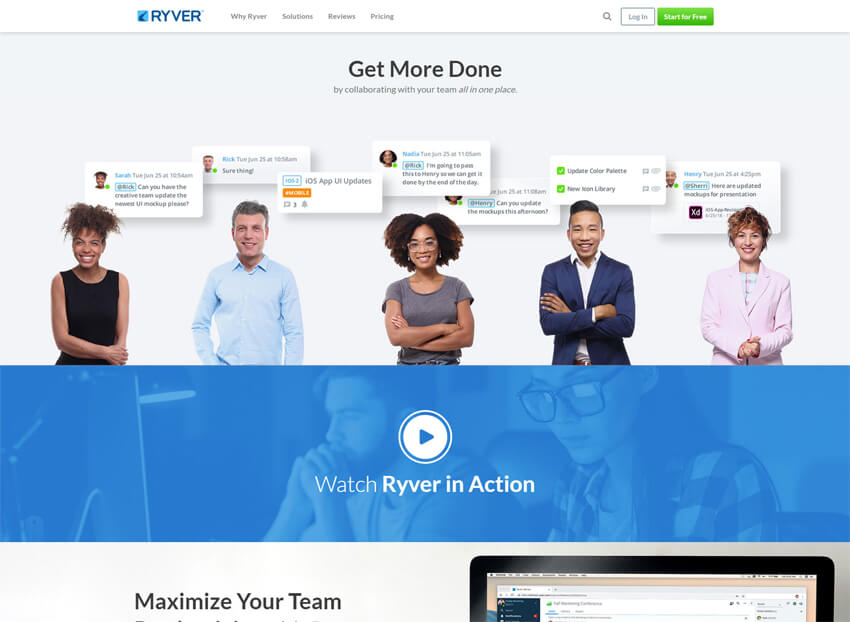
Ryver combines team messaging with structured collaboration features. Along with chat and group discussions, it allows teams to convert conversations into actionable items using boards and task views. This makes Ryver useful for teams that want communication and work coordination closely connected.
Pros
- Messaging and work coordination in a single platform.
- Supports voice and video calls.
- Reduces reliance on multiple tools.
Cons
- No permanent free plan.
- Interface may require time to learn.
Why did we choose this tool
- Strong focus on structured group discussions.
- Helps teams keep conversations organized.
- Suitable for teams that prefer workflow-linked communication.
Pricing Plans
- Free trial available.
- Premium starts at approximately $69 per month (up to 12 users).
4. Troop Messenger
Communication App For Secure Internal Team Messaging

Troop Messenger is a secure group communication tool built for internal business messaging. It supports one-to-one chat, group conversations, voice and video calls, screen sharing, and file transfers. The platform also offers both cloud-based and self-hosted deployment options.
Pros
- Unlimited message history.
- Clean and simple user interface.
- Flexible deployment options.
Cons
- Limited features in the trial version.
- Advanced controls require higher plans.
Why did we choose this tool
- Strong focus on secure internal communication.
- Suitable for organizations with data control needs.
- Balanced feature set without unnecessary complexity.
Pricing Plans
- Free trial available.
- Premium starts at approximately $2.50 per user/month.
5. Zoho Cliq
Communication App For Internal Team Communication And Collaboration

Zoho Cliq is a team communication platform designed to support structured collaboration within growing organizations. It provides channels, direct messaging, file sharing, audio and video calls, and strong integration with the Zoho ecosystem, making it suitable for businesses already using Zoho products.
Pros
- Tight integration with Zoho applications.
- Clean and organized channel-based communication.
- Custom automation options available.
Cons
- Best suited for Zoho users.
- Interface may feel dense for small teams.
Why did we choose this tool
- Strong enterprise-ready communication features.
- Reliable option for scaling teams.
- Good balance of structure and flexibility.
Pricing Plans
- Free plan available.
- Premium starts at approximately $2 per user/month.
6. Rocket.Chat
Communication App For Internal Business Messaging With Self-hosting Options

Rocket.Chat is an open-source group communication platform focused on security and customization. It supports team messaging, channels, file sharing, voice and video calls, and extensive integrations. Organizations can host it on their own servers or use a cloud-based version.
Pros
- High level of customization.
- Strong data ownership and security controls.
- Open-source flexibility.
Cons
- Requires technical expertise for self-hosting.
- Setup can be complex for small teams.
Why did we choose this tool
- Ideal for organizations with strict compliance needs.
- Flexible deployment options.
- Strong alternative to proprietary platforms.
Pricing Plans
- Free community edition available.
- Premium starts at approximately $4 per user/month.
7. Chanty
Communication App For Internal Business Communication

Chanty is an internal communication platform designed to improve productivity through online communication, task management, and video conferencing.
Unlimited messaging is available even in a free plan, which is perfect for remote teams. Chanty offers one-on-one video calls and group video conferences with screen sharing.
Chanty offers a built-in task manager, which turns messages into tasks. If you are tired of switching between tabs at work, connect any app available and turn your team chat into a single notification center.
Pros
- Unlimited messaging in all plans.
- Built-in Task Manager with the Kanban board.
- Audio/video calling with screen sharing.
Cons
- No video call invitation by a link.
- Limited integrations.
Why did we choose this
- Voice messages, Pinned messages.
- Surveys & Polls.
- Scheduled and disappearing messages.
Pricing plans
- Free plan for teams with up to 5 users.
- Business plan $4 per user/month paid monthly ($3 paid annually).
8. Unison
Online Communication Tool for Seamless Team Collaboration
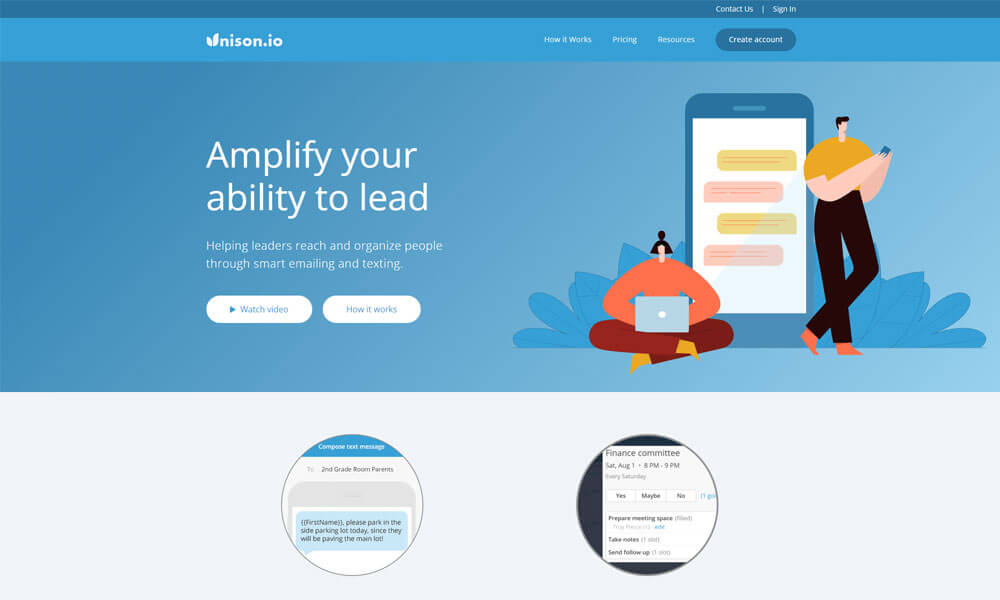
Unison is an online communication tool that helps organizations connect and organize groups of people. Unison was created for group collaboration of any size. It’s an especially great resource for small companies since you can sign up and get started for free. It makes organizing and communicating with any group fast and easy. You can share documents, photos, and comments with everyone.
If you’ve got an upcoming event, you can create RSVPs, polls, and signups to keep track of all the moving parts involved with group planning. The group calendar also syncs with Google or iCal so no one will lose track of important dates or deadlines. The paid plan offers additional features, like registration forms, unlimited levels of sub-groups, additional administrators, email blasts with mail merge, and text blasts.
Pros
- Simplified group communication with instant messaging.
- Task assignment and tracking features included.
- Suitable for small to mid-sized teams.
Cons
- Limited integrations with other tools.
- Basic UI compared to competitors.
- Lacks advanced project management capabilities.
Why did we choose this tool
- Great for teams needing simple group chat and task management.
- Affordable option for small businesses.
- Focused on internal team communication.
Pricing
- Starts at $4/user/month.
9. ClickUp
Group communication software for Efficient Task Management
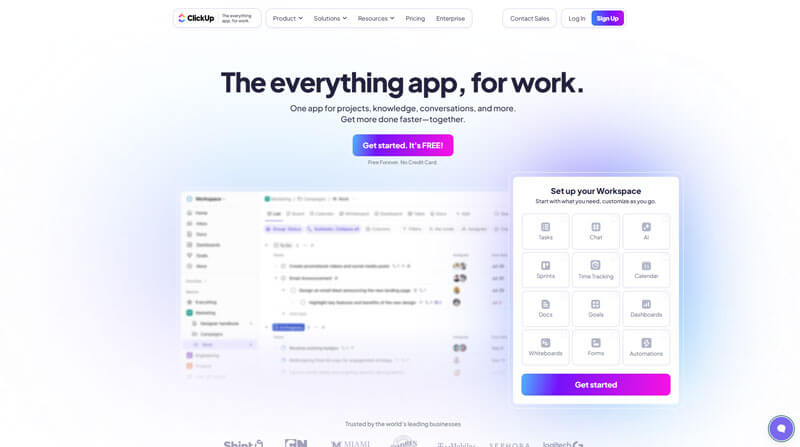
ClickUp has everything to streamline your group communication. With features like assigned comments, Chat, Inbox, notifications, threaded-comments, reminders, task priorities, time tracking, goals, dependencies, custom statuses, and more. ClickUp is the perfect group communication software that brings all of your collaboration into a single app and is used by teams of all sizes and industries.
Pros
- Comprehensive task and project management features.
- Highly customizable workflows and dashboards.
- Free plan with robust capabilities.
Cons
- Steep learning curve for new users.
- Overwhelming features for small teams.
- Limited communication-focused tools.
Why did we choose this tool
- Perfect for managing complex projects.
- All-in-one platform for productivity and collaboration.
- Highly adaptable to team needs.
Pricing
- Free plan available; Premium starts at $5/user/month.
10. Wrike
Group communication tool for Streamlined Project Collaboration

Wrike is a great group communication tool for managing processes and tasks within a team. It helps improve communication between different groups by having a shared workspace to collaborate on projects, share ideas, coordinate tasks, and provide visibility into project progress. With an array of features from instant messaging to task assignment notifications, Wrike facilitates group communication between team members thoroughly.
Plus, Wrike’s mobile app ensures that users are always kept updated with their teams’ activities no matter where they are. Given its convenience and ease of use, Wrike is certainly worth considering for those looking for good online communication tools. Wrike’s supports 400+ integrations.
Pros
- Advanced project management features with Gantt charts and time tracking.
- Strong integration with popular tools like Slack and Salesforce.
- Scalable for teams of all sizes.
Cons
- Higher pricing compared to similar tools.
- Cluttered interface for non-technical users.
- Limited communication-focused features.
Why did we choose this tool
- Excellent for detailed project tracking and reporting.
- Scalable and reliable for large teams.
- Integration capabilities enhance flexibility.
Pricing
- Free plan available; Paid plans start at $9.80/user/month.
11. Samepage
Group communication tool for Integrated Team Workspaces
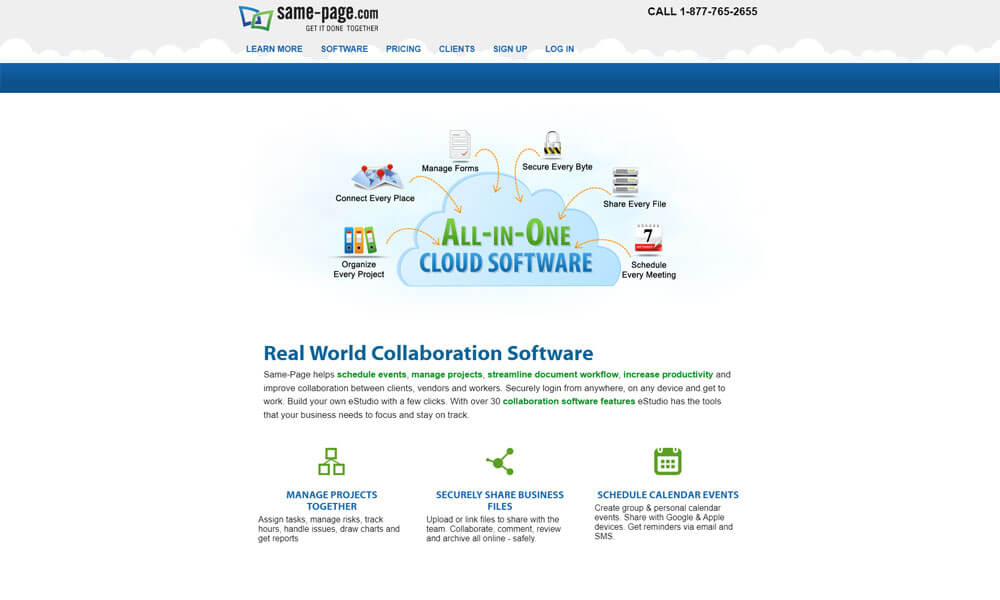
Samepage is one of the free group communication tools in the market that helps you to chat via text, audio, or video with your team in channels or alongside project files, tasks, diagrams, calendars, and more. With Samepage you can manage teams, projects, and meetings in real-time from a single all-in-one collaboration platform. No hopping between separate apps to get work done. No email overload. Just streamlined communication and collaboration with your team in a single easy-to-use desktop & mobile app.
Pros
- Combines communication and project management in one platform.
- Supports real-time collaboration with chat and document editing.
- Ideal for small and medium teams.
Cons
- Limited scalability for large organizations.
- UI can feel outdated.
- Integrations are less robust than competitors.
Why did we choose this tool
- Seamless collaboration with integrated tools.
- Best for teams with simple project workflows.
- Affordable solution for small businesses.
Pricing
- Free plan available; Paid plans start at $7/user/month.
12. Connecteam
Group communication tool for Mobile Workforce Collaboration

Connecteam’s online communication tool for groups was designed and built especially for mobile employees. Connecteam is packed with tools that will enhance every communication in your business: newsletters, announcements, chat, employee directory, updates, surveys, suggestion box, and more. Engage your team like never before, reflect your company’s culture, and solidify your employer branding with Connecteam’s employee communication and engagement app. Connecteam is available for a free trial.
Pros
- Tailored for deskless and mobile teams.
- Simple scheduling and task management features.
- Offers employee engagement tools like surveys.
Cons
- Not ideal for traditional office setups.
- Limited advanced project management tools.
- Requires paid plans for most features.
Why did we choose this tool
- Perfect for managing mobile and field teams.
- Combines communication with workforce management.
- Easy-to-use mobile app.
Pricing
- Free plan for small teams; Paid plans start at $29/month for up to 30 users.
13. Team App
Group communication tool for Enhanced Team Engagement

Team App is one of the best group communication tools. With the ability to make posts, share images, send messages and notifications, and organize events, Team App is a great way to keep everyone in your group on the same page. It also has great features like instant alerts that ensure everyone in your group receives important messages as soon as they are sent out.
Team App makes it easy for anyone to take part in group conversations and stay in touch with their peers even when apart. Its robust platform ensures that no one ever feels left behind or misses out on important information, making it an indispensable tool for staying connected with any group of people.
Pros
- Simplifies team communication with mobile-first design.
- Ideal for sports teams and small organizations.
- Free to use with basic features.
Cons
- Limited features for business-oriented teams.
- Customization options are basic.
- Lacks advanced integrations.
Why did we choose this tool
- Perfect for non-technical users.
- Great for team coordination in small groups.
- Cost-effective with easy accessibility.
Pricing
- Free with premium customization options available on request.
14. Beekeeper
Group communication tool for Workforce Communication and Coordination

Beekeeper is a group communication software that is designed to make daily work life easier for frontline employees. This software is ideal for any internal communication including corporate, department, and 1:1 communication. The mobile-first platform allows teams to instantly connect across languages, shifts, and locations for real-time communication anytime, anywhere.
Pros
- Tailored for frontline workers with mobile-first communication.
- Easy onboarding and intuitive interface.
- Includes employee engagement tools.
Cons
- Limited features for traditional office teams.
- Higher cost for premium plans.
- Customization requires additional setup.
Why did we choose this tool
- Ideal for deskless and on-the-go teams.
- Focused on employee engagement and productivity.
- Scalable for various industries.
Pricing
- Starts at $4/user/month.
15. Axero
Group communication software for Comprehensive Intranet and Collaboration

Axero is a good group communication software. With Axero, teams can chat and comment on content within their organization’s secure workspace. Axero also provides a platform for broadcasting announcements and quick follow-up of conversations and ideas. Additionally, all communication is indexed, meaning teams have access to easy-to-use search capabilities for locating reference material over time.
The ability to connect business apps directly with Axero allows users to track even more information in an organized manner. Its modern UI also sets Axero apart from other group communication tools, giving users a better visual experience while staying connected with their colleagues.
Pros
- Comprehensive intranet solution for large teams.
- Combines communication, document sharing, and workflows.
- Highly customizable for business needs.
Cons
- Steep pricing for small teams.
- Requires training for effective use.
- Limited real-time communication features.
Why did we choose this tool
- Best for centralized communication and knowledge sharing.
- Strong focus on intranet functionalities.
- Customizable for large organizations.
Pricing
- Starts at $49/user/month.
16. Noodle
Group communication tool for Tailored Intranet Solutions
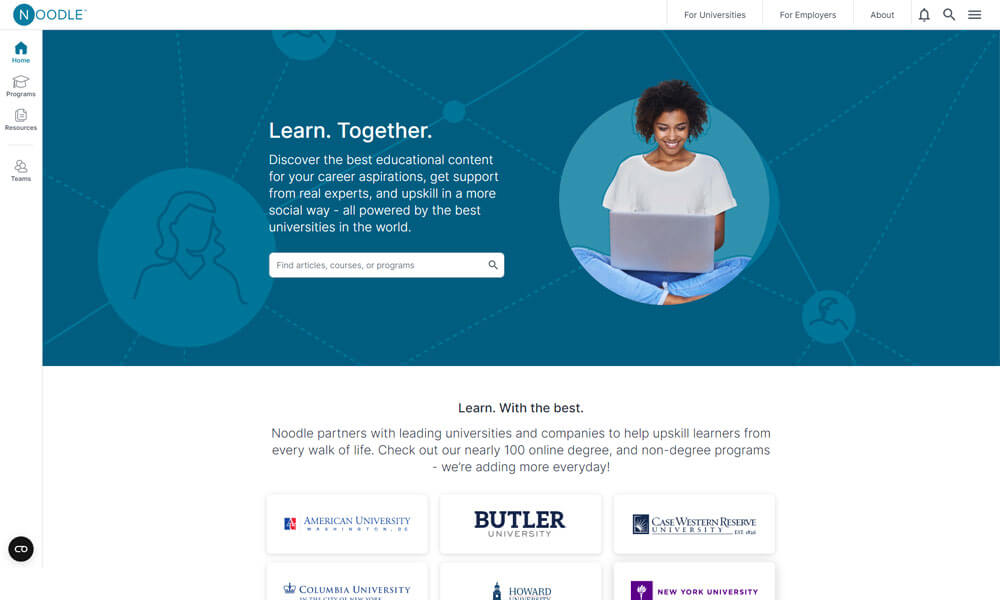
Noodle is an useful group communication tool. Its easy-to-use interface and intuitive design earned praise from many organizations as an effective solution for connecting teams. With Noodle, tracking conversations and sharing documents becomes a breeze, as team members have access to all relevant information in one single source.
In addition, special features like message boards, calendar reminders, and online forms make collaborating with colleagues convenient and efficient. For organizations looking to improve their communication systems and create more efficient workflows for their teams, Noodle is a good choice.
Pros
- Simplifies intranet setup for small to medium businesses.
- Easy-to-use collaboration and communication tools.
- Offers document sharing and calendar integration.
Cons
- Outdated UI compared to modern tools.
- Lacks advanced real-time chat features.
- Limited scalability for large teams.
Why did we choose this tool
- Ideal for teams needing simple intranet functionality.
- Affordable option for SMBs.
- Provides centralized knowledge management.
Pricing
- Starts at $12/user/month.
17. Spinach AI
Group communication software for Aligned Team Conversations
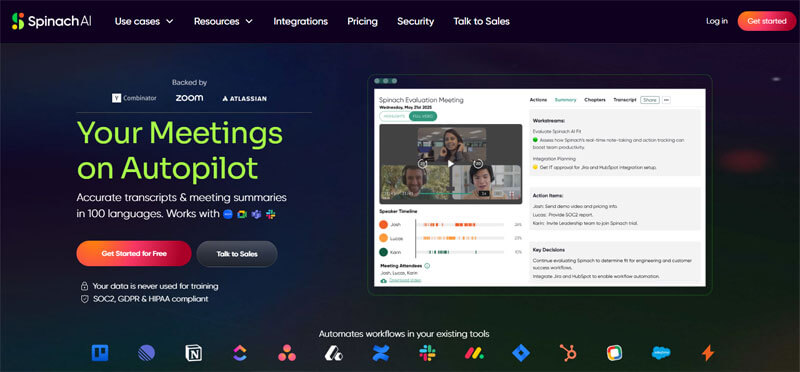
Spinach AI is an innovative group communication software that can be especially beneficial for group work. It provides a platform for teams to collaborate and organize tasks in a central hub, enabling members to search and stay on top of conversation threads from one simple interface.
It also makes it easier to reference past messages since they are conveniently stored together — allowing teams to quickly grab any details they may have overlooked previously. With its intuitive layout, Spinach AI stands out as an effective method of communication for groups that need to coordinate multiple ideas and tasks efficiently.
Pros
- Focused on improving one-on-one and team meetings.
- Offers agenda templates and collaborative tools.
- Integrates with popular platforms like Slack and Google Calendar.
Cons
- Limited broader communication features.
- Not ideal for non-meeting-related workflows.
- Advanced features require a paid plan.
Why did we choose this tool
- Perfect for structured and productive meetings.
- Encourages collaborative planning.
- Affordable for small and medium teams.
Pricing
- Starts at $7/user/month.
18. Range
Group communication tool for Team Synchronization and Progress
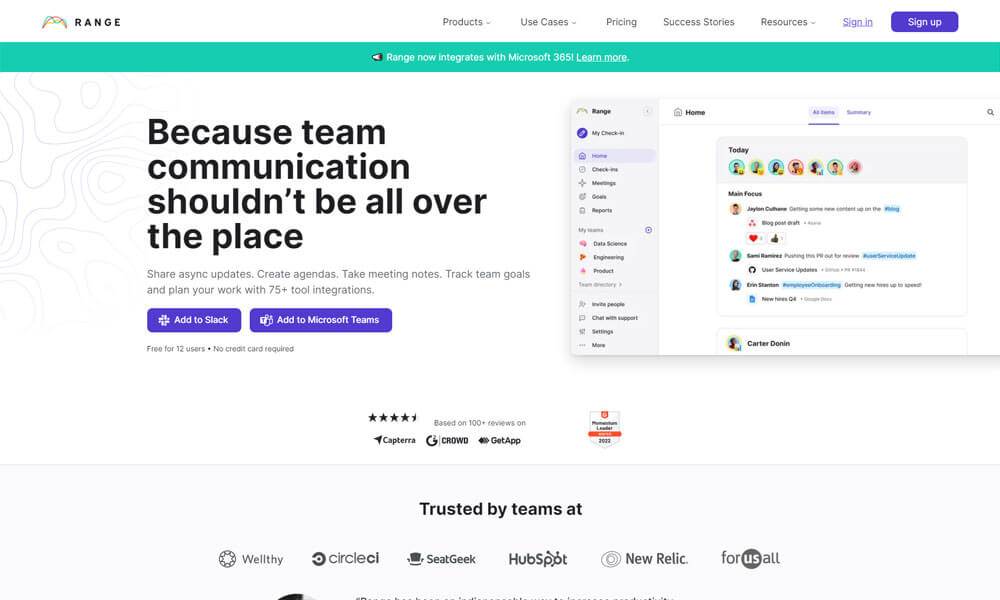
Range is quickly becoming one of the most popular group communication tools. It provides a great platform to host conversations among teams, make announcements, post reminders, and more. With its clean user interface and simple message writing capabilities, it’s easy to stay connected with others in a professional and organized atmosphere.
Additionally, Range has many strong security features to ensure that your conversations remain private, making it an ideal tool for internal business discussions or sensitive topics. Overall, Range is proving to be a good group communication software for teams needing effective communication.
Pros
- Helps teams track daily progress and goals.
- Focused on async check-ins and team alignment.
- Integrates with tools like Slack and Asana.
Cons
- Limited real-time communication features.
- Basic UI for larger organizations.
- Advanced features locked behind paid plans.
Why did we choose this tool
- Ideal for remote teams needing structured check-ins.
- Encourages accountability and transparency.
- Lightweight and simple to implement.
Pricing
- Free plan available; Paid plans start at $8/user/month.
19. Loom
Group communication tool for Video Messaging and Sharing

Loom is an effective online communication tool for groups. Its versatility allows team members to easily share presentations, documents, and images, or even create polished polls to get feedback from coworkers. With its one-click recording capabilities, project teams can quickly and easily capture their ideas into a shareable format that can be accessed at any time from any device.
This makes Loom the perfect tool for distributed teams who need to maintain real-time connections while remaining in different locations. The convenience of being able to communicate and communicate effectively with one’s team makes Loom an ideal choice for any organization looking for an efficient solution for collaborative working.
Pros
- Simplifies video communication with quick recording tools.
- Easy sharing via links without downloads.
- Free plan includes basic recording features.
Cons
- Limited team collaboration features.
- Requires stable internet for high-quality videos.
- Advanced editing tools available only in premium plans.
Why did we choose this tool
- Perfect for async video updates and tutorials.
- Easy to use with minimal setup.
- Lightweight alternative to lengthy meetings.
Pricing
- Free plan available; Premium starts at $8/user/month.
20. Pumble
Group communication tool for Agile Team Messaging

Pumble is an innovative and secure group communication tool. It offers a suite of features which make it an excellent choice for ensuring that everyone in a team or organization can stay on the same page when sending and receiving vital information. With Pumble’s easy setup and intuitive interface users can be up-and-running quickly with no hassle or headache.
Not only is Pumble reliable and effective, but its user-friendly design makes it perfect for newcomers while its advanced text-messaging capabilities provide welcomed familiarity to seasoned communicators. Whether you’re trying to maintain transparency among staff members or coordinating a project across multiple teams, Pumble’s structure and capabilities make it well suited for keeping everyone connected and informed.
Pros
- Free forever plan for team communication.
- Simple and intuitive chat features.
- Supports unlimited users.
Cons
- Lacks advanced integrations and features.
- Not suited for large-scale projects.
- Basic file-sharing options.
Why did we choose this tool
- Perfect for small teams on a budget.
- Simple chat tool without unnecessary complexity.
- Unlimited users make it scalable for basic needs.
Pricing
- Free forever; Premium plans start at $1.99/user/month.
Conclusion
The use of group communication tools has made teamwork easier and more organized. These tools help a communication group share ideas, messages, and updates in one simple place. Features such as shared file spaces, real-time messaging, simple task tracking, and clear visibility for all team members help teams stay organized and work better together. Instead of searching through emails or switching between tools, teams can focus on their work and goals.
Group communication software allows teams to stay connected even when they are not working in the same location. Team members can access shared files, messages, and updates at any time. Whether people are working remotely or meeting face to face, these tools support smooth and clear communication. Many platforms also connect with project management software, making it easier to track progress and responsibilities.
The growth of technology has made online communication tools a vital part of how businesses work. These tools have changed how teams communicate, plan, and collaborate. Businesses now rely on communication apps for groups to reduce delays, avoid confusion, and keep everyone informed. Strong group communication is no longer optional; it is essential for modern teams.
If you are a small business looking to improve team morale and productivity, choosing the right communication apps for groups is an important step. The right tool helps teams work together, share ideas freely, and stay connected throughout the day. We hope this list of group communication tools helps you build a more collaborative, creative, and effective work environment. Now is a good time to explore and try the group communication software that best fits your team’s needs.
Frequently Asked Questions
What are the types of group communication tools?
Group communication tools come in various forms, including messaging apps (Clariti, Microsoft Teams), video conferencing tools (Zoom, Google Meet), and collaborative platforms (Clariti, Asana) that combine features like chat, file sharing, and project management for comprehensive team communication.
What are examples of group communications?
Examples of group communications include team meetings, brainstorming sessions, project discussions, video conferences, and online collaboration platforms where multiple individuals interact to share information, make decisions, and collaborate towards common goals.
What is communication in a group?
Communication in a group is the exchange of information, ideas, and messages among multiple individuals within a collective setting, where they share thoughts, opinions, and perspectives to facilitate collaboration and decision-making, utilizing various channels and methods to interact, coordinate, and achieve common goals.
What are the four groups of communication?
The four main groups of communication are intrapersonal, interpersonal, group, and mass communication. They can also be categorized as verbal, non-verbal, written, and visual communication. Additionally, there are downward, upward, horizontal, and diagonal communication flows within organizations.




Start for FREE with Personal CRM
We too hate spam! Your email is secure with us.

Spot secured. You're in.
You’re officially on the list for early access to Clariti.


No more switching tools.

No more lost context.

Just Clarity.
You’ll be among the first to experience it when we launch. We’ll let you know the moment it’s ready.

Keep an eye out for emails from @clariti.app.
(and check your spam folder just in case—whitelisting us helps ensure you don’t miss a thing).

