


Blog, Unified Communication
Top 20 unified communication platforms and the best guide to choose them in 2026
- By Vinod Kumar VR
- No Comments


- Published on
- 15 min read
Unified communication platforms are now essential tools for modern businesses. They help teams talk, share, and work together with ease. These platforms bring many tools into one place, such as chat, voice calls, screen sharing, file sharing, and video meetings. By using a single system, businesses reduce confusion, save time, and improve daily work. This simple setup helps teams stay connected and productive without switching between many apps.
Many businesses now rely on unified communication platforms available in the market today. Popular examples include Microsoft Teams, Clariti, Zoom, and Cisco Webex. These solutions are part of unified communications as a service (UCaaS), where communication tools are delivered through the cloud. With Experience Communications as a Service (XCaaS), teams can work together from anywhere and still stay connected. These platforms support remote work, hybrid teams, and global collaboration with ease.
At the center of unified communications are three key elements. The first is real-time communication. This includes instant messaging, voice calls, screen sharing, and video meetings that allow people to talk and respond quickly. The second element is collaboration tools. These tools support file sharing, document editing, and simple project coordination, helping teams work better together. The third element is integration with other business systems. Unified communication tools seamlessly connect with existing apps, making daily work smoother and faster.
In this blog, we will explore the top 20 unified communication software and help you understand how to choose the right one for your organization in 2026. We will explain the features, strengths, and key points of each platform in a clear way. This will help you select a solution that matches your business goals. We will also look at important factors such as security, ease of use, scalability, and cost.
Join us as we walk through the changing world of unified communication platforms. This guide will help you gain the knowledge needed to choose the best solution for your business needs.
What is Unified Communication?
Unified Communications (UC) is a system that brings different communication tools into one simple platform. It helps teams work together better and faster. UC combines chat, email, voice calls, screen sharing, file sharing, and video meetings into a single experience. This makes communication easy across devices and locations.
The main goal of UC is to create a smooth and consistent experience for users. Instead of switching between tools, employees can move from one type of communication to another without losing context. For example, a chat message can quickly turn into a video call. Most UC systems also include helpful features like presence status, conferencing, and integration with business applications. This is why unified communications as a service (UCaaS) has become a core part of modern workplace communication.
List of unified communication platforms
1. Clariti
Unified communication platform for seamless communication and business collaboration

Clariti is a free unified communication platform that combines emails, chats, documents, calendar events and feeds on the same topic, in rich context-based hybrid Conversations. Since Clariti is hosted in the cloud, it is accessible to all team members who have an internet connection.
Organizations implementing unified communication tools like Clariti enjoy the benefits of having all their systems work together, smoothly and securely to enable effective collaboration. Clariti lets you take full advantage of all the benefits that unified communication platform offers. Using Clariti, if you realize there is an issue that requires a quicker response, you can switch to chat or voice call with just a click of a button; you don’t have to switch devices, applications, or jump to any other rooms or channels.
Some of the top unified communication features in Clariti include:
- Cloud-based communications for your team to collaborate from anywhere.
- Support for multiple email accounts.
- Voice calling to reduce the number of emails in your inbox.
- Screen sharing to eliminate the need for face-to-face meetings.
- Ability to take notes during meetings to remember the context.
- Ability to add or remove participants during group conversations.
- Direct chat with any Clariti user at any time.
Pros
- Combines emails, chats, and documents in context.
- Easy-to-use hybrid Conversation organization.
- Supports integration with 5000+ apps via Zapier.
Cons
- Learning curve for users who are new to hybrid conversations.
Why we choose this tool
- Combines emails, chats, and documents in hybrid Conversations for better context.
- Simplifies collaboration with integrated task management and file sharing.
- Supports app integrations to enhance productivity.
Pricing Info
- Premium plans are available on request.
2. Nifty
Best unified collaboration software
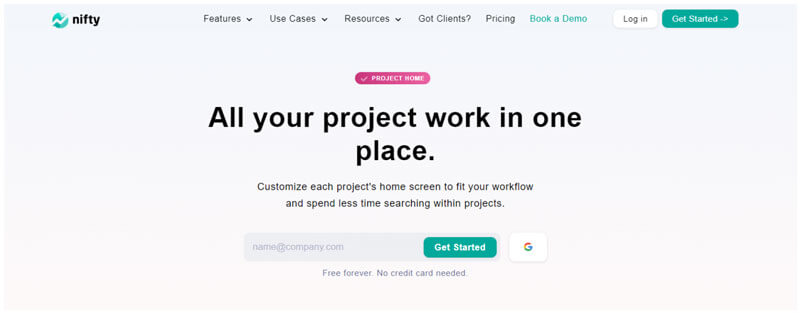
Nifty is a powerful collaboration platform designed to centralize communication and streamline teamwork. Combining chat, task management, and document sharing, Nifty empowers teams to collaborate in real time without the need for multiple tools. Its unified workspace fosters transparency and ensures everyone stays aligned on project goals.
With Nifty, teams can create project-specific discussion threads, share files, and manage tasks seamlessly within a single platform. The tool’s visual timelines and collaborative document editing simplify project planning and execution. Integration with apps like Slack, Google Drive, and Zoom extends its functionality, making Nifty the ideal choice for cohesive teamwork across any organization.
Pros
- Unified collaboration with real-time chat and task management.
- Integration with essential productivity tools.
- Supports team alignment with visual project timelines.
Cons
- Limited advanced analytics.
- Limited advanced customization options.
Why we choose this tool
- Combines communication, task management, and file sharing in one platform.
- Encourages team transparency and alignment.
- Scalable solution for diverse team sizes and workflows.
Pricing info
- Basic Version: Free plan available.
- Premium Start: ~$5/user/month.
3. ProofHub
Unified workspace for planning, collaboration, and communication
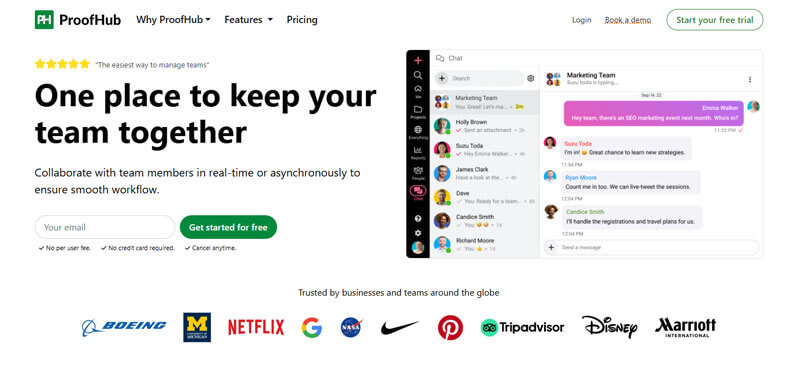
ProofHub is an all-in-one team collaboration and project management application designed to facilitate real-time communication and streamline work for better efficiency. Its centralized platform combines everything from chat, discussions, tasks, and notes to file sharing and proofing, eliminating the need for scattered emails, disjointed threads, and multiple disconnected tools. This helps minimize friction, improves productivity, and ensures everyone stays aligned on shared goals.
With ProofHub, teams can assign tasks with deadlines, have task-specific discussions right alongside tasks, and review and approve files using built-in markup tools, without ever leaving the workspace. Teams can also customize workflows and roles to fit their unique specific needs, visualize project progress through Gantt charts, and track time spent on tasks using built-in time tracking to stay aligned and productive.
Pros
- Keeps everyone focused and accountable with clear roles, responsibilities, and controlled access.
- In-app announcements to broadcast important updates, recognize employees, and celebrate team success.
- Planning and visualization tools like Kanban board, Gantt chart, and Calendar for better clarity.
- Built-in time tracking and reports to monitor productivity.
- Flat-fee and no-per-user pricing structure for growing teams.
Cons
- No free plan available, but you can try a 14-day free trial.
- Basic integration options are available.
Why we choose this tool
- Centralizes project planning, task management, and communication all in one place.
- Intuitive and customizable platform without overwhelming features.
- Scales effortlessly with teams of all sizes thanks to its flexible pricing and features.
Pricing info
- Basic Version: No free plan (trial only).
- Premium Start: ~$45/month (flat for unlimited users; billed annually).
4. Cisco
Unified Enterprise call control and session management

Cisco Unified Communications Manager is a unified communications platform that integrates business communication technologies such as telephony, video conferencing, presence information, call recording, web conferencing and messaging.
It enables administrators to control unified communications infrastructure supporting a large number of users making it suitable for businesses of all sizes. Cisco Unified Communications Manager allows businesses to manage their communications networks, administer user settings for a variety of collaboration tools.
Pros
- Enterprise-grade security.
- Comprehensive collaboration features.
- Scalable for large organizations.
Cons
- High cost for small businesses.
- Complexity in deployment.
Why we choose this tool
- Trusted brand with robust security and compliance features.
- Comprehensive solutions for large-scale enterprise communication.
- High-quality video conferencing and team collaboration tools.
Pricing info
- Basic Version: Free plan available.
- Premium Start: ~$13.50/user/month.
5. Verizon
Unified Communications & Collaboration as a Service

Verizon UCCaaS is a cloud-based unified communications platform that enables employees in an organization to interact and work in a collaborative virtual environment.
It also offers hybrid solutions that work as an extension of the organization’s existing on-premises applications. Verizon UCCaaS provides users with voice and video communication features that integrate with Microsoft Outlook, SAP and Salesforce.
Pros
- Reliable network connectivity.
- Advanced VoIP and video conferencing features.
- Suitable for enterprise-level operations.
Cons
- Expensive for smaller teams.
- Limited integration options.
Why we choose this tool
- Reliable network infrastructure ensures consistent performance.
- Advanced solutions tailored for enterprise-level needs.
- Strong focus on video conferencing and mobility.
Pricing Info
- Basic Version: Not free (no public free tier).
- Premium Start: Pricing varies by business package (approx $30–$40/user/month).
6. GoToConnect
All-in-one cloud phone and meeting system
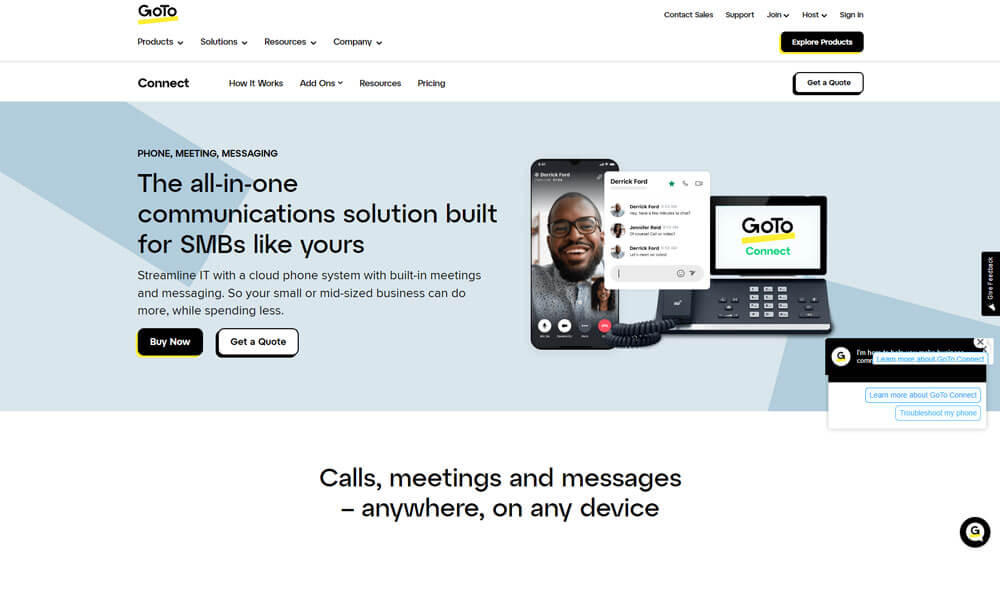
GoToConnect (formerly Jive) is among the best unified communications platforms that can be accessed using web browsers on the internet-enabled device or by installing a desktop application on Mac and Windows devices.
GoToConnect offers both local and long-distance calling. Users can fully customize their calling schedules and control different aspects of calling from a single portal. Jive Video provides cloud-based video conferencing capabilities allowing users to connect with their clients and co-workers face to face.
Pros
- Simplified VoIP and collaboration tools.
- Cloud-based flexibility.
- User-friendly interface.
Cons
- Occasional call quality issues.
- Limited reporting features.
Why we choose this tool
- Combines VoIP and collaboration features into one platform.
- Easy-to-use interface ideal for small to medium-sized businesses.
- Cloud-based system for remote work flexibility.
Pricing Info
- Basic Version: Free trial available.
- Premium Start: ~$24/user/month.
7. RingCentral MVP
Fully integrated communication platform
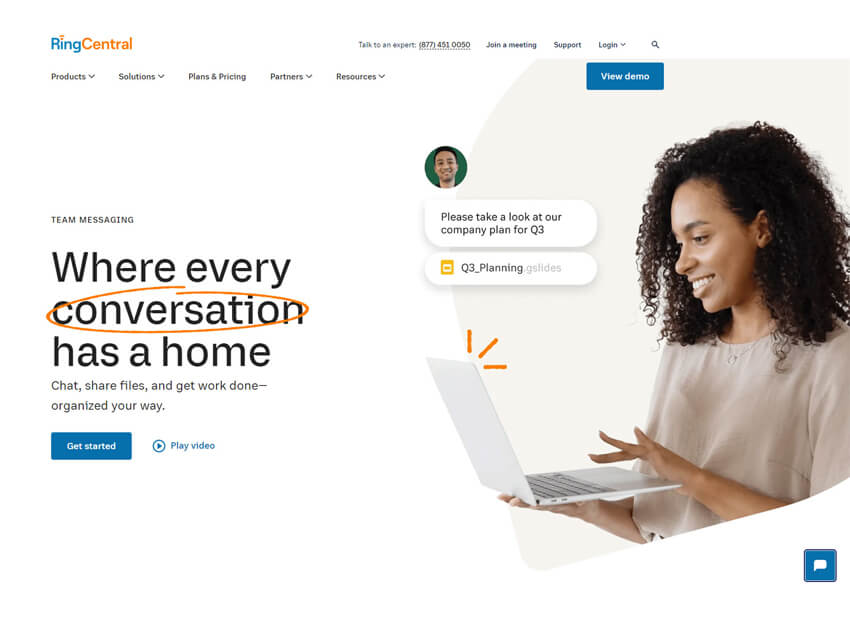
RingCentral MVP is a cloud-based unified communications platform that offers tools for messaging, video and phone. Core features of the solution include conferencing, auto recording and unlimited long-distance and local calling.
RingCentral MVP is a fully integrated mobile-based phone system that helps keep employees connected via a variety of business and personal devices including smartphones, tablets, desktops and phones to customers and colleagues from anywhere. Additionally, RingCentral integrates with basic email platforms and other applications such as Salesforce CRM, Box, Dropbox and Google Docs.
Pros
- Comprehensive UCaaS platform.
- Strong video and call quality.
- Scalable for all business sizes.
Cons
- Higher pricing for premium features.
- Complex billing structure.
Why we choose this tool
- Comprehensive UCaaS platform for all communication needs.
- Strong video conferencing and file-sharing capabilities.
- Easily scalable for businesses of any size.
Pricing Info
- Basic Version: Free trial available.
- Premium Start: ~$27.99/user/month.
8. Mitel MiVoice
Unified communications platform for business communication

Mitel MiVoice unified communications platform is designed for both small business and large enterprise needs. MiVoice offers virtualization options and supports both cloud-based and on-premises deployment. MiVoice includes features such as auto-attendants, automatic call distribution, unified messaging, call reporting and employees can group up to eight devices under a single work number.
Pros
- Strong telephony features.
- Flexible deployment options.
- Suitable for medium-sized businesses.
Cons
- Outdated interface design.
- Limited third-party integrations.
Why we choose this tool
- Excellent telephony features tailored for professional environments.
- Flexible deployment options across cloud, on-premise, or hybrid models.
- Focus on serving medium-sized businesses effectively.
Pricing Info
- Basic Version: No free tier.
- Premium Start: Pricing by quote (typically ~$20+/user/month).
9. Masergy
Software-defined network and cloud platform
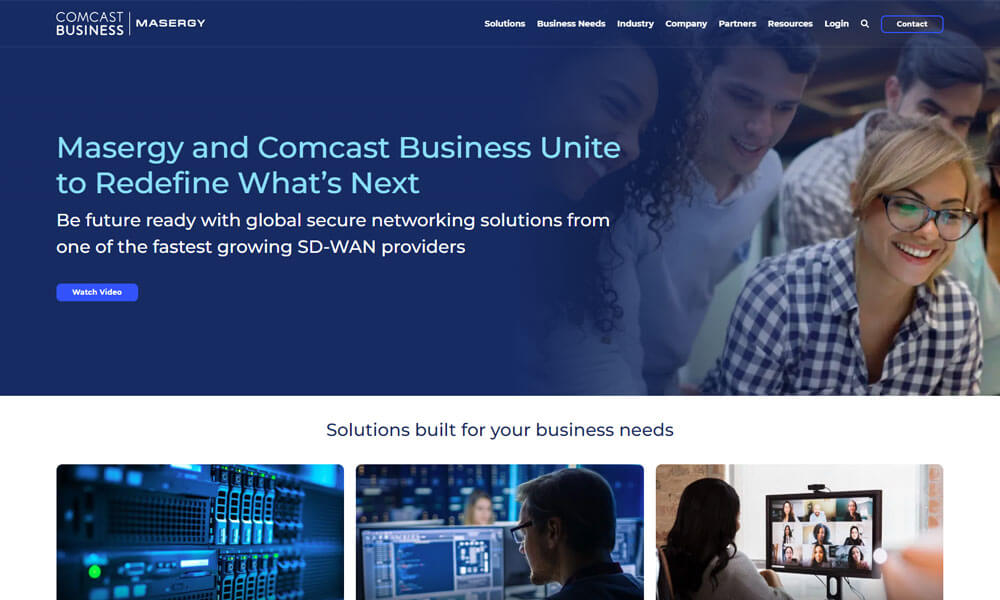
Masergy is a unified communications platform, and its features include conferencing, instant messaging and video calling. Masergy integrates with various customer relationship management systems and can be customized to add communication functionality, such as ad-hoc video conferencing to organizations’ custom business processes.
Its built-in communicator is an end-user client that enables employees to use a single persona with unified presence information across multiple devices.
Pros
- Exceptional network security.
- Customizable UCaaS solutions.
- Global coverage for businesses.
Cons
- Higher cost for premium features.
- Focused more on large enterprises.
Why we choose this tool
- Customizable UCaaS solutions for specific business needs.
- Advanced cybersecurity features integrated into communication tools.
- Global reach for multi-location enterprises.
Pricing Info
- Basic Version: No free tier.
- Premium Start: Quote-based (approx $30–$50/user/month).
10. Vonage
Business VoIP communications suite
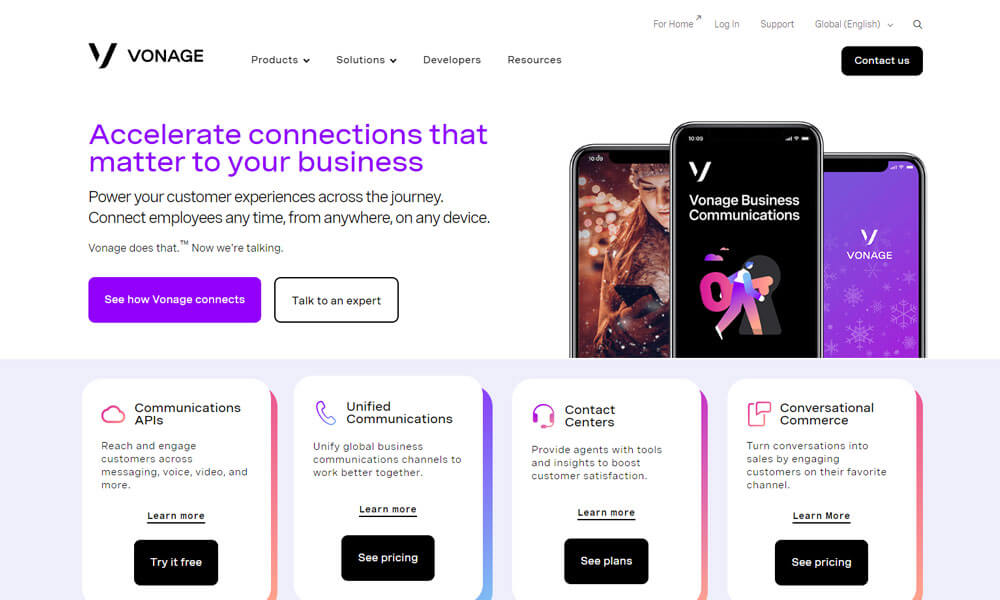
Vonage Business Solutions is one of the best unified communications platforms that is suitable for small and midsize companies. The solution offers a business phone system that enables businesses to connect their VoIP phone system to internet-enabled devices and communicate via text, over the phone or via video conferencing.
The Vonage Business Solutions mobile app gives users another method for accessing the service. Vonage Business Solutions also offers desktop plug-ins to customize the system. Users can also integrate their contacts from Google, Outlook and CRM systems such as Salesforce.
Pros
- Reliable VoIP and UCaaS platform.
- Strong mobile app support.
- Good for remote teams.
Cons
- Pricing complexity for custom solutions.
- Customer service can be slow.
Why we choose this tool
- Strong VoIP and UCaaS offerings for modern communication.
- Excellent mobile app for on-the-go professionals.
- Tailored solutions for small to large organizations.
Pricing Info
- Basic Version: No free tier.
- Premium Start: ~$19.99/user/month.
11. Wildix
Browser-based unified communications solution

Wildix is a global unified communications platform that enhances the simplicity, security and functionality of business communications in the digital age. The company is vertically integrated to ensure seamless interoperability of hardware and software and a more intuitive user experience.
Pros
- Browser-based collaboration tools.
- Secure WebRTC technology.
- Easy setup and user-friendly.
Cons
- Limited brand awareness.
- Fewer integrations compared to competitors.
Why we choose this tool
- Innovative use of WebRTC technology for secure communication.
- Browser-based tools eliminate the need for downloads.
- Intuitive interface that’s easy to navigate.
Pricing Info
- Basic Version: No free plan.
- Premium Start: Quote-based (~$20+/user/month).
12. Bria
Cloud-based and on-premises Voice over IP (VoIP)
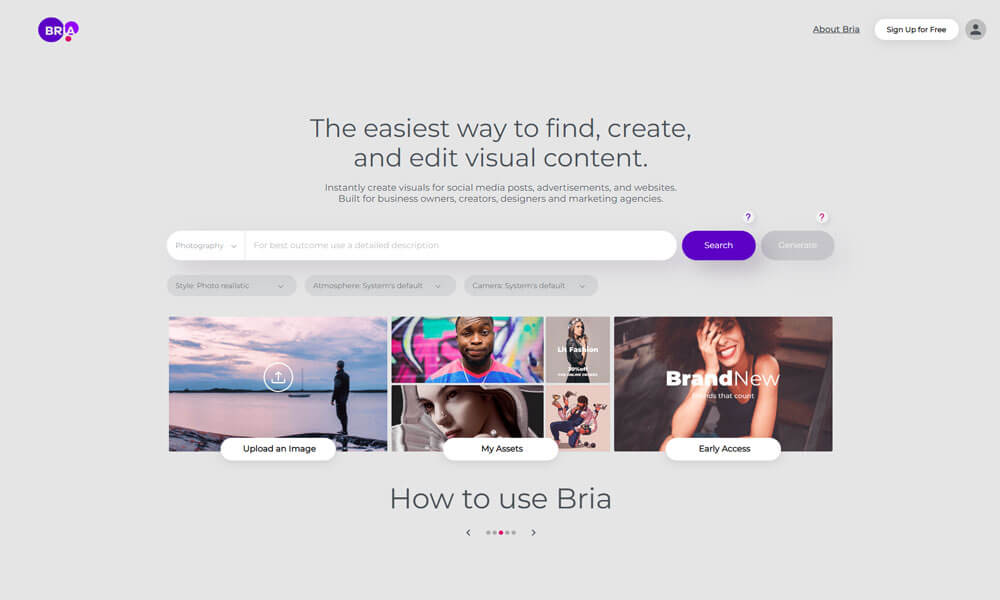
Bria is a unified communications platform that allows companies to provide their employees with the means to take business-line calls on the go and work remotely from both desktop and mobile.
Additionally, features such as presence, messaging and video conferencing are available to facilitate day-to-day collaboration. Bria is ideal for businesses who have already invested in a premise-based call server and are looking for mobility, or the ability to migrate to a cloud-hosted solution.
Pros
- High-quality SIP-based VoIP services.
- Good for remote and hybrid teams.
- Affordable pricing tiers.
Cons
- Limited advanced features.
- No in-built collaboration tools.
Why we choose this tool
- High-quality SIP-based VoIP services for seamless calling.
- Budget-friendly solution for small teams and startups.
- Compatible with multiple operating systems and devices.
Pricing Info
- Basic Version: Free trial.
- Premium Start: ~$9.95/user/month for cloud edition.
13. Fuze
Unified cloud communication platform for enterprises

Fuze is a unified communications platform that allows its users to receive audio conferencing, video conferencing, screen sharing and web conferencing functionality on tablets, smartphones, desktops and laptops. Additionally, users who want to equip meeting rooms with HD video conferencing systems can opt for Fuze for Rooms.
Fuze’s applications are designed to dynamically adjust the bandwidth of voice, video and content transmission across a range of devices and network conditions. Fuze also offers features such as collaborative annotation of content, special modes for conferencing while driving, content sharing from mobile devices and integration with cloud-based file hosting services such as Dropbox and Box.
Pros
- Unified communications for global teams.
- Strong video conferencing features.
- Easy scalability for growing businesses.
Cons
- Limited customizability.
- Expensive for small organizations.
Why we choose this tool
- Designed for global team collaboration and remote work.
- Simplifies communication with an all-in-one platform.
- Reliable scalability for enterprise clients.
Pricing Info
- Basic Version: Free trial available.
- Premium Start: ~$19/user/month.
14. Yobi
AI Communications and Customer Experience company
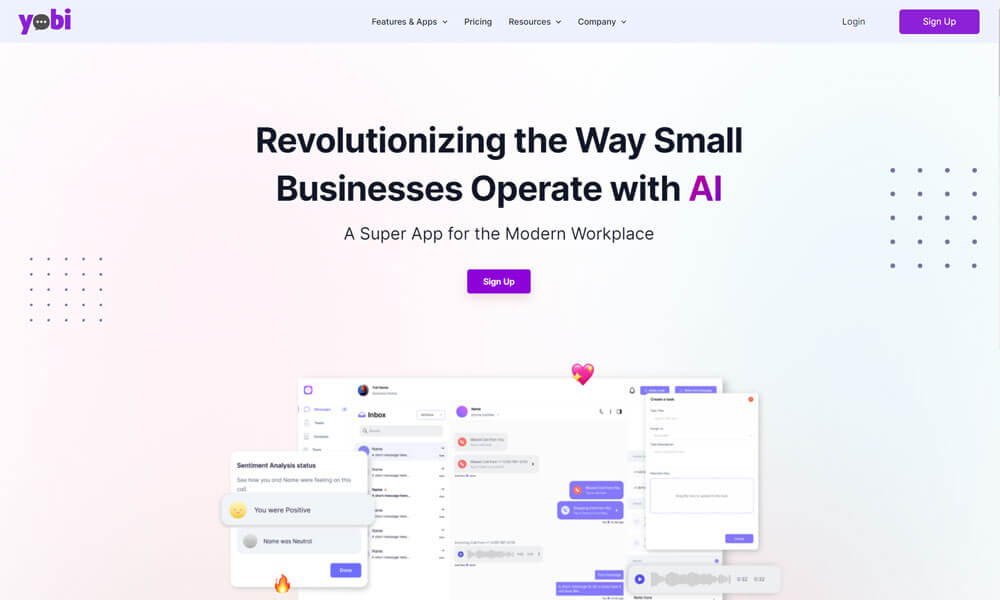
Yobi is a unified communication platform to connect businesses with their clients via a dedicated business line, SMS, and all social media in one place. Companies can organize communication with the customer instead of a platform to keep the organization simple. Additionally, it is possible to record calls to gain insights into business relationships and track call quality at the same time.
Pros
- Simplified communication for small businesses.
- Affordable and easy to set up.
- Strong call forwarding features.
Cons
- Limited enterprise-level capabilities.
- Minimal integrations available.
Why we choose this tool
- Simplifies small business communication with easy setup.
- Affordable pricing for startups and entrepreneurs.
- User-friendly call management features.
Pricing Info
- Basic Version: Free trial available.
- Premium Start: ~$15/user/month.
15. Jumpshare
Unified visual communication platform

Jumpshare is a unified communications platform that is designed to help organizations manage video recording, screen capturing, and editing operations via a unified portal. Jumpshare’s screen recording feature allows users to record webinars, live streams, games, zoom meetings, and desktop apps.
Teams can capture specific parts of the screen, add audio narrations using a microphone, integrate webcam videos, and draw on videos to improve engagement. Jumpshare is available for Mac, Windows and iOS devices and enables businesses to create video recordings, GIFs and screenshots and share them with external or internal stakeholders.
Pros
- Excellent for quick file sharing.
- Intuitive drag-and-drop interface.
- Integrated screen recording tools.
Cons
- Not ideal for live communication.
- Limited collaboration features.
Why we choose this tool
- Perfect for quick and seamless file sharing.
- Integrated tools for screen recording and feedback.
- Highly intuitive drag-and-drop functionality.
Pricing Info
- Basic Version: Free plan available.
- Premium Start: ~$8.25/user/month.
16. 8x8 X Series
Unified cloud platform for voice, video, messaging, and customer engagement
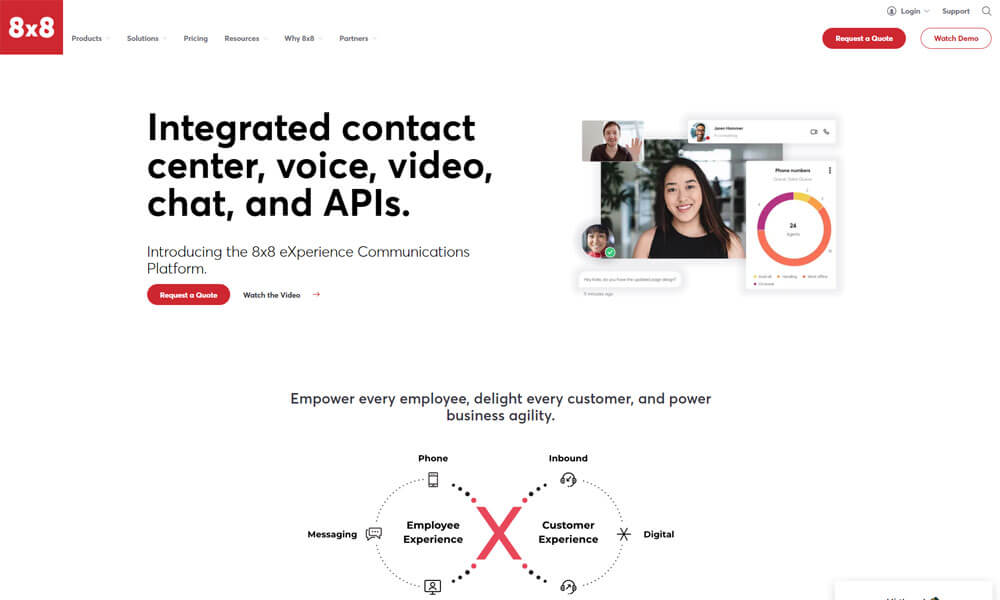
8×8 X Series is a cloud-based unified communication platform that combines voice calls, video meetings, team messaging, contact center, and analytics in one solution. It is designed to support reliable communication and collaboration for distributed teams of all sizes. The platform helps businesses unite customer interactions and internal teamwork in a single cloud environment.
Pros
- Strong all-in-one voice, video, and messaging.
- Built-in contact center capabilities.
- Detailed analytics and reporting.
Cons
- Can be complex for small teams to set up.
- Advanced features may require higher plans.
Why we chose this tool
- Integrated voice and contact center support helps teams communicate consistently.
- Useful for teams needing both internal collaboration and customer communication.
Pricing Info
- Basic Version: No free plan (trial only).
- Premium Start: ~$24/user/month.
17. Avaya OneCloud
Flexible cloud communications for enterprise collaboration and customer experiences
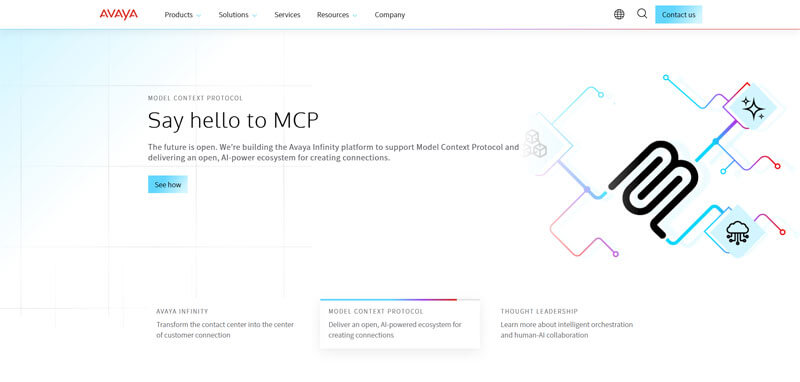
Avaya OneCloud is a flexible cloud communication suite that supports voice, video, messaging, and customer engagement tools. It is built to help businesses modernize their communication systems, enabling unified interaction across internal teams and with external customers. Its modular design allows organizations to adopt the components they need.
Pros
- Enterprise-grade voice and video communication.
- Strong support for hybrid deployments.
- Scalable for larger organizations.
Cons
- Higher cost for full feature access.
- Setup and customization require IT support.
Why we chose this tool
- Well-suited for companies looking to modernize traditional telephony.
- Robust unified capabilities that scale with business growth.
Pricing Info
- Basic Version: No free tier.
- Premium Start: Quote-based (~$25+/user/month).
18. Dialpad
AI-powered business communications for calls, meetings, and team messaging
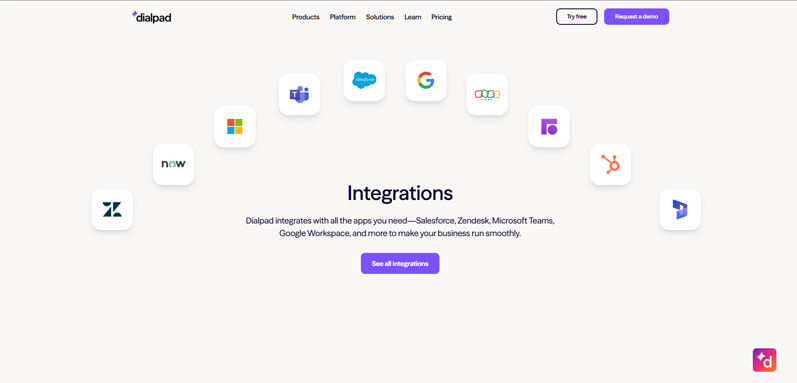
Dialpad is a cloud communication tool built for modern teams, combining business phone service, video meetings, team chat, and AI insights. Its cloud-native platform makes it easy to deploy and use across devices. Dialpad also includes AI-powered features like real-time call summaries and transcription.
Pros
- Easy business phone and chat integration.
- Smart AI call summaries and analytics.
- Intuitive and mobile-friendly interface.
Cons
- Some advanced AI features may need higher plans.
- Limited offline capabilities.
Why we chose this tool
- Useful for teams that need a simple but smart communication platform.
- AI summaries help teams recall key points without extra notes.
Pricing Info
- Basic Version: Free trial.
- Premium Start: ~$15/user/month.
19. Nextiva One
Unified communication and customer interaction platform for growing businesses
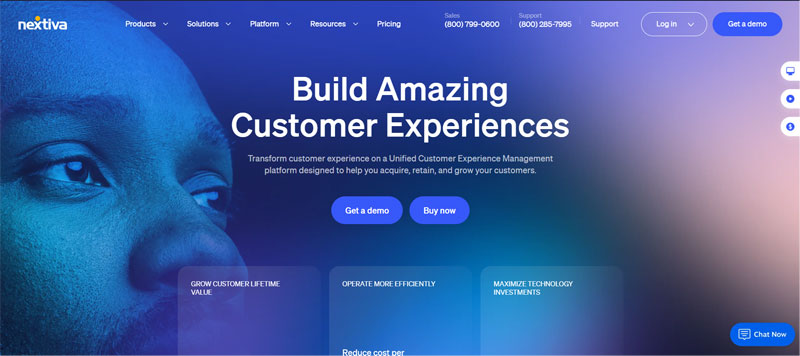
Nextiva One is a unified communication platform that brings together voice, video, team chat, and customer engagement tools. It focuses on improving both internal collaboration and customer experience by offering seamless communication across channels. Nextiva also provides business analytics to help teams optimize performance.
Pros
- All-in-one communication and customer engagement.
- Easy call management and team collaboration.
- Business analytics and insights.
Cons
- Features can be overwhelming for small teams.
- Premium tools may require higher-tier plans.
Why we chose this tool
- Excellent for businesses that value internal communication and customer interaction.
- Good balance of collaboration and business performance insights.
Pricing info
- Basic Version: Free trial.
- Premium Start: ~$23.95/user/month.
20. Alcatel-Lucent Rainbow
Secure cloud collaboration for messaging, calls, and team communication
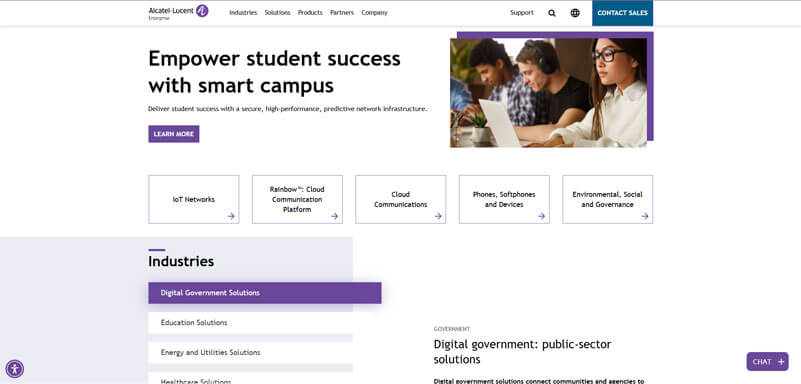
Alcatel-Lucent Rainbow is a cloud communication service that combines messaging, voice and video calls, file sharing, and collaboration features in one platform. It is designed for organizations that want a simple, secure way to communicate across devices and locations. Rainbow’s intuitive interface makes collaboration easy for teams of all sizes.
Pros
- Simple unified messaging and calling.
- Secure cloud communication.
- Works across devices.
Cons
- Feature list is lighter than enterprise counterparts.
- May require add-ons for advanced business use.
Why we chose this tool
- Great entry option for teams seeking secure and simple communication.
- Helps teams collaborate without complexity.
Pricing Info
- Basic Version: Free trial available.
- Premium Start: ~$9/user/month.
Expert guide to choosing the best unified communication Platforms
A unified communication platform acts as a one-stop-shop, bringing your business communication channels together in one place. Using unified communications platform at the workplace makes it easier for your employees to do their job. They’ll save time on tasks throughout the day.
It allows users to make and receive calls from anywhere, quickly share files with teammates to work collaboratively. Instead of using an endless email thread, you can start video or audio meetings whenever it is needed. Unified communication platforms allow team members to get more done in a day and alleviate most of the communication challenges that you might be otherwise facing. When employees collaborate using a unified communication platform, all the issues can be resolved much more efficiently.
These unified communications platforms allow users to collaborate with team members through chat and phone calls. Without a unified communication platform, users would be toggling between multiple apps. According to recent research, employees jump between different applications over 1,000 times a day. Though it might seem very inconsequential at the beginning, it will lead to missed project deadlines and other financial implications.
When it comes to choosing the best unified communication platform, there is no one-size-fits-all solution. A lot of factors like flexibility, scalability, portability etc play a huge role in selection. We have put together a few questions (read as guidelines) that you should ask yourself and your service provider before making the final selection of a unified communications platform.
Factors that influence choosing a unified communications platform
1. Anytime, Anywhere Access
Can your application be accessed from anywhere? Your unified communications platform has to be cloud-based so that all your distributed workforce needs is an internet connection to do their work. In these days of remote and hybrid work, this is a mandatory requirement.
2. Security
How secure is your unified communications platform? Most of the cloud-based unified communication tools offer more security. Cloud providers go to extraordinary lengths to make their systems secure. Most of the unified communication platforms are hosted on either Microsoft Azure or Amazon Web Services, two of the biggest and most widely adopted cloud providers.
These companies constantly update their services and are intensely focused on security. Small and medium companies will never be able to protect their data to the level of Microsoft or Amazon can.
3. Scalability
Is your unified communications platform scalable? When you go for a cloud-based unified communications platform, you should be able to meet ever-changing requirements without having to invest in expensive equipment that needs to be configured and maintained. You can expand your workforce and keep them connected. A good Cloud-based unified communication platform can help organizations of any size to scale up or down due to their inherent flexibility.
4. Interoperability
Is your unified communications platform interoperable? Most of the unified communication tools are great standalone applications that do not depend on other applications to work. But in some rare cases, they may have to be linked with other applications like CRM or other specific applications based on business needs. Interoperability increases the usability and adaptability of the product.
5. Device and OS independent
Is your unified communications platform device and OS independent? Your unified communication platform should have a browser-based interface – i.e., you only need a browser to access the application. Your unified communication platform should run on any device – PC, Mac, laptop, tablet, or smartphone. Your unified communication application should also be not limited by operating system or hardware manufacturer.
6. Reliability
Is your unified communications platform reliable? Reliability is the most important quality of any good, unified communication platform. Since most of the unified communication platforms are cloud-based, your business will not be disrupted due to server crashes or natural disasters.
7. No IT Requirements
Do you need a separate IT team to manage your application? When you go for a cloud-based unified communication platform, it is IT-friendly and minimizes your IT budget. Since there is no installation, configuration, and updating needed, it lowers the burden on your IT department. Cloud-based unified communications platforms are IT-friendly and minimize overblown IT budgets.
8. Infrastructure costs
What will be the infrastructure cost to run the unified communications platform? A big disadvantage of on-premises software is the cost of the hardware needed for operation. When you go for cloud-based unified communication software, it eliminates all the hassle and cost associated with hardware infrastructure.
9. Range of features
Does your unified communications platform have all the communication features? Most of the unified communication software come with different features like audio calling, recording, instant messaging, screen sharing etc. that are designed to improve the business workflow. You should evaluate and decide on the features based on the specific needs of your business.
10. Brainstorm your needs
Do you know all your teams’ needs? Sit with your team and create a unified communication wish list based on everyone’s daily app usage and tasks. When everybody’s needs are captured, it is easy to prepare the list. The tool that you are planning to implement should also meet the business goals for the year. For example, if your goal is to improve internal communication, then your tool should have the option for group messaging and voice calling facilities.
11. Make sure selected product meets all your needs
Does the unified communications platform address all your needs? Once you are clear about your requirements, then it is time to create a checklist and see if the product meets all your needs. All users should be able to use the product for their specific needs before deciding to buy it.
12. Decide on a budget
Is the application cost within your budget? For any company, the budget will be the main constraint. Fortunately, unified communication platforms come with lots of options at a variety of price points with small businesses in mind. While some tools might have lower pricing, you should consider how the tool will perform in the long run.
The tool that you are trying to narrow down should not be dependent on supplementary tools to work or should not need any user training. So rather than focusing only on price, companies should look at other features like scalability and uptime too. The tool that you are choosing should have a guaranteed uptime of 99.999% or more.
13. Test different platforms
Have you tried all the available options? Since most unified communication tools are cloud-based, they come with a free trial version or limited period trial offer. This would be a very good option to check the product’s usability and efficacy. This will give you an indication of what to expect from the product if you choose to implement it. You can avoid any surprises and also obtain your team’s approval in advance setting proper expectations.
14. Implement and gather feedback
Are you taking feedback from the employees? Once you narrow down on a product, take advantage of the tool’s online knowledge base like self-guided modules, helpful videos etc to train everyone on the new software.
Meet the users regularly to understand any pain points and see how you can resolve them. Obtain feedback through surveys and reach out to the software provider for any assistance.
15. Evaluate the tool regularly
Are you evaluating the tool on a continuous basis? After initial user feedback, make sure to schedule regular check-ins to see how the users are adapting to the system. If there are any issues, bring them to the notice of the software provider so they are aware of the issues that are affecting the users.
You can also check whether any customizations are possible to make your job easier. Also, don’t be afraid to ask if something new is possible. Some service providers are willing to listen to their customers and adapt their software to meet customer needs.
How does a unified communications platform function?
A Unified Communications (UC) platform functions by integrating various communication and collaboration tools into a single, cohesive system, allowing seamless interaction across devices, locations, and communication methods. Here’s how it typically works:
1. Centralized Communication Hub
The platform consolidates communication channels such as voice calls, video conferencing, instant messaging, emails, and file sharing. Users can access all these tools through a unified interface, streamlining workflows and eliminating the need to switch between applications.
2. Cloud-Based Infrastructure
Most UC platforms operate on cloud-based systems, enabling real-time communication and access to tools from anywhere with an internet connection. This ensures flexibility and supports remote or hybrid work environments.
3. Presence Detection and Syncing
UC platforms use presence indicators to show users’ availability status (e.g., available, busy, offline), helping teams communicate efficiently. They also synchronize data and updates across devices, ensuring continuity and consistency.
4. Interoperability
Advanced UC systems integrate with other business applications, such as customer relationship management (CRM) or project management tools, enhancing functionality and aligning with business processes.
5. Scalability and Customization
These platforms are designed to scale as organizations grow. Administrators can add or remove users, customize features, and adjust settings to suit specific team or enterprise needs.
6. Secure Communication
Security features like encryption, multi-factor authentication, and compliance with industry standards protect sensitive communications and data.
Conclusion
With more people working remotely than ever, it’s no surprise that companies are searching for a unified communication platform to handle internal and external communications. It’s always a good idea to take these products for a test drive with your team. So, take advantage of free trials or demos from the tools on this list before you buy.
But if you’re thinking of consolidating your business communication in an easier-to-use, single platform, Clariti can help. It is an all-in-one platform for emails, team chat, voice calling and screen sharing. It’s trusted by companies of all sizes who want reliable software to handle their business’ most important activity: Communications.
In this present day, identifying and adopting the right unified communication platform is key to ensure your company stays current and competitive. Following some or all of the guidelines listed above will help you to allay your employees’ fears and help overcome their resistance to change. So, embrace the relevant strategies and start reaping the benefits of unified communication technology.
Frequently Asked Questions:
What is a unified communications platform?
A unified communications platform integrates various communication tools, such as voice, video, messaging, and collaboration, into a single interface. It enables users to access and manage diverse communication channels seamlessly, fostering efficient and centralized communication.
What are unified communication examples?
Unified communication examples include platforms like Clariti, Microsoft Teams, Cisco Webex, and Slack, which integrate messaging, voice calling, and collaboration tools.
What are the 3 main components of unified communications?
Unified Communications integrates messaging, voice, and video into a cohesive communication platform, facilitating seamless collaboration and connectivity across various channels.




Start for FREE with Personal CRM
We too hate spam! Your email is secure with us.

Spot secured. You're in.
You’re officially on the list for early access to Clariti.


No more switching tools.

No more lost context.

Just Clarity.
You’ll be among the first to experience it when we launch. We’ll let you know the moment it’s ready.

Keep an eye out for emails from @clariti.app.
(and check your spam folder just in case—whitelisting us helps ensure you don’t miss a thing).

