


Blog, Others
Top 25 Startup Business Tools and How to Choose the Right Ones
- By Vinod Kumar VR
- No Comments


- Published on
- 20 min read
In the fast-moving world of startups, speed and smart decisions matter every day. Startups grow in uncertain conditions, where small choices can have a big impact. In this environment, using the right business tools for startups can decide whether a company grows steadily or struggles to survive. Research from Startup Genome shows that startups using the right software are 2.5 times more likely to scale successfully than those that do not. This clearly highlights how important startup tools are from the early stages.
As the startup ecosystem expands, founders now face an overwhelming number of options. New apps and platforms appear every year, each promising better results. A recent G2 survey found that the average startup uses around 37 software applications to manage daily work. The real challenge is not the lack of options, but choosing the best tools for startups that actually simplify work instead of adding complexity. Startups must focus on tools that improve workflows, support customer interaction, and help teams stay aligned.
This guide is designed to remove confusion and make decision-making easier. It presents a carefully selected list of the 25 most essential software for startups, along with clear criteria to evaluate them. Whether you want to improve project planning, manage customer interaction more effectively, or support smooth communication in remote teams, this guide helps you choose the right startup tools with confidence.
Instead of only listing tools, this blog explains why each tool matters. It looks closely at features that truly help startups, such as ease of use, scalability, strong integrations, and data security. These factors are especially important for growing teams that need reliable business tools for startups without high learning curves.
By the end of this blog, you will have a simple roadmap to navigate the startup software landscape. You will be able to choose tools that match your goals and budget. With the right mix of software for startups, you can build a strong tech foundation that supports long-term growth and better customer interaction.
Why do you need tools for startups?
Startups operate in a fast-paced and ever-changing environment. Teams are small, resources are limited, and expectations are high. To succeed, startups must work efficiently and adapt quickly. This is where startup tools play a critical role. The right tools help automate daily tasks, improve team coordination, and support smooth customer interaction.
From project management platforms to communication apps and accounting software, business tools for startups help reduce manual work and save time. These tools allow teams to focus on innovation instead of routine processes. They also provide useful data that supports better decisions and faster growth.
Investing in the best tools for startups is not just about convenience. It helps startups stay competitive, respond quickly to market changes, and scale without chaos. With the right software for startups, businesses can grow confidently while maintaining efficiency, clarity, and strong customer relationships.
List of the best business tools and software for startups
1. Clariti

As startups navigate the challenges of rapid growth and limited resources, AI-powered communication platforms like Clariti emerge as indispensable business tools. Clariti’s unique approach to consolidating all team interactions – from emails and chats to documents and calendar events – into a context-driven hybrid Conversations sets it apart as a powerful enabler of collaboration and productivity.
One of Clariti’s key strengths lies in its ability to leverage artificial intelligence and machine learning to establish context from diverse business communication channels. By providing users with a comprehensive understanding of the “who, what, when, and why” behind each exchange, Clariti empowers startup teams to make more informed decisions, address issues proactively, and maintain alignment – even in the face of distributed, fast-paced work environments.
Clariti’s intuitive user experience and cost-effective pricing model, makes it a highly attractive solution for startups seeking to streamline their operations, enhance team productivity, and drive strategic growth.
Pros
- Unified workspace for emails, chats, and documents.
- Contextual organization of conversations.
- No need for separate project management tools.
Cons
- Learning curve for users who are new to hybrid conversations.
Why we choose this tool
- Streamlines communication in one platform.
- Reduces clutter by organizing conversations contextually.
- Affordable for small teams.
Pricing
- Premium plans are available on request.
2. Visme
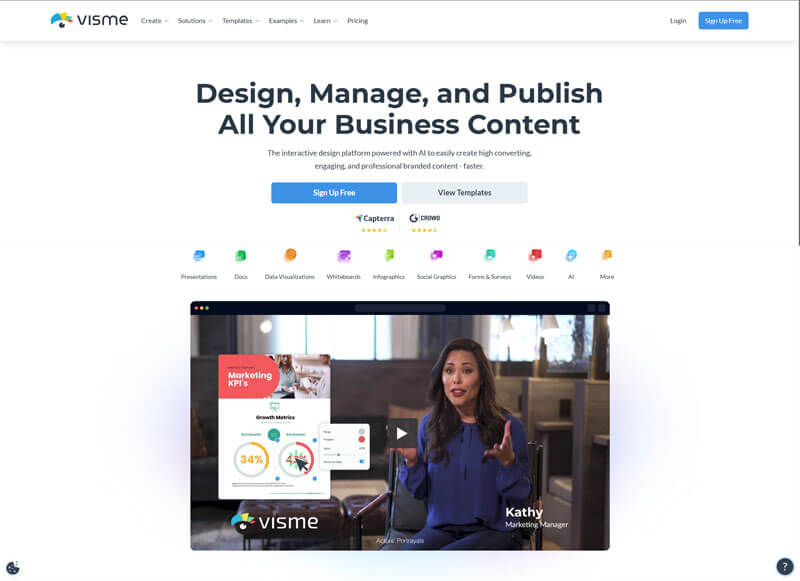
Visme is a powerful suite of content creation tools that can be used to create interactive content without a need of a graphic designer. Visme is specially useful for creating presentations and has a great ai pitch deck generator which can create the content as per your prompt and design the pitch deck at the same time while giving you a choice to personalize it with the help of drag and drop interface and a lot of templates to make changes as per your need.
It’s also an awesome tool if you are planning to create marketing content like infographics, ebooks, newsletter, brochures and a lot of other stuff with an interface that makes it very easy to customize the content as per your needs. Visme offers both free and paid plan that allows startups to create content even if they don’t have very budget for it while giving options to businesses looking to create more powerful visuals.
Pros
- AI integrated into their tools makes it incredible easy to create content.
- Drag and drop interface to customize content.
- Huge collection of templates.
Cons
- Advance features require paid plans.
Why we choose this tool
- AI integrated into their tools makes it very easy to create and customize content.
- Great for startup’s that are looking to create great content under budget.
Pricing
- Free version available.
- Premium plans start at $12.25/month.
3. Canva
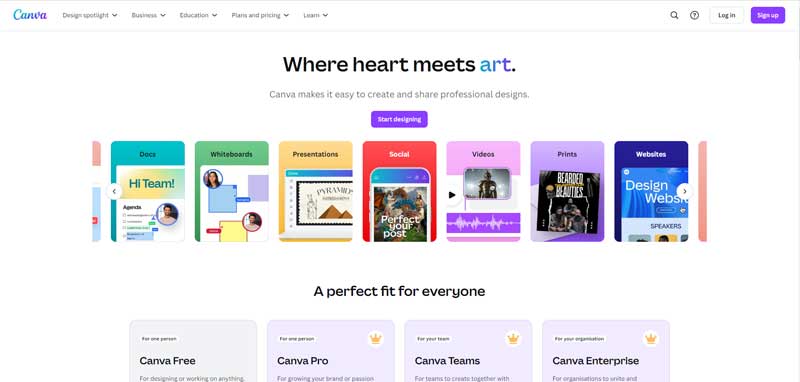
Canva stands out as an indispensable tool for startups, especially when it comes to creating concept maps that visualize ideas and streamline project planning. With Canva’s extensive library of templates, startups can quickly craft detailed concept maps that illustrate workflows, processes, or brainstormed ideas. Canva provides a user-friendly, drag-and-drop interface, which makes designing concept maps easy—even for team members without prior design experience.
The platform also offers an online whiteboard tool, enabling real-time collaboration and idea-sharing, which is perfect for remote teams or those needing to capture ideas on the go. Additionally, Canva provides customizable templates and intuitive tips, so businesses can design maps that are both visually appealing and functional. By offering both free and affordable pro options, Canva ensures that startups have access to essential tools for visual planning without breaking the bank, making it a go-to solution for efficient, creative, and collaborative business planning.
Pros
- User-friendly drag-and-drop design interface.
- Huge library of templates and design assets.
- Collaborative features for teams.
Cons
- Limited customization compared to professional tools like Adobe.
- Some premium assets require additional payment.
Why we choose this tool
- Great for non-designers to create professional visuals.
- Affordable compared to high-end design software.
- Cloud-based and accessible from anywhere.
Pricing
- Free plan available.
- Pro starts at $12.99/month.
4. Grammarin.com
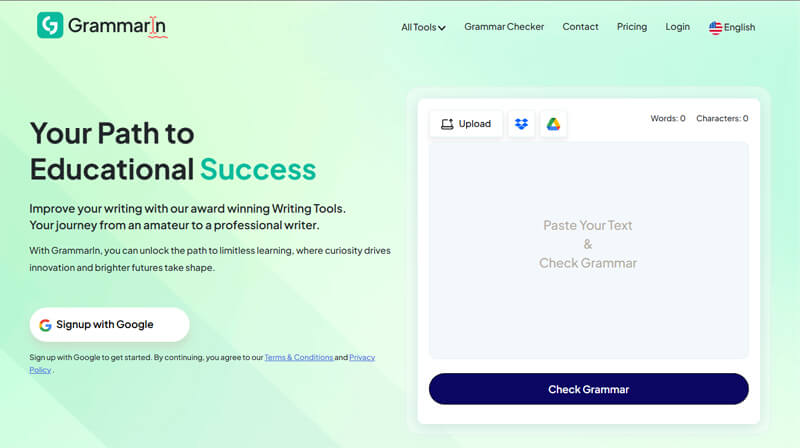
Grammarin.com is a powerful AI-driven grammar and writing enhancement tool specifically designed to elevate the quality of content on WooCommerce websites. It provides real-time grammar, spelling, and punctuation corrections, along with intelligent style and tone suggestions to ensure your writing is clear, professional, and engaging.
Beyond basic proofreading, Grammarin features a built-in paraphrasing tool and tone adjustment capabilities, empowering store owners to craft compelling product descriptions, effective customer communications, and high-quality blog content tailored to their audience. Its user-friendly interface and seamless integration make it an essential tool for WooCommerce users seeking to boost content credibility, enhance SEO performance, and deliver a superior user experience.
Pros
- Real-time grammar, spelling, and tone correction.
- User-friendly interface.
- Supports multilingual content creation.
Cons
- Doesn’t work offline.
- Premium subscription required for advanced features.
Why we choose this tool
- Helps maintain professional communication across platforms.
- Enhances content quality.
- Easy to use with powerful AI support.
Pricing
- Free version available.
- Premium plans start at $15/month.
5. HubSpot CRM
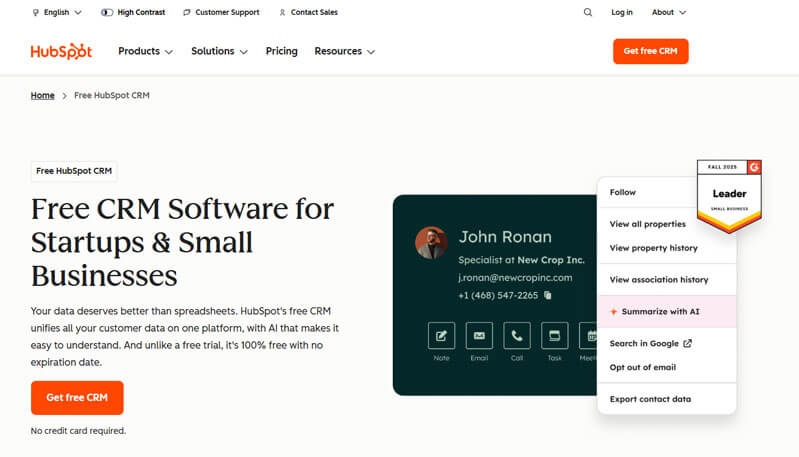
HubSpot CRM centralizes customer service, sales, and marketing data to give you unified overviews of the buyer’s journey and help provide better customer experiences. The platform also includes sales and marketing automation tools to generate and nurture leads as smoothly as possible.
You can use the platform completely for free, then gradually upgrade to paid packages and your business grows.
Pros
- Automated sales prospecting and outreach tools.
- Deal and contact management.
- Email health reporting and reply tracking.
Cons
- Steep gaps between paid plans, especially high-tier packages.
- Report customization options can feel limiting.
Why we choose this tool
- Free and entry-level paid plans are ideal for startups.
- Massive integration libraries with tools covering numerous business activities.
- Easy to use and implement.
Pricing
- Free forever plan available.
- Paid packages start at $9/user/month.
6. Logomakerr.ai
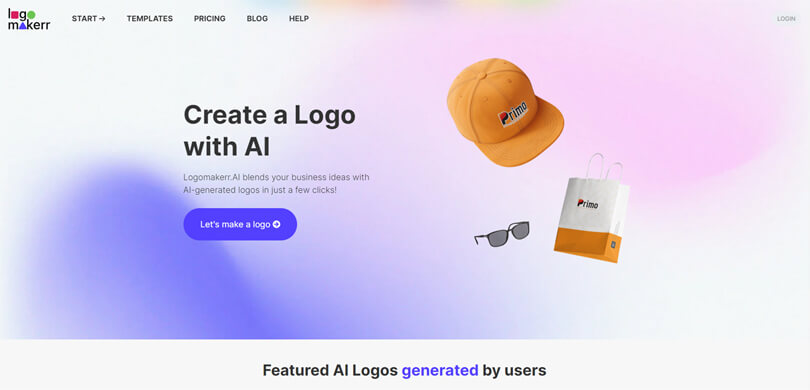
Logomakerr.ai is known for leveraging AI technology to create high-quality logos for free. The tool allows users to generate logos in different colors, symbols, fonts, and pre-designed templates. And with complete branding kits, anyone can showcase their business identity to the public eye in just a matter of minutes.
Pros
- AI-powered logo generation in minutes.
- Affordable for startups and small businesses.
- Simple and intuitive interface.
Cons
- Limited customization options.
- Logos may lack uniqueness compared to professional designers.
Why we choose this tool
- Fast and cost-effective logo creation.
- No design skills required.
- Great for quick branding needs.
Pricing
- Free to try.
- Premium plans start at $20/logo.
7. Venturz
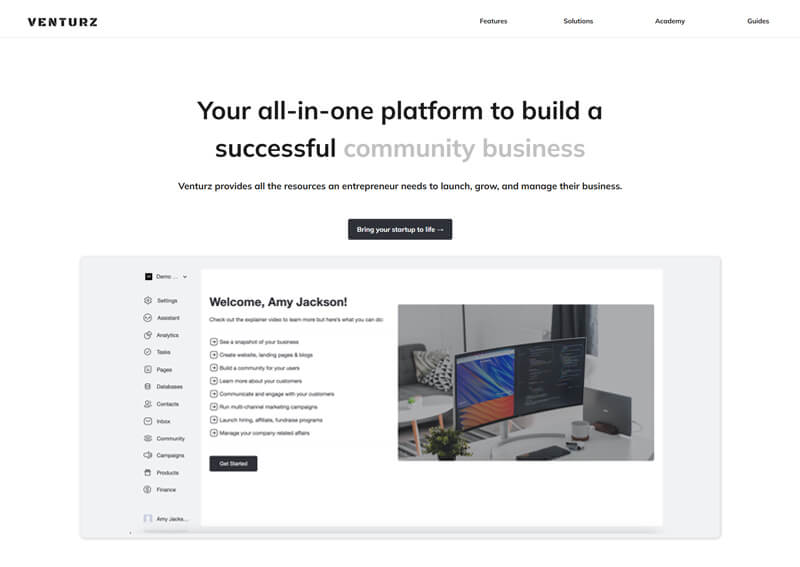
Venturz is an all-in-one platform for startups to build and grow their business. It combines essential tools and resources into one seamless solution, simplifying the complexities of running a business.
From project management and CRM to website building and email marketing, Venturz offers everything a startup needs to succeed. Its Startup Academy provides valuable resources, while features like live chat, payment processing, and social media management enhance customer engagement.
With AI-driven insights and detailed analytics, Venturz empowers startups to make smarter, data-driven decisions. It’s a complete toolkit for building, managing, and scaling your business effortlessly.
Pros
- Simplifies startup fundraising and investor connections.
- Centralized platform for pitch decks and investor updates.
- Helps track fundraising progress.
Cons
- Limited to startups and fundraising activities.
- May not be useful for non-fundraising teams.
Why we choose this tool
- Streamlines the fundraising process.
- Connects startups with potential investors.
- Easy to manage investor relations.
Pricing
- Free for basic use.
- Premium plans start at $49/month.
8. Notion
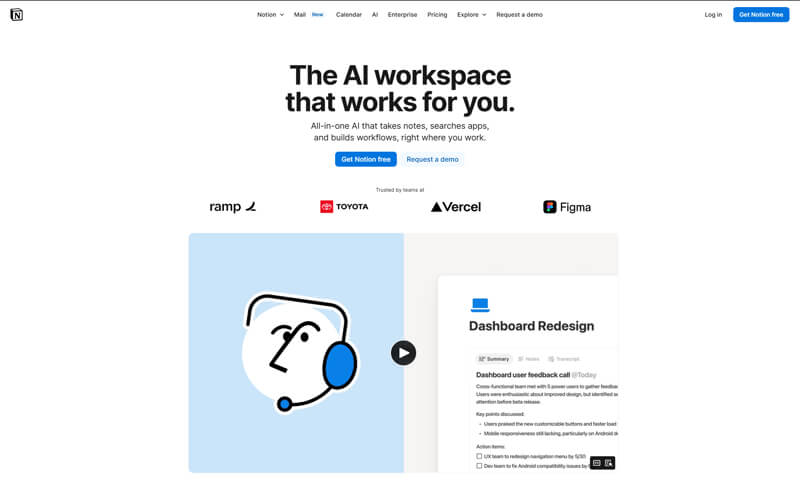
Notion is an all-in-one cloud workspace that combines notes, documentation, kanban boards, tables, and knowledge bases. Startups use it to build internal wikis, track tasks, and share structured information on a single platform. It helps teams store ideas, projects, and company knowledge together without switching between multiple tools.
Pros
- Flexible pages and templates.
- Real-time collaborative editing.
- Combines docs, tasks, and databases.
Cons
- Can feel overwhelming for new users.
- Limited automation out of the box.
Why we chose this tool
- Ideal for organizing team knowledge and processes.
- Reduces tool sprawl by centralizing workspaces.
Pricing
- Free plan available.
- Premium starts at ~$8/user/month.
9. Zoom
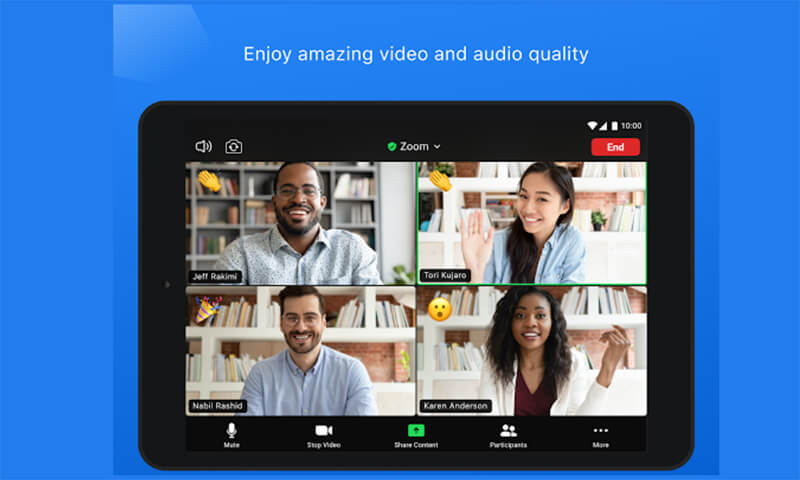
Zoom is a widely used cloud communication platform focused on video meetings, webinars, and group calls. Startups use it to run remote team meetings, client calls, training sessions, and presentations. It supports screen sharing, breakout rooms, recording, and chat features that make virtual conversations productive.
Pros
- Reliable video and audio quality.
- Easy scheduling and joining.
- Breakout rooms and recordings.
Cons
- Time limits on free plan.
- Security settings need careful configuration.
Why we chose this tool
- Strong standard for remote work collaboration.
- Works across devices and locations.
Pricing
- Free plan available.
- Premium starts at ~$14.99/host/month.
10. Trello
Trello is a visual project management tool based on boards, lists, and cards. It helps startups manage tasks, workflows, content pipelines, and simple project tracking. Teams can assign tasks, set due dates, attach files, and track progress at a glance.

Pros
- Simple, visual interface.
- Easy drag-and-drop task tracking.
- Flexible for different workflows.
Cons
- Lacks advanced reporting.
- Not ideal for complex projects with dependencies.
Why we chose this tool
- Great entry point for task organization.
- Easy adoption across teams.
Pricing
- Free plan available.
- Premium starts at ~$5/user/month.
11. Zendesk
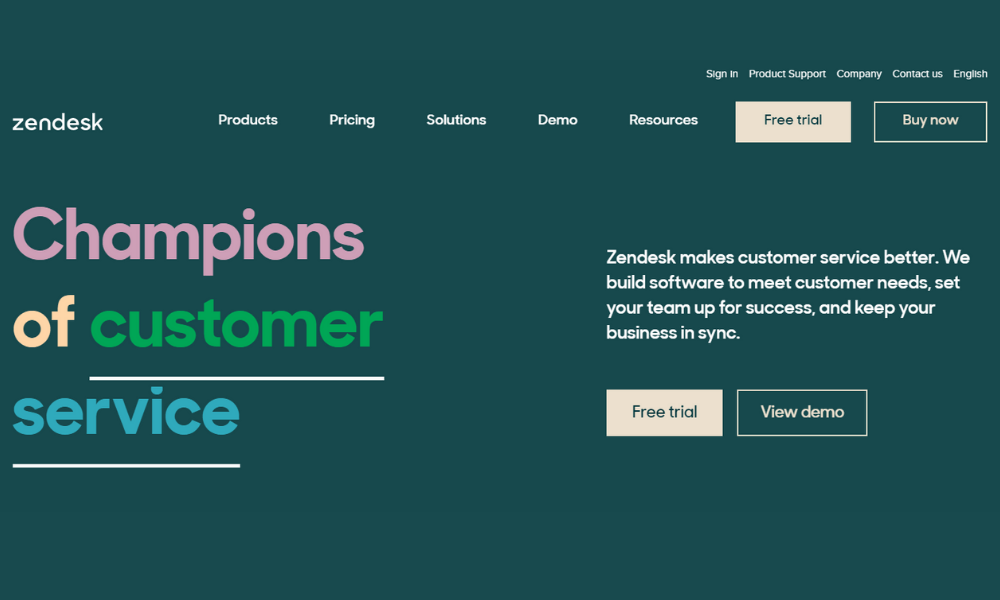
Zendesk is a cloud-based customer support and engagement platform. Startups use it to manage support tickets, customer interaction, and help desk workflows. It provides unified views of customer issues, integrates with email and chat, and improves response times.
Pros
- Strong ticketing and helpdesk features.
- Easy integration with communication channels.
- Scales with customer base.
Cons
- Can be costly at higher tiers.
- Setup complexity for advanced workflows.
Why we chose this tool
- Centralized platform for customer support teams.
- Helps maintain consistent customer experiences.
Pricing
- No free plan (trial available).
- Paid plans start at ~$19/agent/month.
12. Airtable

Airtable is a hybrid spreadsheet/database platform that helps teams build flexible, relational data apps. Startups use it to manage content calendars, inventory, CRMs, and cross-team workflows. Its grid, calendar, and gallery views help visualize data while supporting collaboration in real time.
Pros
- Combines spreadsheets with databases.
- Multiple view types (grid, calendar).
- Easy template usage.
Cons
- Can be confusing for non-technical users.
- Advanced features behind higher plans.
Why we chose this tool
- Excellent for custom workflows and lightweight apps.
- Supports cross-team data collaboration.
Pricing
- Free plan available.
- Premium starts at ~$10/user/month.
13. Sendinblue

Sendinblue is one of the best startup tools for email marketing. You can create slick email marketing campaigns with targeted messages, track your responses to see the effectiveness of the campaigns, automating campaigns and much more.
Pros
- Affordable email marketing and automation.
- Intuitive drag-and-drop email builder.
- Includes SMS marketing and CRM features.
Cons
- Limited advanced automation compared to competitors.
- Template designs are less customizable.
Why we chose this tool
- Cost-effective for small businesses.
- Combines email marketing and CRM in one platform.
- Easy to use for beginners.
Pricing
- Free plan available.
- Premium starts at $25/month.
14. Grammarly
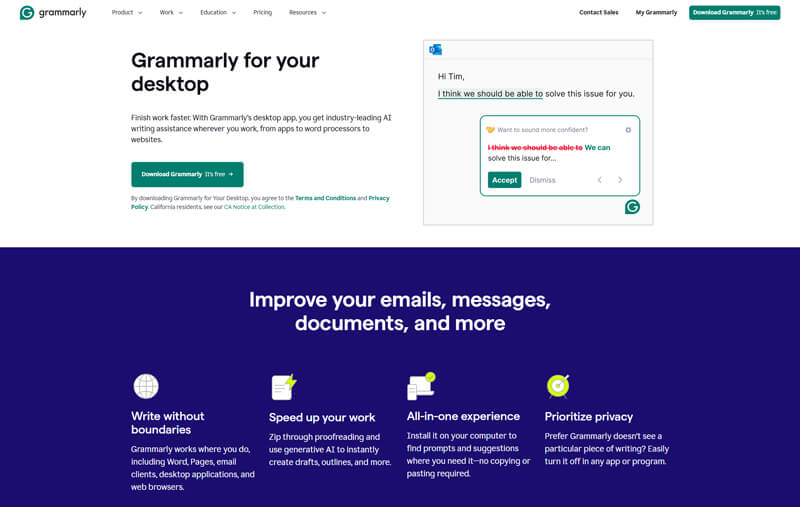
Grammarly is an AI-powered business startup tool that helps you communicate effectively and ensures that everything you write is clear and understood. Grammarly organizes your writing feedback by theme, so you can see how each change will help your readers better understand your message. Get corrections from Grammarly while you write on Gmail, Twitter, LinkedIn, and all your other favorite sites.
Pros
- Real-time grammar and spelling corrections.
- Enhances writing tone and clarity.
- Works across multiple platforms (web, desktop, mobile).
Cons
- Premium version can be expensive.
- May overcorrect or suggest unnecessary changes.
Why we chose this tool
- Improves writing quality and professionalism.
- Easy to integrate with emails, documents, and browsers.
- Great for non-native English speakers.
Pricing
- Free plan available.
- Premium starts at $12/month.
15. Teachable
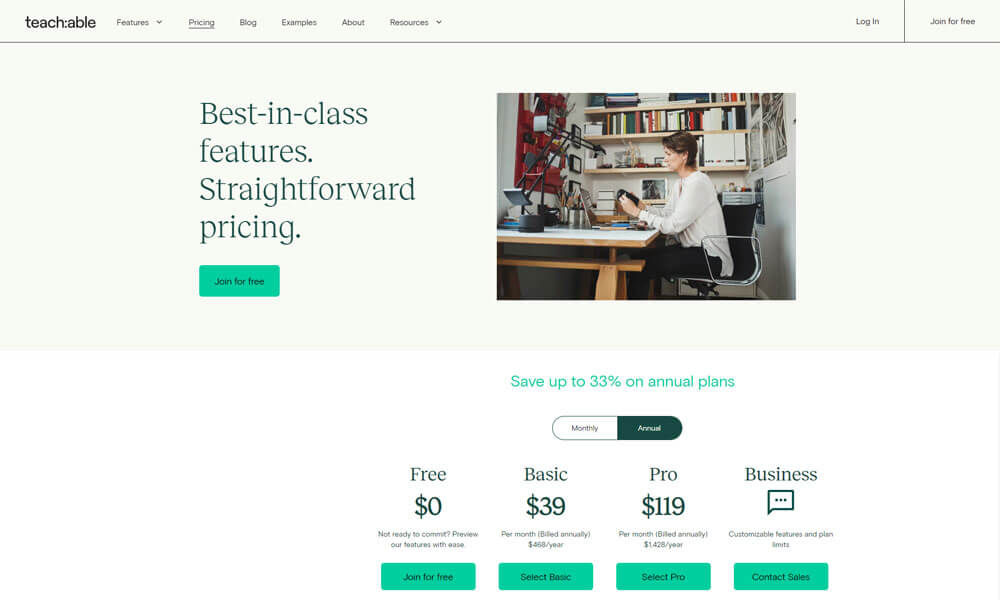
Create online courses and coaching services. Transform your experience and know-how into a thriving online knowledge business. Teachable is among the best startup tools that allows users to create and sell online courses stress free without any tech skills.
Pros
- Easy-to-use course creation platform.
- Customizable branding and course pages.
- Built-in payment processing and marketing tools.
Cons
- Transaction fees on lower-tier plans.
- Limited design flexibility compared to competitors.
Why we chose this tool
- Simplifies online course creation and sales.
- No technical skills required to get started.
- Affordable for small creators and educators.
Pricing
- Free plan available.
- Premium starts at $39/month.
16. Lucky Orange
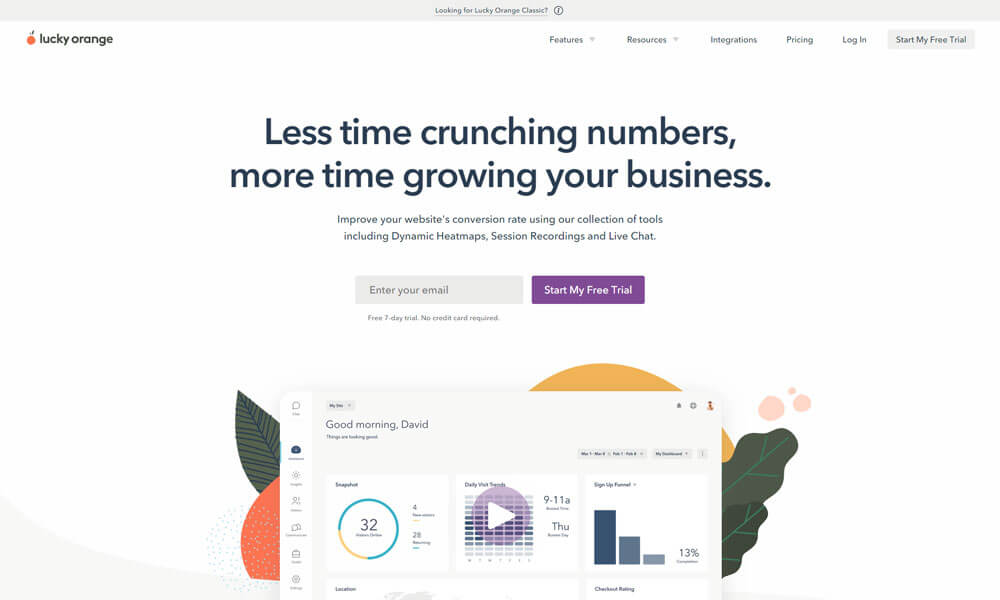
Lucky Orange is one of the best business startups tools that helps users to do a website analysis to know how many people came to your site, how they found you, what they do on the site click-by-click.
Lucky Orange automatically creates a recording of every visitor to your website. Quickly filter and segment recordings so you can see exactly why visitors are not converting.
Pros
- Real-time website analytics and heatmaps.
- Session recordings to understand user behavior.
- Easy-to-set-up conversion tracking.
Cons
- Can feel intrusive to users if not used ethically.
- Limited integrations with other tools.
Why we chose this tool
- Provides actionable insights to improve website performance.
- Affordable for small businesses.
- Easy to use and implement.
Pricing
- Free trial available.
- Premium starts at $18/month.
17. QuickBooks
All startups need to keep track of the money they spend and receive. QuickBooks is the best accounting tool for startups. Start with QuickBooks Online. As you grow you can quickly and easily move to QuickBooks Desktop, which has more robust functionality and is capable of handling a complex, multi-million-dollar company.
Pros
- Comprehensive accounting and financial management.
- Easy invoicing and expense tracking.
- Integrates with many third-party apps.
Cons
- Can be overwhelming for small businesses with simple needs.
- Higher pricing for advanced features.
Why we chose this tool
- Industry-standard for small business accounting.
- Scalable for growing businesses.
- Cloud-based access for remote work.
Pricing
- Starts at 15/month.
18. Facebook Business Suite
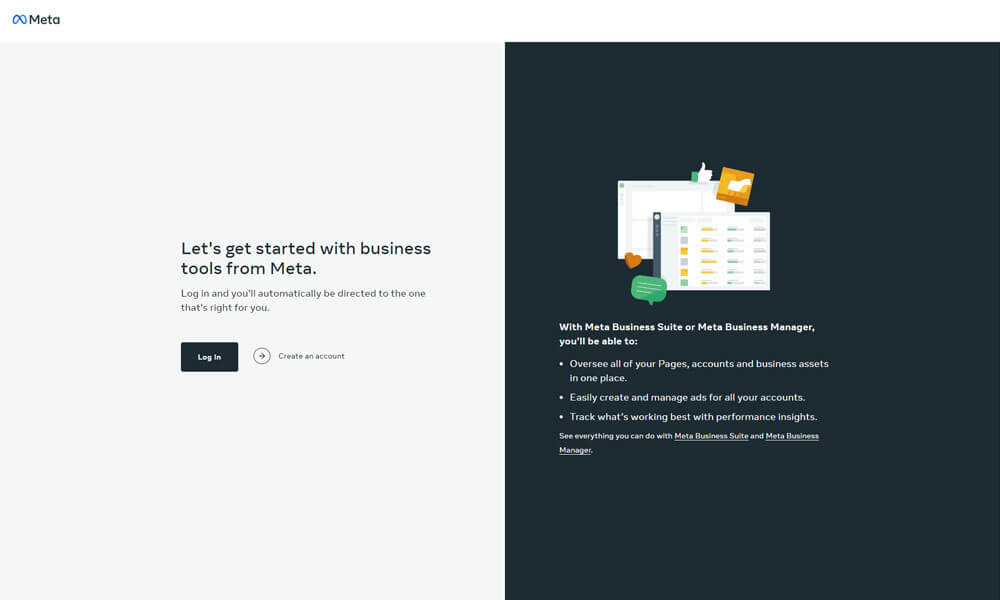
Facebook Business Suite is one of the best business startup tools that allows businesses to manage Facebook, Instagram, and Messenger accounts all in one place. It can be used on desktops or iOS and Android mobile devices. The tool enables users to respond to messages as well as create and schedule social media posts, stories, and ads across all platforms.
With Facebook Business Suite, users can create automated responses to streamline inbox management. It provides a media library where creative assets for posts can be uploaded and stored. The activity tab can be used to review all Facebook and Instagram activity in real-time and prioritize unread messages and comments. Additionally, businesses can track key performance insights and audience trends.
Pros
- Centralized management for Facebook and Instagram.
- Free to use for businesses.
- Simplifies posting and analytics across platforms.
Cons
- Limited advanced features compared to third-party tools.
- Glitches and bugs occasionally reported.
Why we chose this tool
- Free tool for managing social media presence.
- Easy to use for beginners.
- Direct integration with Facebook and Instagram.
Pricing
- Free.
19. pCloud
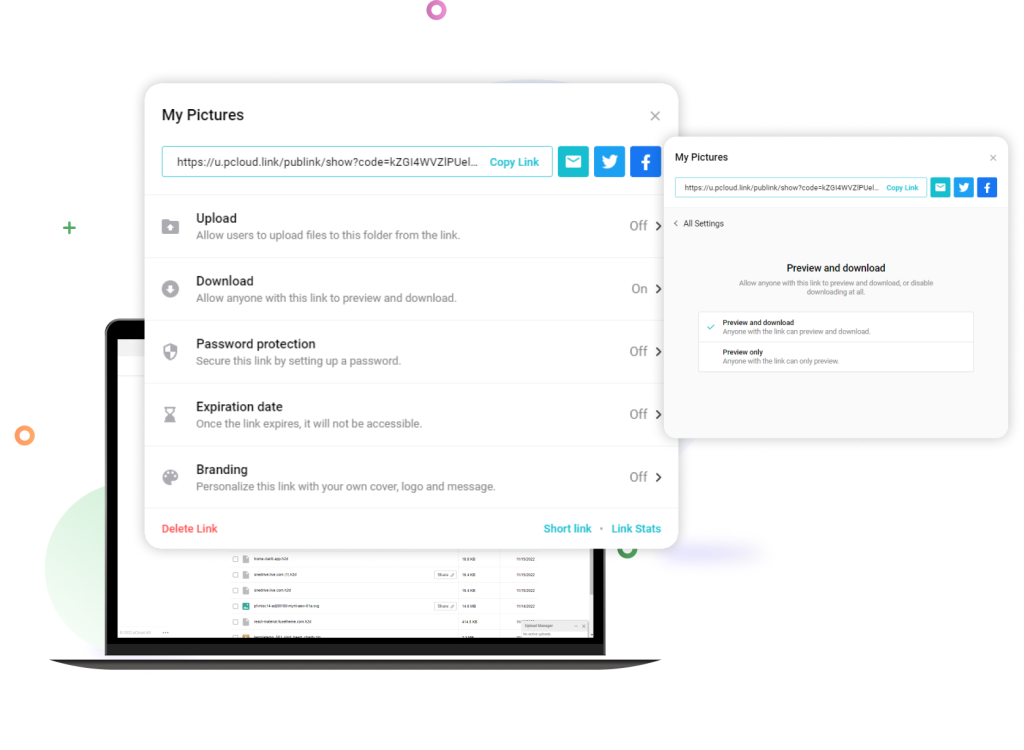
pCloud is one of the cloud-based business startup tools for digital asset management that provides an integrated file sharing platform where users can upload files and documents. Users can manage access to business data through role-based access permissions, restore previous versions of files, track downloads and more. pCloud can help facilitate collaboration between users through configurable data storage and file sharing tools. Users can be organized into teams, and administrators can set group permissions or give specific access permissions to individual accounts.
Users can manage team workflows using shared folders. The application allows users to comment on files and folders with permission-controlled chat and comments. pCloud also provides an activity-monitoring module that records account activity in logs, and users can restore files to previous versions.
Pros
- Secure cloud storage with client-side encryption.
- Lifetime payment option available.
- Easy file sharing and collaboration.
Cons
- No document editing features like Google Drive.
- Limited integrations with third-party apps.
Why we chose this tool
- Affordable lifetime plan for long-term use.
- High security and privacy features.
- Cross-platform compatibility.
Pricing
- Free plan (up to 10GB).
- Premium starts at $4.99/month.
20. Oracle Business Intelligence Suite
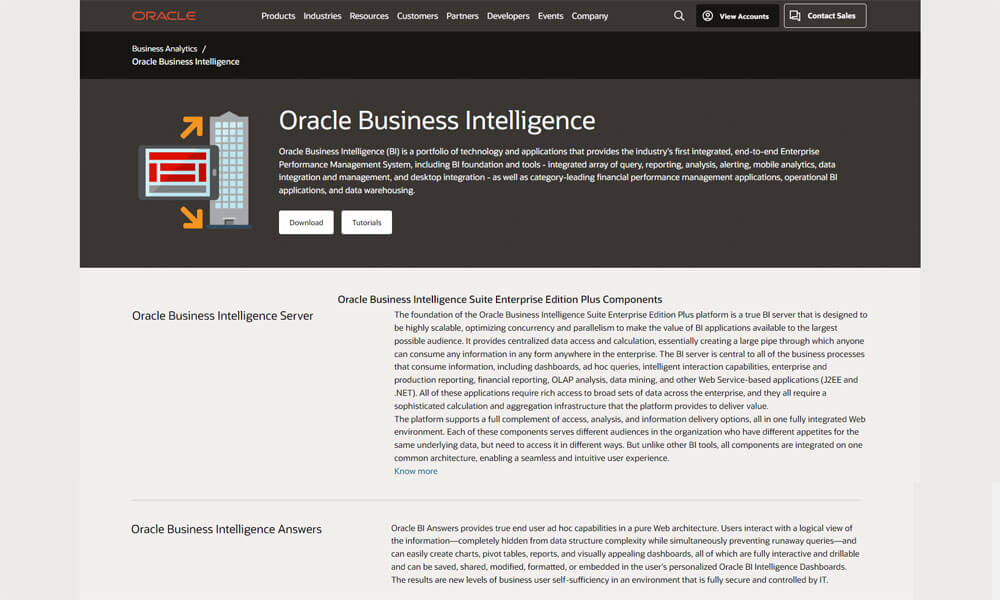
Oracle Business Intelligence Suite is a cloud-based business startup tool that helps small to large enterprises gain insights into organizational performance using predictive analytics, facilitating decision-making processes. The centralized platform comes with an administrative dashboard, which enables users to collect content from multiple data sources and modify generated results.
Key features of Oracle Business Intelligence Suite include versioning, data archiving, a self-service portal and alerts/notifications. It provides organizations with tools to communicate strategic business goals with various departments and track progress using scorecards. The solution lets users access existing data from the system and generate various financial, production and interactive reports using key metrics.
Oracle Business Intelligence Suite enables enterprises to monitor user activities and receive system alerts to execute a multi-step analytical workflow.
Pros
- Powerful data visualization and analytics.
- Scalable for large enterprises.
- Integrates with Oracle and non-Oracle data sources.
Cons
- Expensive for small businesses.
- Steep learning curve for beginners.
Why we chose this tool
- Robust analytics for data-driven decision-making.
- Trusted by large enterprises for scalability.
- Advanced reporting and dashboard capabilities.
Pricing
- Custom pricing (contact sales).
21. Nextiva
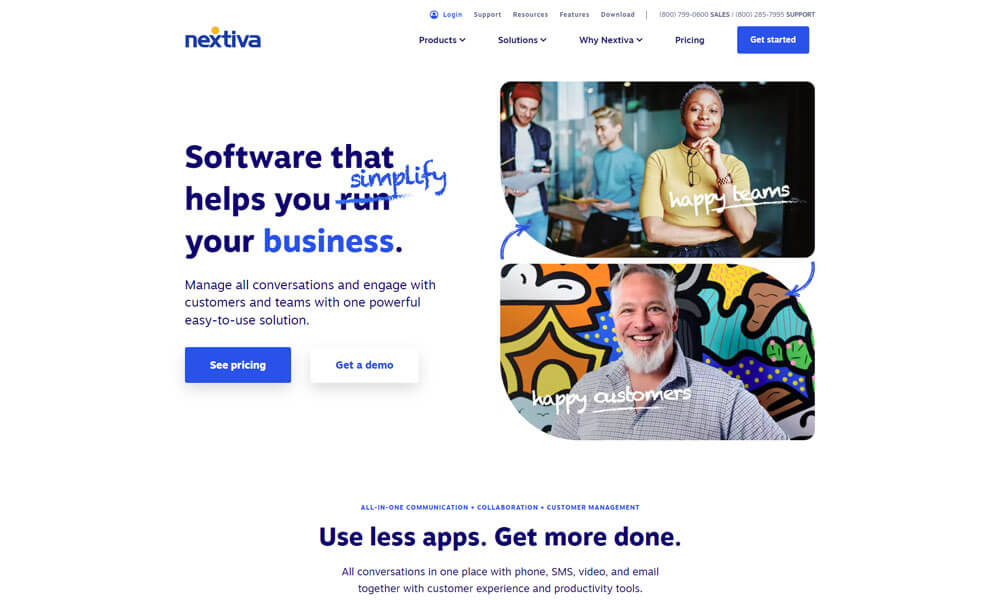
Nextiva is a business management software for startups to bring all communications together with business applications, intelligence, and automation. This helps businesses communicate and build deeper connections with their customers.
The platform brings all communication channels — voice, video, collaboration, SMS, chat, and surveys — together in one place. This helps businesses access the information they need to provide amazing customer experiences and drive business results.
Intelligence and automation are built-in, so you can focus on helping customers. It’s easy to set up, use, and manage, so no technical knowledge is required. And you can add applications, such as sales and service productivity tools, at any time.
Pros
- Unified communication (voice, video, chat, email).
- Reliable customer support.
- Scalable for businesses of all sizes.
Cons
- Higher pricing compared to some competitors.
- Limited international calling features.
Why we chose this tool
- All-in-one communication platform.
- Easy to set up and use.
- Great for remote teams.
Pricing
- Starts at $18.95/user/month.
22. Grunt
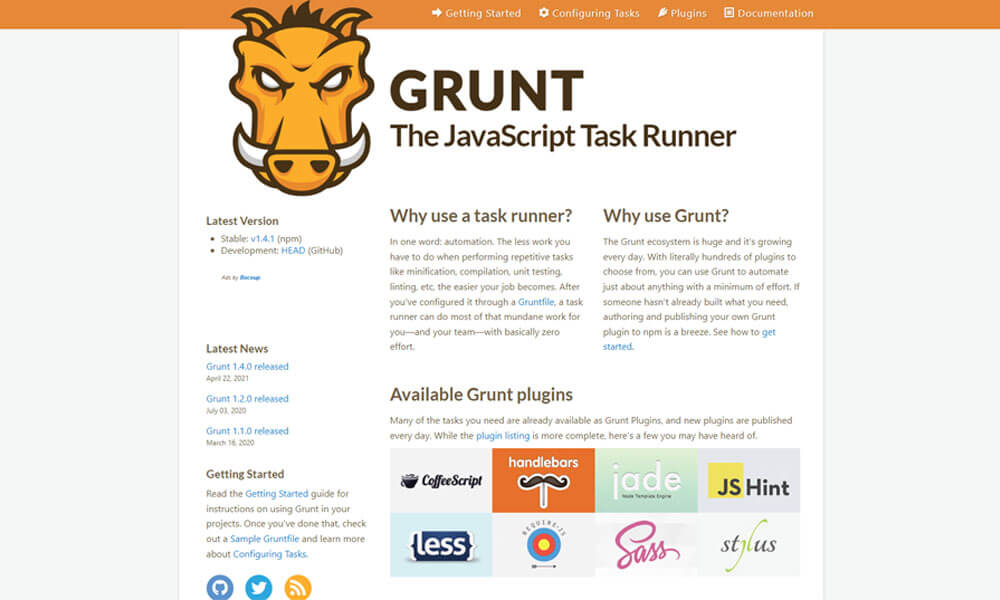
Grunt is one of the best tools for startups that is a must for anyone working with reports or business presentations in PowerPoint. Create professional visualizations in seconds. Teams can automate recurring reports or create new business presentations.
It allows operators to get Gantt charts, templates, flags, logos and Harvey balls directly in PowerPoint. Stakeholders can automate formatting, alignment and sizing that update with existing data.
Grunt enables teams to utilize dynamic templates to generate reports, perform assessments, analyze comparisons and more. It offers a Microsoft Excel link that lets supervisors update entire decks or single charts in one click. The solution can be used by consultants, financial analysts, project managers, controllers, CFOs and business developers.
Pros
- Automates repetitive tasks in web development.
- Large plugin ecosystem for customization.
- Improves workflow efficiency.
Cons
- Requires technical knowledge to set up.
- Configuration can be time-consuming.
Why we choose this tool
- Saves time by automating tasks like minification and compilation.
- Widely used in the developer community.
- Highly customizable for specific needs.
Pricing
- Free and open-source.
23. Zen Cart
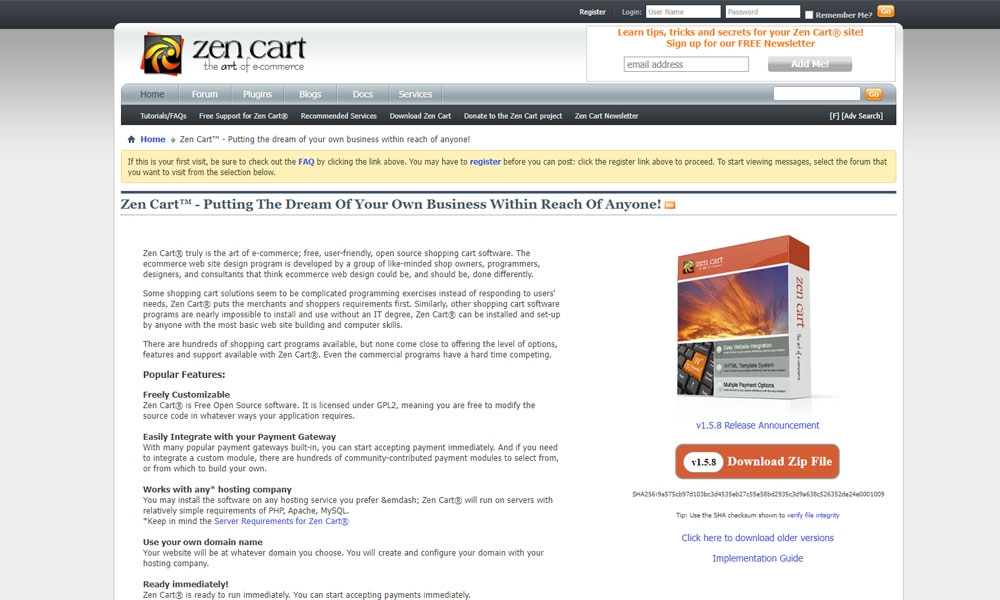
Zen Cart is an open-source shopping cart-based business management software. It can integrate with existing payment gateways and allows users to build custom payment modules or use community-contributed options. The software can be tailored to meet unique business needs and can be installed by users with basic computer skills.
On top of category and product navigation features, the software allows businesses to highlight featured and special products. After a product is added to the shopping cart, the checkout process will collect address information, shipping selection, payment selection, and final order confirmation.
Pros
- Open-source e-commerce platform.
- Highly customizable for developers.
- No licensing fees.
Cons
- Requires technical expertise to set up and maintain.
- Limited out-of-the-box features compared to Shopify.
Why we choose this tool
- Free and open-source for cost savings.
- Flexible for custom e-commerce solutions.
- Active community support.
Pricing
- Free.
24. Hootsuite

Hootsuite is one of the best tools for startups to collaboratively carry out campaigns across various social networks such as Instagram, TikTok, Twitter, Facebook, LinkedIn, Pinterest, and YouTube.
You can manage organic and paid social content together, easily keep track of customer conversations, break down silos in how you collaborate with your organization, and gain actionable real-time insights from social media to make critical business decisions—all from one intuitive dashboard.
Pros
- Centralized social media scheduling and management.
- Supports multiple platforms (Facebook, Twitter, Instagram, etc.).
- Robust analytics and reporting.
Cons
- Expensive for small businesses.
- Interface can feel cluttered.
Why we choose this tool
- Saves time by scheduling posts in advance.
- Great for managing multiple social media accounts.
- Provides detailed performance insights.
Pricing
- Free plan available.
- Premium starts at $49/month.
25. RescueTime
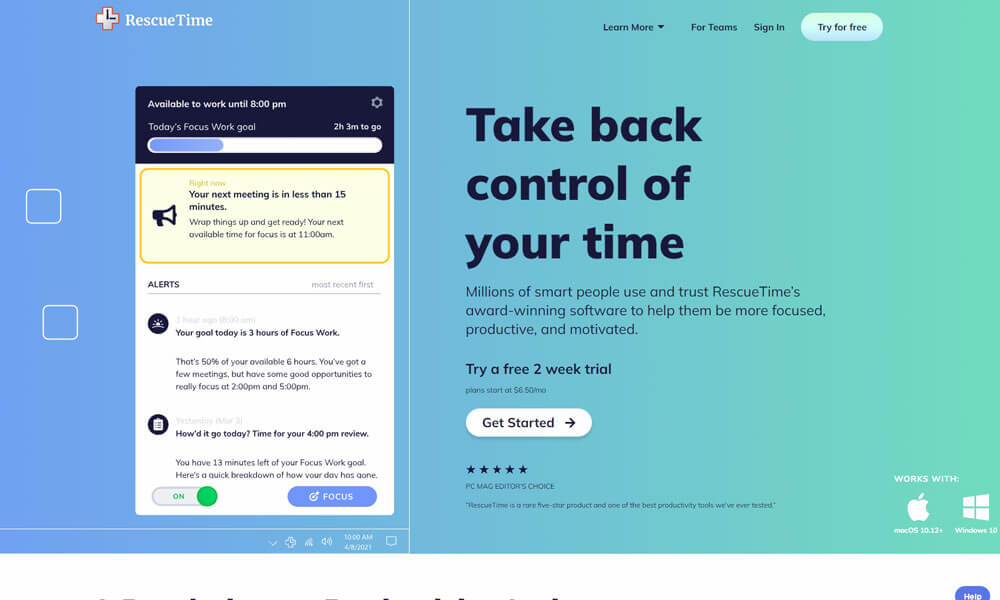
RescueTime is one of the best business management software that helps to measure productivity. It is a time management application that monitors computer use to calculate the number of hours employees’ work.
It can easily track computer activities, visit websites, active windows and programs used. It also helps in measuring the number of phone calls, meetings and breaks employees take in between tasks. The system caters to all industries.
RescueTime offers the option to view extracted information through a summarized overview. It also graphs the data derived from daily monitoring, so that all users can view individual and group productivity. It has on-screen reminders and a website blocking feature to help users stay focused on tasks.
Pros
- Tracks time spent on apps and websites automatically.
- Provides detailed productivity reports.
- Helps set goals and block distractions.
Cons
- Limited features in the free version.
- May feel intrusive to some users.
Why we choose this tool
- Improves focus and productivity.
- Easy to use and set up.
- Affordable for individuals and teams.
Pricing
- Free plan available.
- Premium starts at $6.50/month.
What to look for in startup software?
When evaluating startup software, key factors to consider include:
- Scalability – The ability to accommodate business growth and increasing user needs.
- Ease of use – Intuitive interface and shallow learning curve for quick adoption.
- Integrations – Seamless connectivity with other essential business applications.
- Cost-effectiveness – Affordable pricing models, especially during the early stages.
- Data security – Robust security features to protect sensitive information.
- Customer support – Responsive and helpful assistance to address any issues.
Conclusion
In conclusion, as a startup, it’s important to have the right tools and software to help you stay organized, collaborate effectively, and automate tasks. With the help of virtual assistants and collaboration software, you can streamline your workflows and free up more time to focus on your core business ideas.
The 25 tools and software we have discussed in this blog are just a few of the many options available in the market. From collaboration tools to business management software, these tools will help you manage your startup more efficiently and effectively.
As technology continues to evolve, it’s important to stay up to date with the latest tools and software to stay competitive in the market. By investing in the right tools and software, you can set your startup on the path to success.
Frequently Asked Questions
What software do startups use?
Startups often leverage cloud-based, scalable software solutions that can grow with their business needs. These include project management tools, accounting and invoicing platforms, customer relationship management (CRM) systems, and team communication apps like Clariti.
What tools do you need for business?
Essential business tools include productivity suites for document creation and collaboration, financial management software, customer relationship management (CRM) platforms, and team communication apps like Clariti.
What makes a business successful?
A successful business is built on a combination of factors, including a viable product or service, effective marketing and sales strategies, efficient operations, financial management, and a talented, engaged workforce. Leveraging the right technology tools to support these core aspects can give businesses a competitive edge and drive long-term growth and profitability.




Start for FREE with Personal CRM
We too hate spam! Your email is secure with us.

Spot secured. You're in.
You’re officially on the list for early access to Clariti.


No more switching tools.

No more lost context.

Just Clarity.
You’ll be among the first to experience it when we launch. We’ll let you know the moment it’s ready.

Keep an eye out for emails from @clariti.app.
(and check your spam folder just in case—whitelisting us helps ensure you don’t miss a thing).

