




- Published on
- 10 min read
Undoubtedly, SaaS tools helped companies worldwide overcome the pandemic stress test by assisting them in coping with massive shutdowns. These SaaS applications provided the flexibility organizations needed to enable remote work, ensure continuity, and deliver essential goods and medicines through e-commerce platforms. Many businesses also strengthened access management during this period to securely support a distributed workforce, especially startups relying heavily on cloud infrastructure.
It is difficult to imagine what could have happened if organizations were limited to on-premise applications alone. The entire SaaS stack played a critical role in ensuring that businesses could continue operating despite the disruptions caused by the pandemic. For many early-stage companies, adopting the right SaaS tools for startups became a survival strategy rather than a technology choice.
The last couple of years have been undeniably challenging for startups and small companies. Hybrid work and flexible work models have permanently transformed the work environment. To remain competitive and attract top talent, small businesses must adapt by adopting modern SaaS tools, including collaboration platforms and project management tools that support distributed teams and fast-paced execution.
Under these challenging circumstances, SaaS tools have taken on even greater importance. Many of the best SaaS tools now leverage machine learning to improve automation, insights, and decision-making across business functions. We hope this article helps you identify the right SaaS stack to maximize employee productivity, which is critical for profitability and sustainable growth during uncertain times.
The SaaS industry has performed exceptionally well over the past two years, and today there is a SaaS solution for nearly every business function. From communication and project management tools to analytics and access management, organizations can choose from a wide range of SaaS tools examples to build a comprehensive and scalable SaaS stack. While new tools continue to emerge every month, established platforms consistently enhance their capabilities. Below is a curated list of 50 of the most popular SaaS tools for startups and small businesses, covering everything from team collaboration to project management, to support evolving business needs.
1. Collaboration Tools
a. Clariti

Clariti is one of the best SaaS tools for startups for startups and small businesses to unite their teams in different locations so they can communicate and work together efficiently. Clariti is designed to support small businesses by streamlining all their communications in one platform. Clariti achieves this through hybrid Conversations, a unique feature that links email and chat conversations based on the subject matter and maintains context throughout. This enables small business owners and their teams to view all communication related to a specific project or client in one place, simplifying the process of tracking and decision making.
By bringing all communication together, Clariti reduces the need for small business owners and their teams to toggle between different apps and platforms to find information. This increases productivity, allowing small business owners to focus on growing their business and serving their customers.
In addition, Clariti’s ability to reduce emails is a game-changer for small businesses. With email being the primary communication tool for many small businesses, it can quickly become overwhelming to manage a high volume of emails daily. Clariti tackles this challenge by grouping related emails and chat messages into hybrid Conversations, allowing users to quickly access the information they need without having to sift through multiple emails. This saves time and reduces the stress that can come with email overload.
Furthermore, Clariti’s hybrid Conversations make it easy for small business owners and their teams to find specific emails and chats without having to scroll through hundreds of messages. This feature is particularly useful when searching for important information that might have been buried in previous conversations.
Pros
- Combines emails, chats, and calls in context.
- No message history limit.
- Free plan available for small teams.
Cons
- No mobile app.
Why did we choose this tool
- Contextual hybrid Conversations.
- Affordable for startups and small teams.
- Simplifies multi-channel communication.
Pricing
- Free basic plan.
- Premium plans start at $9/user/month.
b. Pumble

Pumble is a team collaboration and messaging platform designed to provide essential communication features with a strong emphasis on affordability and simplicity. It offers real-time chat, channels, file sharing, and voice and video communication, making it suitable for small and growing teams seeking a straightforward collaboration solution with minimal constraints.
Pros
- Unlimited chat history and users on the free plan.
- Simple and user-friendly interface.
- Supports voice and video calls.
Cons
- Limited advanced integrations.
- Fewer enterprise-grade controls.
Why did we choose this tool
- Strong free offering with no major usage restrictions.
- Easy adoption for small teams.
- Cost-effective alternative for basic collaboration needs.
Pricing Plans
- Basic version is free.
- Premium pricing starts from: $1.99 per user/month.
c. Flock

Flock is a team collaboration tool that combines messaging, channels, file sharing, and built-in productivity features such as notes and reminders. It is designed to centralize team communication and reduce reliance on multiple disconnected tools, particularly for small to mid-sized businesses.
Pros
- Integrated messaging and collaboration features.
- Built-in productivity tools like notes and reminders.
- Supports voice and video communication.
Cons
- Free plan has storage and feature limitations.
- Limited scalability for large enterprises.
Why did we choose this tool
- Balanced mix of communication and productivity features.
- Suitable for small and mid-sized teams.
- Simple setup and ease of use.
Pricing Plans
- Basic version is free.
- Premium pricing starts from: $4.50 per user/month.
2. Content Quality Assurance
a. EssayCheck.ai
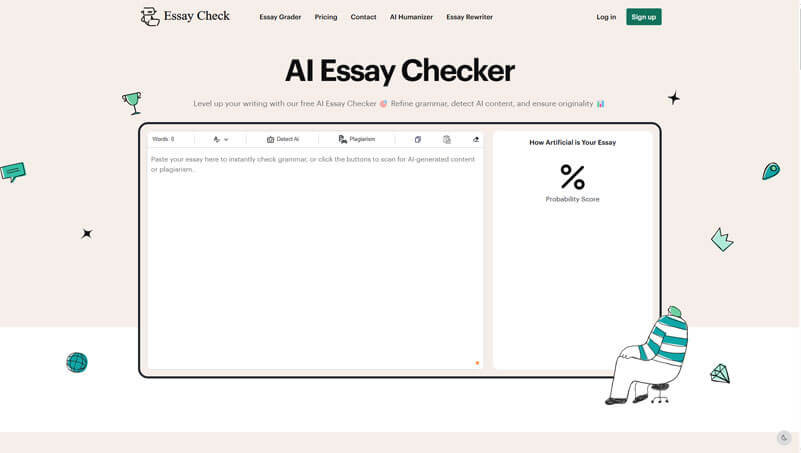
EssayCheck.ai is an AI-powered platform that helps improve writing quality. It offers tools like a grammar checker, AI content detector, and plagiarism scanner. These features assist businesses in creating clear and original content, which is essential for engaging their audience. Its user-friendly design and comprehensive tools make it a valuable resource for startups and small to medium-sized enterprises (SMEs) focused on content quality assurance.
Pros
- Efficiently checks and corrects grammar mistakes.
- Identifies AI-generated content to ensure authenticity.
- Detects plagiarism to maintain originality.
Cons
- Does not offer extensions for word processors or browsers.
- Currently supports only English content.
Why did we choose this tool
- Accurately detects AI-generated content.
- Identifies instances of plagiarism.
- Provides real-time grammar and spelling suggestions.
Pricing
- EssayCheck.ai offers a free tier with basic features. Premium features are available through subscription plans starting from 10$.
b. Grammarin
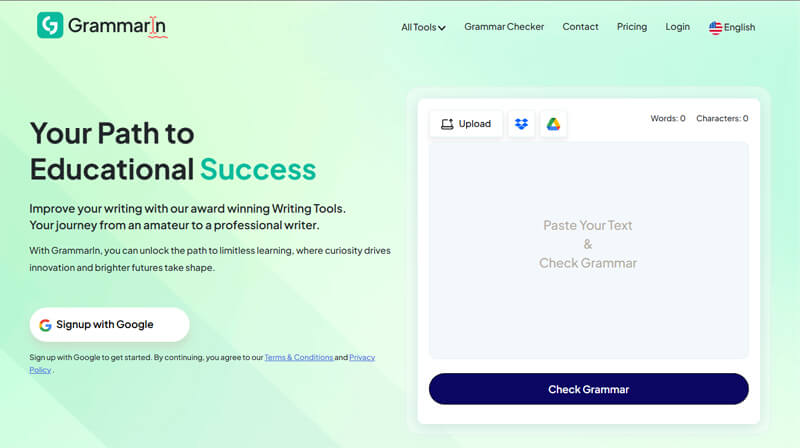
Grammarin is a revolutionary platform offering various AI-driven SaaS tools to help businesses ensure impeccable and engaging content for the targeted audience. As the name suggests, it was initially established to offer users a cost-effective grammar checker capable of analyzing content for various mistakes and suggesting appropriate rectifications.
Businesses aiming to make their mark, answer prospects’ queries, and add value to customers’ lives can use it to enhance readability and quality of content. Its cost-effectiveness and cross-platform compatibility make it an effective content quality assurance tool for SMEs (Small and Medium Enterprises).
Pros
- Highly cost-effective, yet exceptionally efficient grammar checker.
- Offers all the features you can expect from top-tier tools.
- Usable across various devices.
Cons
- Doesn’t offer extensions for word processors or browsers.
- Doesn’t support content written in languages other than English.
Why did we choose this tool
- Capable of highlighting redundancy.
- Flags syntax issues.
- Measures content readability using a percentage gauge.
Pricing
- Grammarin is totally free. Users simply need to sign up to get access to all its premium features.
c. PlagiarismChecker.ai
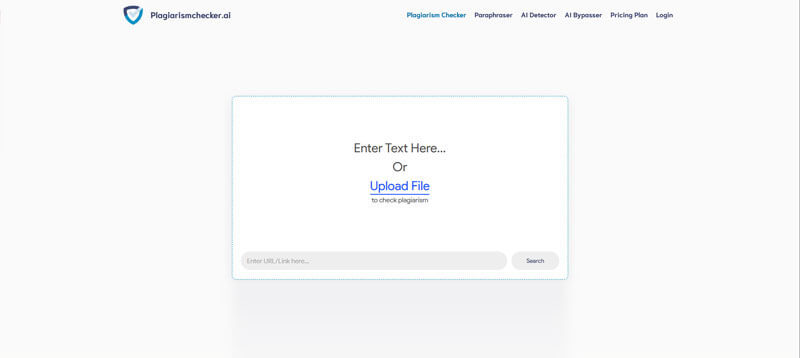
PlagiarismChecker.ai is an online platform that can be a blessing for startups and SMEs aiming to enhance and assure the quality of their content. This platform can help them scrutinize and modify their content to ensure its quality. The most prominent tool it offers is its free plagiarism checker. Despite being free, this tool offers all the services you can accept from its top-tier rivals. It comes with an extensive database and sophisticated algorithms to pinpoint the slightest duplication with existing online content. It is also accessible across various devices without installation.
Pros
- Highly cost-effective tool.
- Offers unmatched accuracy.
- Availability as a smartphone app.
Cons
- Doesn’t offer API.
- Limited pricing plans.
Why did we choose this tool
- Offers support for content written in more than 25 languages.
- Comes with a vast database.
- Capable of detecting AI-generated content.
Pricing
- The basic premium monthly package of this exceptional plagiarism checker starts from $5/month.
3. Video Conferencing Tools
a. Cisco Webex Meetings
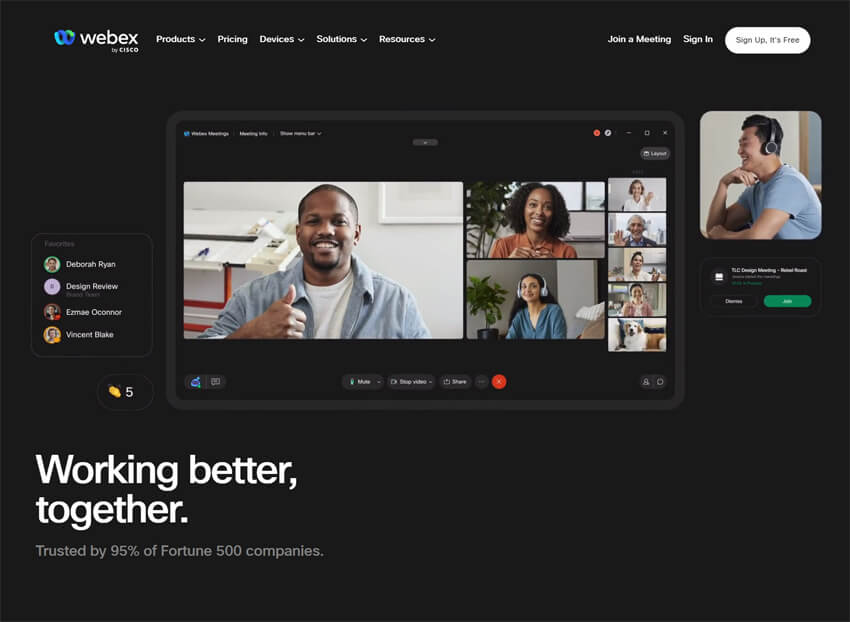
Cisco Webex Meetings is a video conferencing platform that offers secure, enterprise-grade virtual meetings with HD video, screen sharing, and collaboration tools. It supports scheduled and instant meetings, integrates with calendars and productivity suites, and includes features like virtual backgrounds and real-time captions. Webex is widely used by businesses of all sizes for internal meetings, webinars, and customer interactions.
Pros
- Strong security and encryption.
- Robust integration with enterprise tools.
- High-quality video and audio.
Cons
- Interface can be less intuitive for new users.
- Advanced features may require higher-tier plans.
Why did we choose this tool
- Trusted enterprise-level reliability.
- Comprehensive feature set for professional meetings.
- Scales well for larger organizations.
Pricing Plans
- Free plan available.
- Premium pricing starts from: $14.95 per host/month.
b. GoTo Webinar
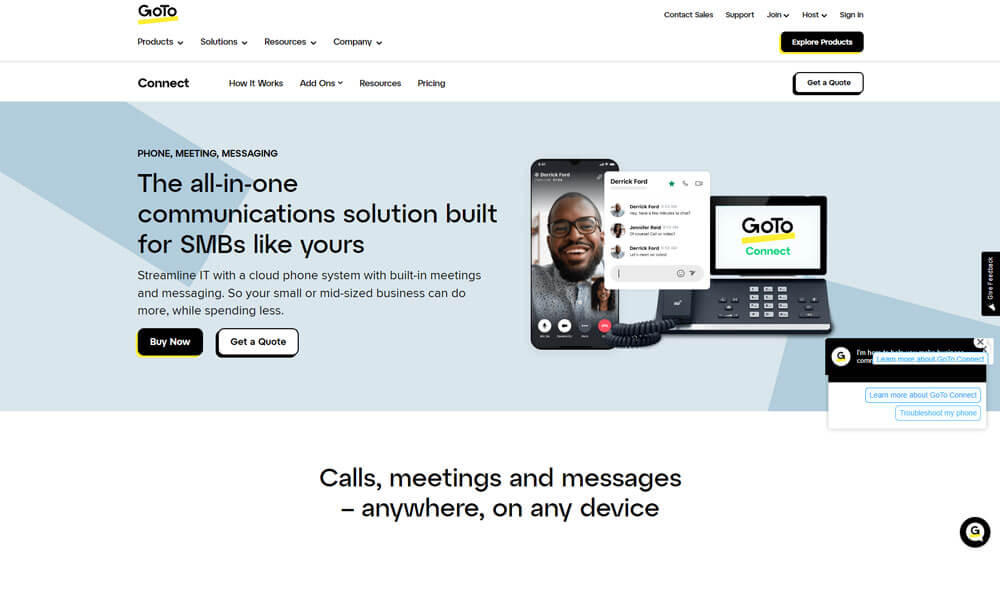
GoTo Webinar is a scalable video conferencing and webinar platform designed for hosting online presentations, training sessions, and large-audience events. It features interactive tools such as polls, Q&A, and automated email reminders, enabling engaging virtual experiences. Organizations use GoTo Webinar for webinars, product launches, and remote training programs.
Pros
- Strong webinar and large-audience support.
- Built-in engagement features (polls, Q&A).
- Reliable performance and uptime.
Cons
- Less suited for everyday team meetings.
- Limited free plan features.
Why did we choose this tool
- Designed specifically for webinars and large online events.
- Proven reliability and performance.
- Useful engagement and analytics features.
Pricing Plans
- Free trial available.
- Premium pricing starts from: $49 per organizer/month.
4. Webinars Tools
a. GoToWebinar
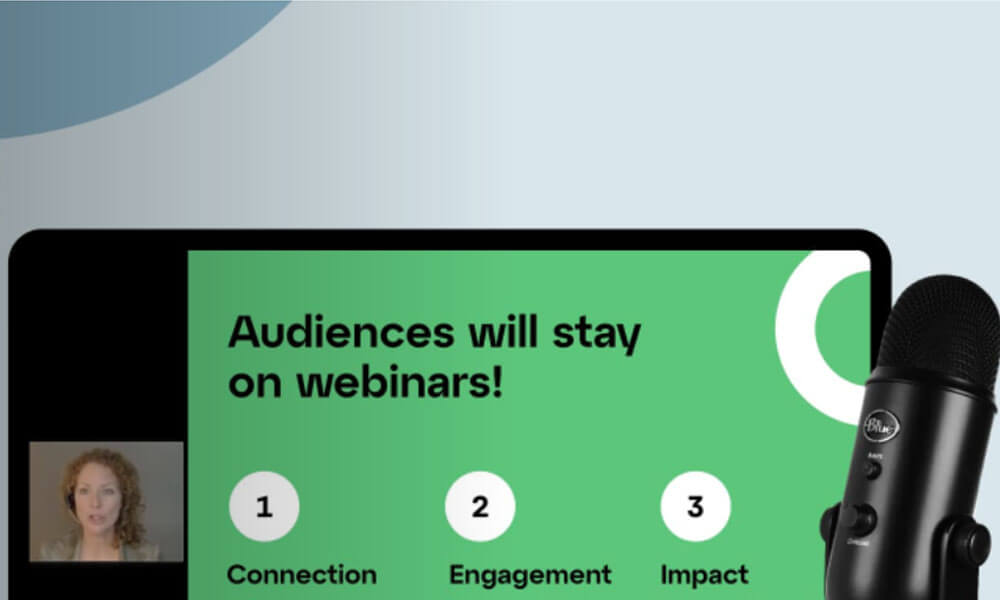
GoToWebinar is a webinar and webcast SaaS tool designed to help businesses of all sizes manage online conferences and engage with clients. The platform enables professionals to generate leads, train your team, onboard customers, or inform employees. GoToWebinar offers scheduling, engagement and publishing functionalities, which helps organizations host large-scale events.
It offers a host of features such as custom registration pages, event management, webinar templates, video sharing, surveys, audience management, and more. Additionally, it comes with white-label capabilities, which lets users personalize the webinar material using custom logos, images, and colours to establish brand identity.
Pros
- Robust webinar hosting features.
- Audience engagement tools like polls and Q&A.
- Detailed analytics for tracking webinar success.
Cons
- Expensive for smaller teams.
- Learning curve for first-time users.
Why did we choose this tool
- Ideal for hosting large webinars.
- Provides valuable attendee insights.
- Professional-grade features for business use.
Pricing
- Starts at $49/month for up to 250 participants.
b. ClickMeeting
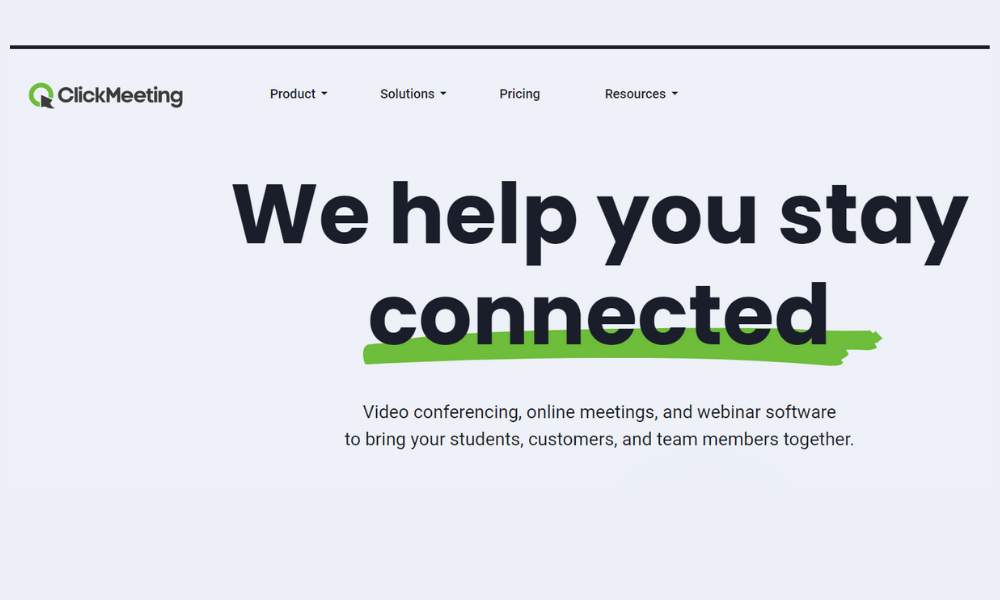
ClickMeeting is a SaaS tool for webinars, that brings the power of webinars and video conferencing to organizations of any size, or freelancers. It improves team collaboration, boosts effective communication, and makes online teaching simple. The software requires no installation and works on all devices and operating systems.
Pros
- Easy-to-use webinar platform.
- Custom branding for a professional look.
- Tools for engagement like polls and surveys.
Cons
- Limited integrations with other platforms.
- Occasional lag with high participant counts.
Why did we choose this tool
- Affordable option for small to medium webinars.
- Customization options for branding.
- Useful analytics for follow-ups.
Pricing
- Starts at $25/month for up to 25 participants.
5. Project Management Tools
a. Asana

Asana is a comprehensive project management tool designed to help teams plan, organize, and track work from start to finish. It offers task lists, timelines, boards, and customizable workflows that support both simple task tracking and complex project planning. Asana enables visibility across projects, fosters team alignment, and integrates with a wide array of productivity tools.
Pros
- Flexible views (list, board, timeline).
- Strong integration ecosystem.
- Customizable workflows.
Cons
- Can be overwhelming for simple use cases.
- Advanced features require paid plans.
Why did we choose this tool
- Excellent balance of usability and feature depth.
- Widely adopted across industries.
- Improves team coordination and transparency.
Pricing Plans
- Basic version is free.
- Premium pricing starts from: $10.99 per user/month.
b. ClickUp
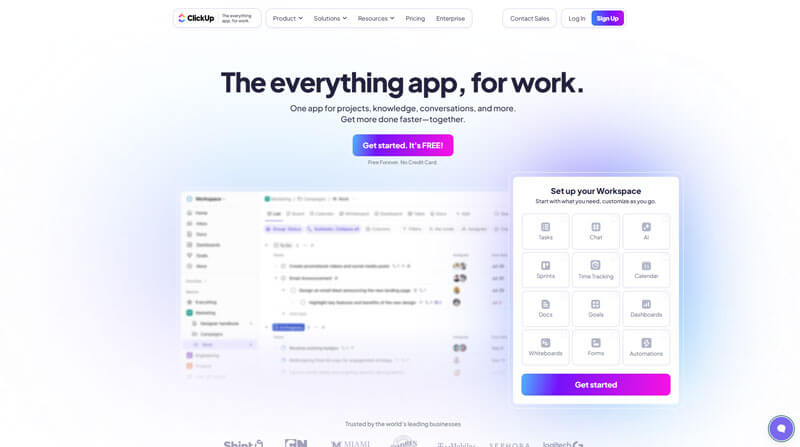
ClickUp is a versatile project management platform that consolidates tasks, docs, goals, time tracking, and collaboration into a single workspace. It supports multiple task views such as lists, boards, and Gantt charts, and allows extensive customization to match diverse workflows. ClickUp aims to be an all-in-one solution that replaces several standalone productivity tools.
Pros
- Highly customizable and feature-rich.
- Built-in docs and goal tracking.
- Affordable pricing structure.
Cons
- Steeper learning curve for new users.
- Interface may feel cluttered due to many features.
Why did we choose this tool
- Designed to replace multiple tools with one platform.
- Strong value for teams of all sizes.
- Extensive built-in productivity features.
Pricing Plans
- Basic version is free.
- Premium pricing starts from: $7 per user/month.
c. Monday.com
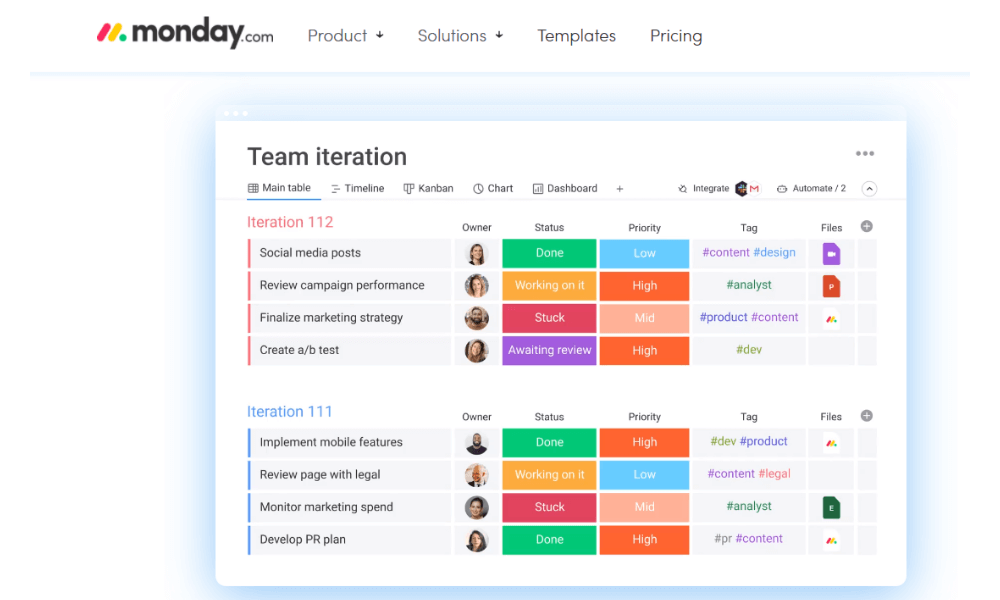
Monday.com, an award-winning collaboration and project management SaaS tool, helps teams plan together efficiently and execute complex projects to deliver results on time. monday.com team management and task management tool allow for ease of use and flexibility to onboard any team and manage multiple projects across the entire team.
With a variety of productivity features such as time-tracking, an integrated kanban board, automated notifications, workflow automation, dependencies, multiple views and calendar integration, teams can achieve better and faster results for every project milestone.
Pros
- Highly customizable workflows.
- Integrates with multiple apps and tools.
- Scalable for teams of any size.
Cons
- Advanced features come at a higher price.
- Can be complex to set up for beginners.
Why did we choose this tool
- Ideal for managing multiple workflows.
- Flexible for a variety of industries.
- Great visual interface for team collaboration.
Pricing
- Starts at $8/user/month.
d. Workzone
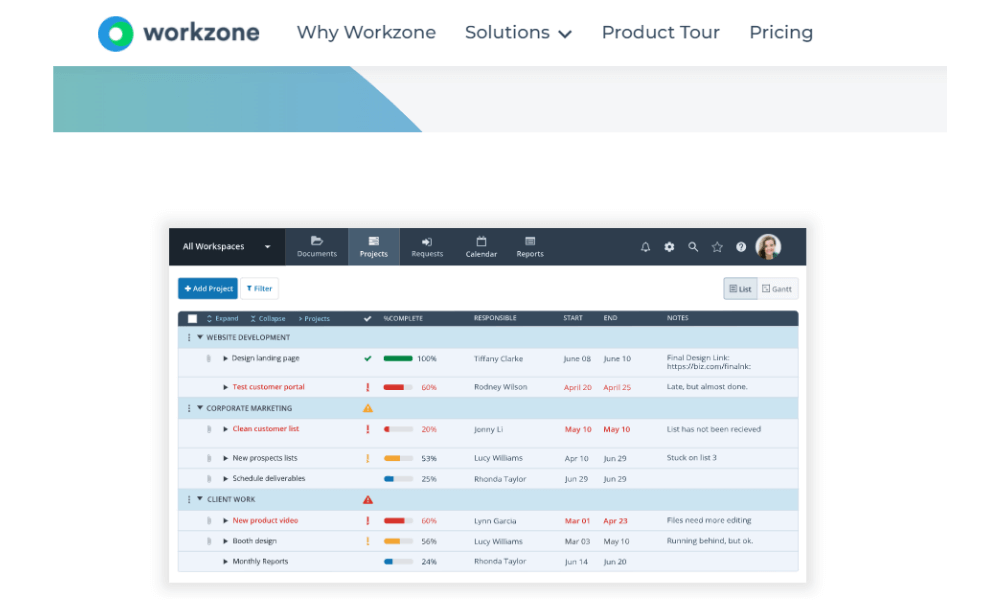
Workzone is a project management SaaS tool that offers document management, project collaboration, customizable reporting, resource and task management and time tracking. The software is cloud-based and offers automated emailed reports with up-to-date project status information.
Workzone provides project information at various levels of detail to accommodate different user roles on the project. Users can see cross-project summaries that give organization-wide visibility to projects and resources as well as automated and personalized project to-do lists to see at a glance what’s next on each project.
Pros
- Intuitive interface with collaborative tools.
- Strong project tracking features.
- Customizable to fit team needs.
Cons
- Limited integration options.
- Mobile app functionality could improve.
Why did we choose this tool
- Ideal for managing multiple projects with clear visibility.
- Balances simplicity and functionality well.
- Great for mid-sized teams.
Pricing
- Starts at $24/user/month.
e. Basecamp

Basecamp is a real-time communication-based SaaS tool that helps teams stay on the same page; it’s less for traditional project management tasks (e.g., resource planning and long-term scheduling). With to-do-lists, calendaring, due dates and file-sharing, Basecamp provides a way for teams to keep track of priorities and actionable items.
Pros
- Simple interface for task management.
- Integrated messaging and file sharing.
- Flat-rate pricing regardless of team size.
Cons
- Lacks advanced project reporting.
- Limited customization for workflows.
Why did we choose this tool
- Straightforward and easy to adopt for new teams.
- Great for remote work collaboration.
- Affordable for larger teams.
Pricing
- Flat rate of $99/month for unlimited users.
6. Software Development Issue & Project Tracking Tools
a. Jira Software

Jira Software is a business process management SaaS tool used by agile teams to plan, track and release software. Jira Software supports Scrum, Kanban, a hybrid model or another unique workflow. Jira enables users to create project roadmaps to map out all projects in progress.
The project board includes a drag-and-drop interface that allows teams to manage every project detail. The system offers functionality to create user stories and issues, plan sprints and distribute tasks across the team. Users also have access to information from thousands of business apps, from design and monitoring tools to source code and productivity apps.
Pros
- Powerful tool for agile project management.
- Robust reporting and analytics.
- Highly customizable workflows.
Cons
- Steeper learning curve for new users.
- Can be expensive for small teams.
Why did we choose this tool
- Perfect for agile teams and software development.
- Comprehensive tracking for sprints and bugs.
- Scalable for growing organizations.
Pricing
- Starts at $7.75/user/month.
b. Azure DevOps (Boards)
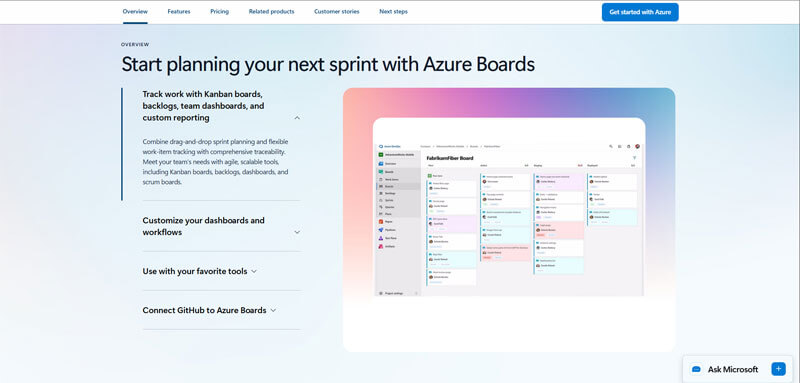
Azure DevOps Boards is a comprehensive issue and project tracking tool within the Azure DevOps suite, designed to support software teams in planning, tracking, and managing development work. It offers configurable Kanban boards, backlogs, work item tracking, and sprint planning features that align with agile and hybrid project methodologies. Deep integration with the broader Azure DevOps ecosystem—including Repos, Pipelines, and Test Plans—makes it a strong choice for end-to-end software delivery.
Pros
- Rich agile and work item tracking features.
- Seamless integration with CI/CD and DevOps services.
- Scalable for teams of all sizes.
Cons
- Configuration can be complex for new users.
- Some advanced features require familiarity with Azure ecosystem.
Why did we choose this tool
- Strong support for agile and DevOps practices.
- Tight integration with build, test, and release pipelines.
- Ideal for end-to-end software delivery workflows.
Pricing Plans
- Free version available (basic Boards features).
- Premium pricing starts from: $6 per user/month.
c. Backlog
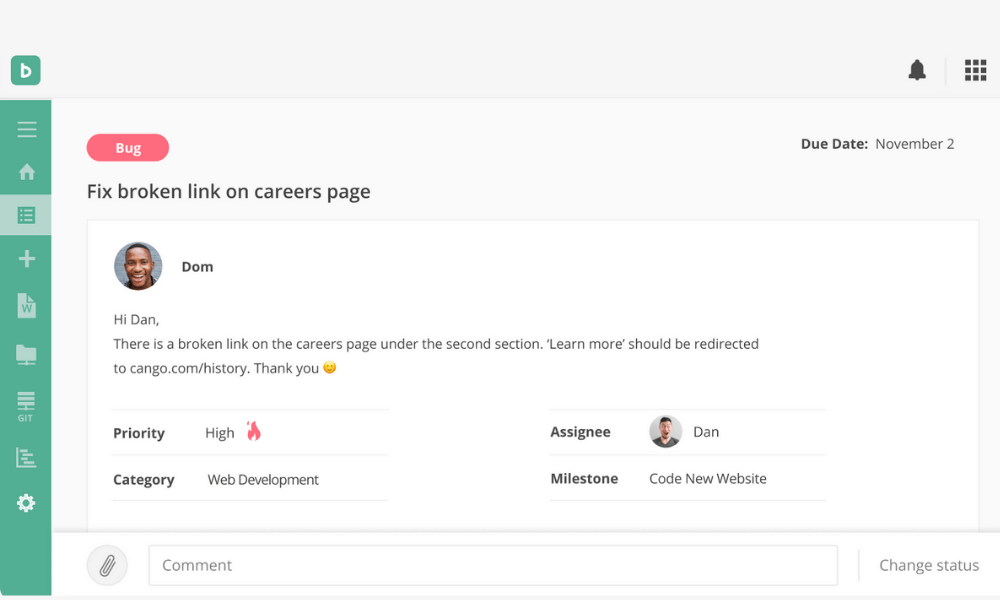
Backlog is a cloud-based project management and issue tracking SaaS tool that caters to development teams working with design, marketing and IT teams. The key features of the solution include project and issue management, sub-tasking, bug tracking and burndown charts.
Backlog offers features like watchlists, file sharing and comment threads. It integrates with Git and SVN, which helps developers to manage a project’s source code along with project tasks. Backlog enables users to visualize their daily timeline and project workflows using Gantt charts. It also helps users to propose and compare changes to the project, comment on pull requests, track changes taking place in the project, and document changes.
Pros
- Combines project and bug tracking.
- User-friendly for non-technical teams.
- Great for software development teams.
Cons
- Limited advanced reporting features.
- Fewer third-party integrations.
Why did we choose this tool
- Seamlessly blends project management with issue tracking.
- Ideal for teams working on product development.
- Affordable for small to medium teams.
Pricing
- Starts at $29/month/5 users.
7. Accounting Software Tools
a. QuickBooks Online
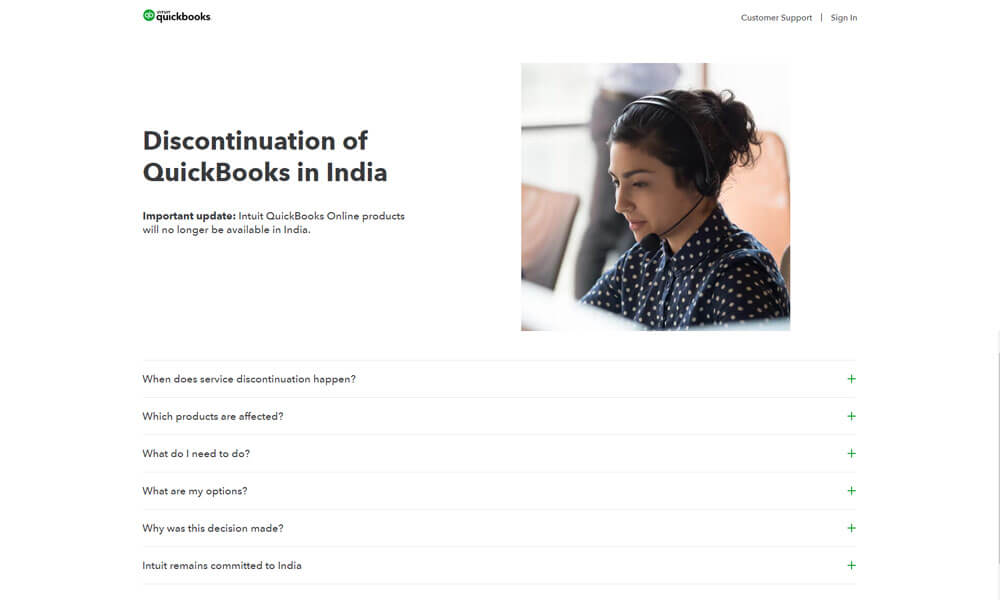
QuickBooks Online is a leading cloud-based accounting software designed for small to medium-sized businesses. It offers comprehensive financial management features including invoicing, expense tracking, bank reconciliation, payroll integration, and robust reporting. QuickBooks Online streamlines bookkeeping tasks and provides real-time financial visibility to support informed decision-making.
Pros
- Strong invoicing and expense management.
- Extensive integration ecosystem.
- User-friendly interface for non-accountants.
Cons
- Some advanced features require higher-tier plans.
- Pricing can increase with add-ons.
Why did we choose this tool
- Established market leader with reliable performance.
- Wide range of accounting and reporting capabilities.
- Scales well for growing businesses.
Pricing Plans
- No free version (free trial available).
- Premium pricing starts from: $30 per month.
b. Xero
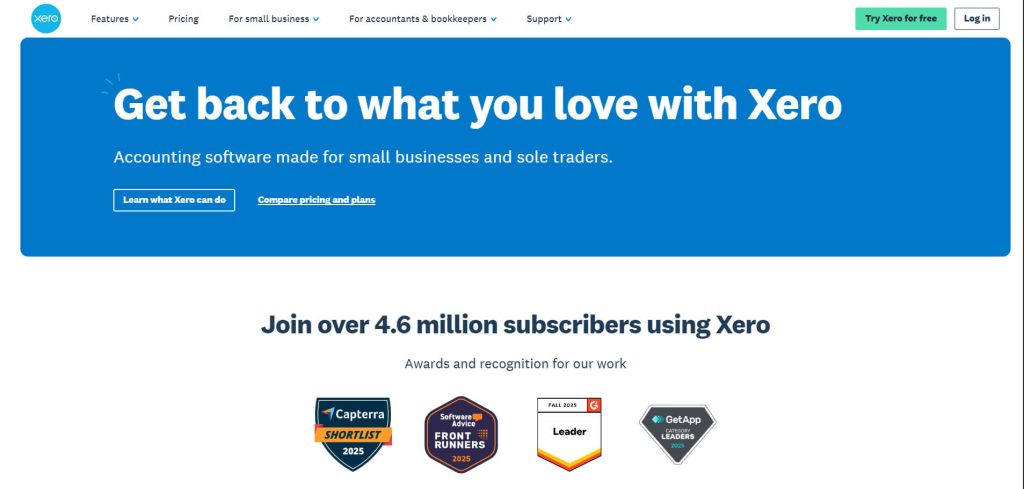
Xero is a cloud-based accounting platform tailored for small businesses and accountants. It offers real-time bank feeds, invoicing, bill payment, expense management, inventory tracking, and multi-currency support. Xero’s intuitive design emphasizes ease of use and collaboration between business owners and their advisors.
Pros
- Clean and intuitive user interface.
- Strong bank reconciliation tools.
- Unlimited users on all plans.
Cons
- Payroll functionality may need third-party add-ons in some regions.
- Learning curve for advanced features.
Why did we choose this tool
- Ideal for small business and advisor collaboration.
- Comprehensive core accounting features.
- Transparent pricing with unlimited users.
Pricing Plans
- No free version (free trial available).
- Premium pricing starts from: $13 per month.
8. Payroll & Benefits Software Tools
a. FactoHR
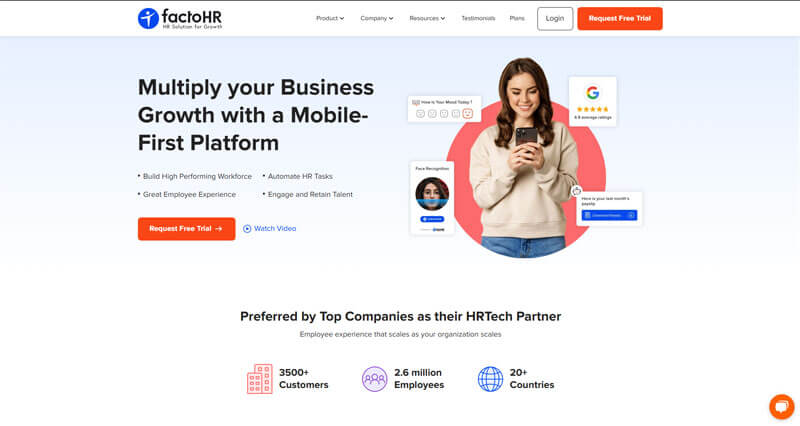
factoHR is a robust payroll and HR platform tailored for startups and growing businesses. It provides an end-to-end solution for managing payroll, compliance, attendance, and employee benefits within a single, intuitive interface. Designed to simplify complex payroll processes, factoHR automates salary calculations, tax deductions, and compliance updates, making payroll easy and accurate. Its time-tracking feature supports multiple attendance options, including biometric and mobile check-ins, helping startups easily manage remote and on-site teams. Trusted by a wide range of companies, factoHR is an affordable, scalable solution for startups aiming to streamline HR processes as they grow.
Pros
- Comprehensive HR and payroll solution.
- Easy employee self-service features.
- Mobile-friendly platform.
Cons
- Limited third-party integrations.
- Lacks advanced analytics for larger teams.
Why did we choose this tool
- Affordable solution for HR and payroll management.
- Simplifies attendance and leave tracking.
- Ideal for small and mid-sized businesses.
Pricing
- Starts at ₹2,000/month for up to 20 employees.
b. ADP Workforce Solution
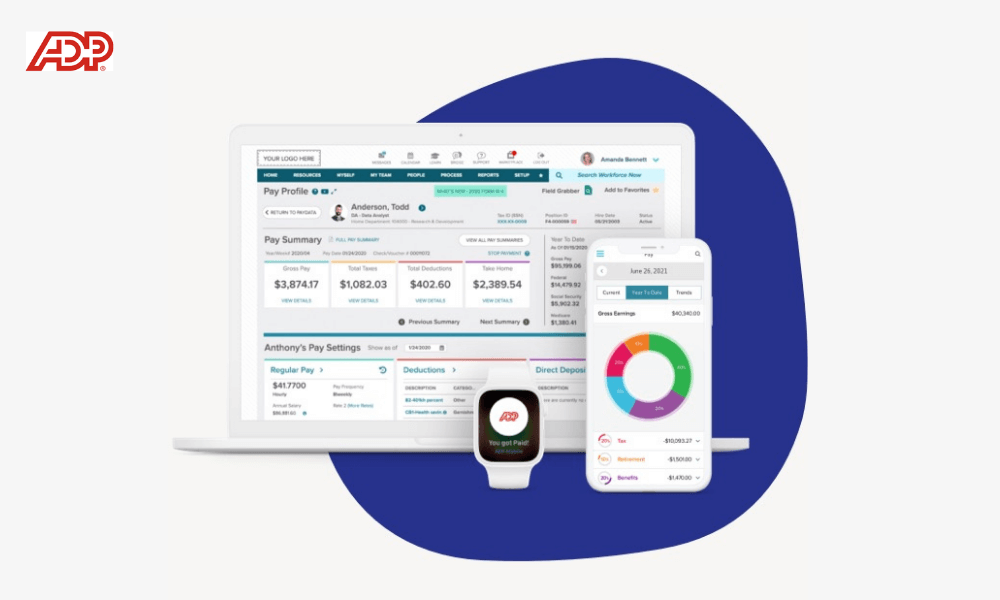
ADP Workforce SaaS tool is suited for businesses with more than 50 employees looking to streamline HR processes. ADP Workforce Now includes capabilities such as payroll processing and tax filing, performance management, compensation management, talent acquisition, time and labor management, benefits management, analytics, plus more.
Pros
- End-to-end HR management features.
- Scalable for businesses of all sizes.
- Strong compliance and tax filing support.
Cons
- Higher pricing for small teams.
- Interface can feel dated.
Why did we choose this tool
- Trusted solution with robust payroll and HR services.
- Ensures compliance and reduces administrative workload.
- Reliable for large-scale organizations.
Pricing
- Custom pricing based on team size and features.
c. Gusto
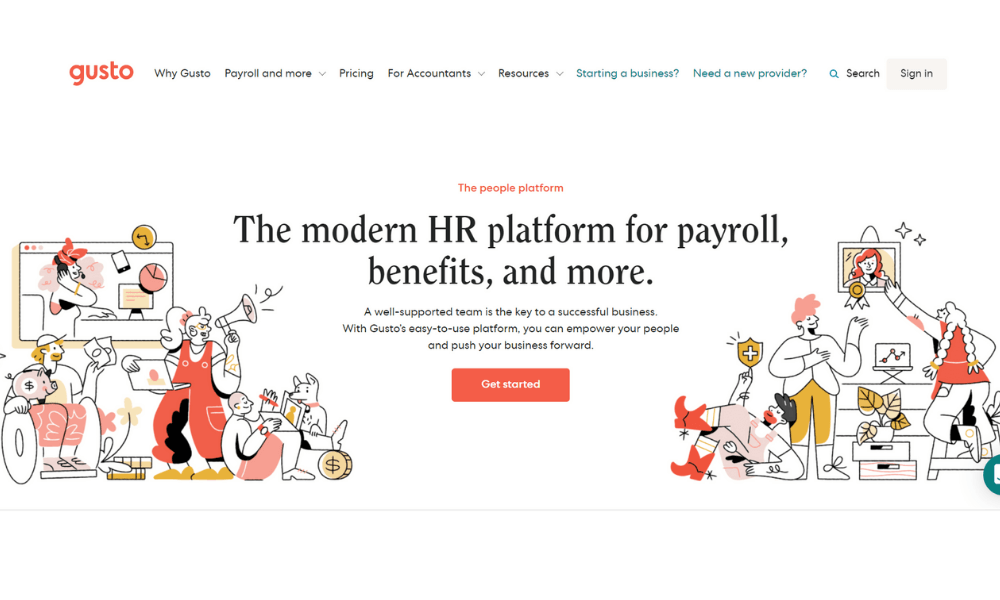
Gusto is a modern, online human resource platform that helps any small business owner take care of all HR tasks. Gustohr offers HR services to help with managing employee onboarding, running payroll, administrating health benefits, and engaging employees and teams using one integrated, easy-to-use platform loved by over 100,000 modern employers. Any business owner will feel like a pro no matter how complicated the situation.
Pros
- Easy payroll processing and benefits management.
- Strong integration with accounting tools.
- Transparent and straightforward pricing.
Cons
- Limited support for international employees.
- Customization options are minimal.
Why did we choose this tool
- Affordable and reliable payroll for small businesses.
- Simple to onboard and use for non-HR professionals.
- Great for startups and small teams.
Pricing
- Starts at $40/month + $6/employee/month.
d. Patriot Payroll
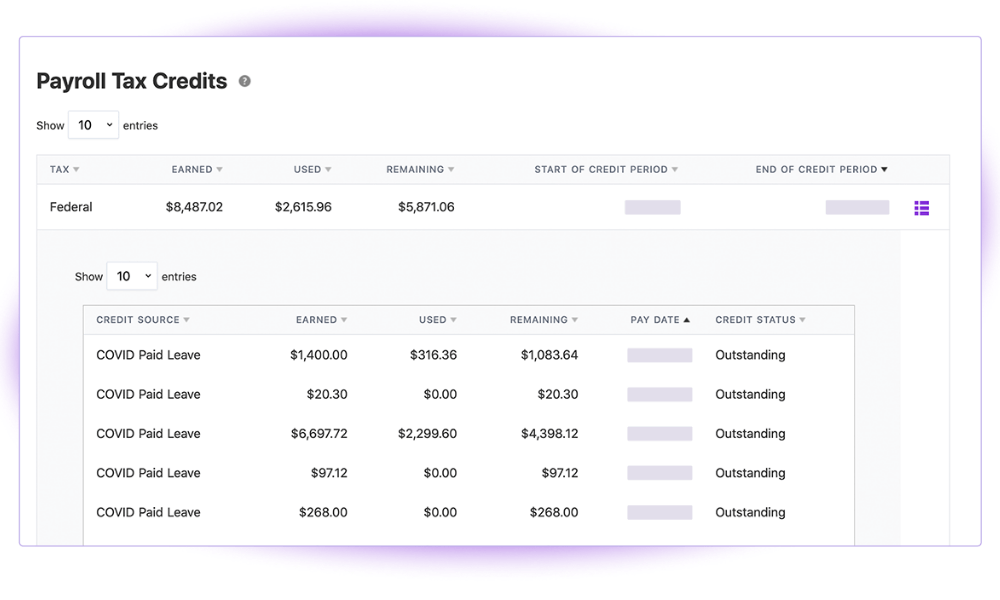
Patriot Payroll from Patriot SaaS tool is an integrated human resource (HR) and payroll management solution that helps to streamline the different processes associated with managing payroll payments and tax submissions.
The solution offers tools to maintain payroll records, print checks, establish direct deposits into bank accounts, generate payroll reports and submit state and federal taxes. Patriot Payroll offers the ability to issue payrolls through direct bank deposits and electronic cheques. The software offers personalized portals for employees to access their payroll and related financial information.
Pros
- Affordable payroll solution for small businesses.
- Easy-to-use interface.
- Includes tax filing options.
Cons
- Limited advanced features for larger teams.
- No international payroll support.
Why did we choose this tool
- Budget-friendly and reliable for basic payroll needs.
- Ideal for startups and small businesses.
- Quick setup with helpful customer support.
Pricing
- Starts at $17/month + $4/employee/month.
9. CRM Tools
a. Zoho CRM
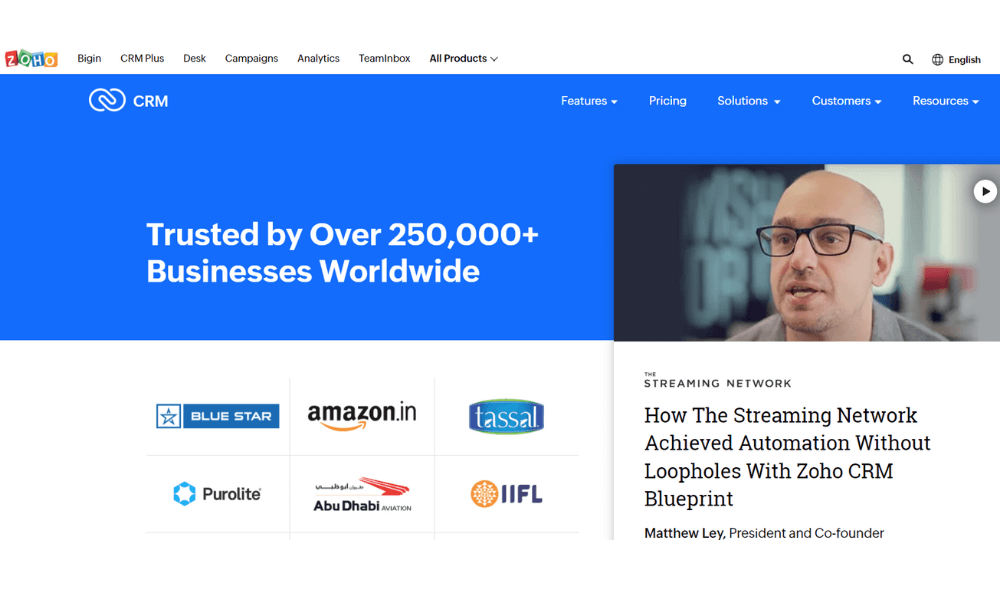
Zoho CRM is a cloud-based business management SaaS tool that caters to businesses of all sizes. It offers sales and marketing automation tools with helpdesk, analytics and customer support functions. Zoho CRM helps users respond to customers across channels in real-time.
Zia, Zoho CRM’s AI-powered sales assistant, can predict an appropriate time to contact customers. It scans emails for urgency and can display relevant statistics or documents when performing searches. Users can integrate with G Suite, WordPress, MailChimp, Evernote, Unbounce and other third-party systems.
Pros
- Affordable with a free tier for small teams.
- Easy integration with Zoho apps.
- AI-driven insights and workflow automation.
Cons
- Can be overwhelming for beginners.
- Limited advanced features compared to high-end CRMs.
Why did we choose this tool
- Affordable CRM for small businesses.
- Provides essential CRM features without complexity.
- Supports team collaboration and sales tracking.
Pricing
- Free basic plan.
- Paid plans start at $14/user/month.
b. Salesforce CRM
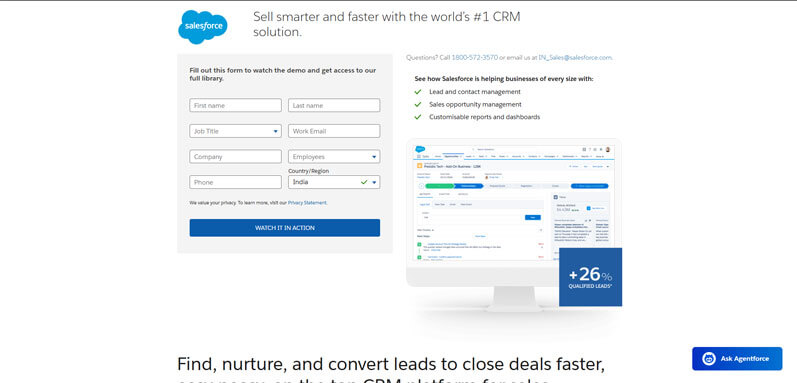
Salesforce CRM is a robust cloud-based customer relationship management platform designed to help businesses of all sizes manage sales, marketing, customer service, and analytics in a unified environment. It offers customizable dashboards, automation capabilities, and a broad ecosystem of integrations, enabling teams to gain comprehensive insights into customer interactions and streamline revenue operations.
Pros
- Highly customizable and scalable.
- Strong ecosystem of third-party integrations.
- Advanced analytics and reporting.
Cons
- Higher cost compared to basic CRM tools.
- Can require time to configure for complex needs.
Why did we choose this tool
- Industry leader with proven enterprise capabilities.
- Comprehensive features for sales and service teams.
- Excellent for growth-oriented and large organizations.
Pricing Plans
- Free version available (trial).
- Premium pricing starts from: $25 per user/month.
c. Pipedrive
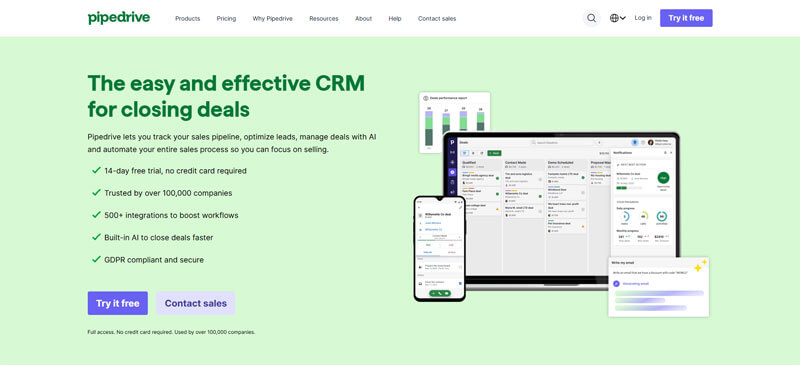
Pipedrive is a sales-focused CRM platform designed to simplify pipeline management and sales execution for small and mid-sized businesses. With an intuitive visual pipeline, activity reminders, and automation features, Pipedrive helps sales teams stay organized and focused on closing deals. It also integrates easily with popular business tools to extend workflow efficiency.
Pros
- User-friendly and visual pipeline interface.
- Strong focus on sales process optimization.
- Affordable pricing for small teams.
Cons
- Limited marketing automation features.
- Reporting capabilities are basic in lower tiers.
Why did we choose this tool
- Ideal for sales-centric teams seeking simplicity.
- Clean interface reduces training needs.
- Efficient pipeline and activity tracking.
Pricing Plans
- No free version (free trial available).
- Premium pricing starts from: $14.90 per user/month.
10. Sales Acceleration Tools
a. HubSpot Sales Hub
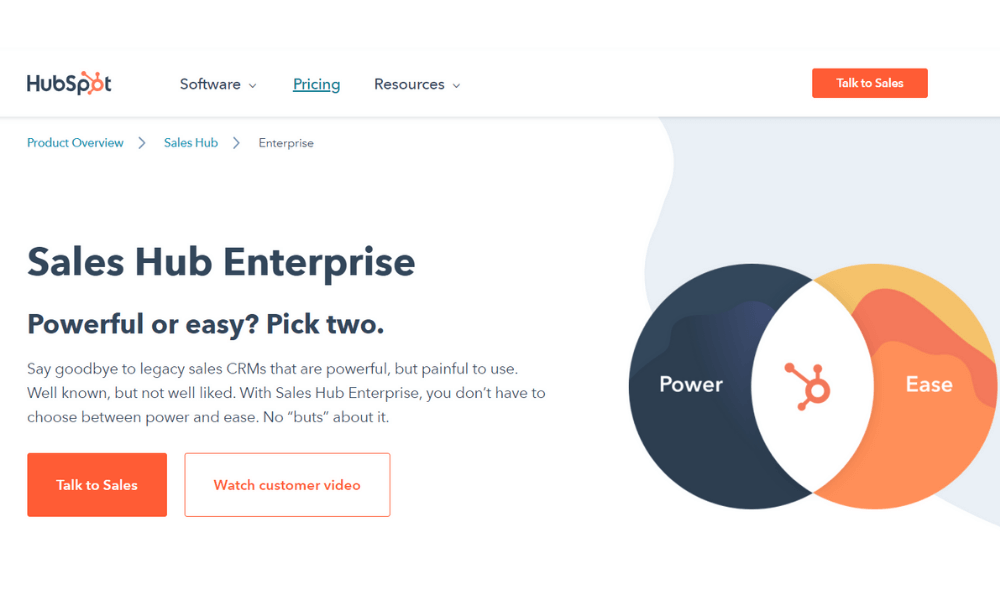
Sales Hub is a powerful and easy to use sales CRM that includes sales engagement tools, configure-price-quote functionality, and robust sales analytics and reporting for growing teams. Optimize your sales process with HubSpot CRM. Achieve total visibility with sales analytics and reporting. Streamline your outreach with sales engagement tools. Close more deals faster with configure-price-quote functionality.
Sales Hub is built on the HubSpot Growth Platform, where you can bring your customer data, tools, and teams together in one central system of record. You can connect the tools you use with Sales Hub with over 500 apps in the HubSpot App Marketplace, APIs, and solutions partners.
Pros
- Comprehensive sales tracking and analytics.
- Automated email follow-ups.
- Integrates seamlessly with HubSpot CRM.
Cons
- Expensive for smaller teams.
- Requires time to set up advanced features.
Why did we choose this tool
- Perfect for tracking and automating sales workflows.
- Aligns sales and marketing efforts efficiently.
- Scalable for growing businesses.
Pricing
- Starts at $50/month.
b. Zendesk Sell
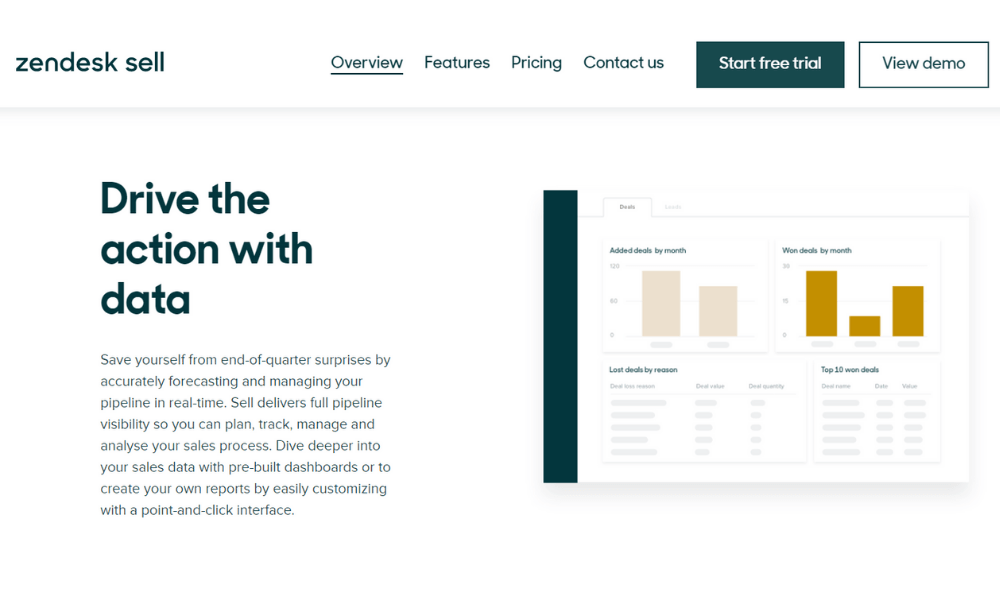
Zendesk Sell (formerly Base) is the web and mobile-based customer relationship management SaaS tool that allows B2B and B2C sales professionals to manage sales, track leads and engage proactively with customers from anywhere. The system features a standalone sales automation module with options for integrated channel management and web self-service capabilities.
Zendesk Sell enables sales teams to capture, organize and properly track leads. Sales personnel can funnel leads from multiple sources including websites, spreadsheets or any marketing platform. Users can track sales and have full visibility into the sales pipeline with robust sales reporting feature.
Pros
- Simple interface with excellent sales tracking.
- Built-in communication tools for client interactions.
- Integrates well with Zendesk Suite.
Cons
- Limited customization for advanced needs.
- Higher cost compared to similar tools.
Why did we choose this tool
- Streamlines sales pipeline management.
- Ideal for teams already using Zendesk products.
- Provides real-time insights into sales progress.
Pricing
- Starts at $198/2 users/month.
11. Websites Building Tools
a. Respona
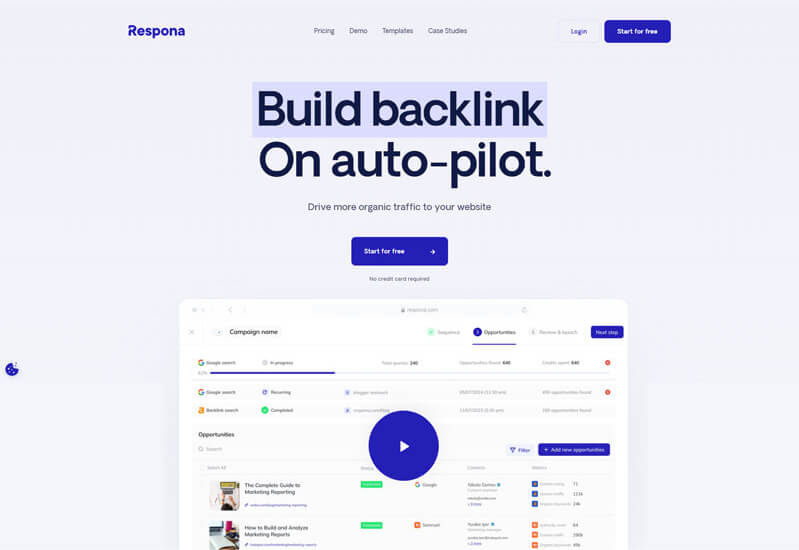
Respona is an all-in-one PR and link-building SaaS tool designed for businesses of all sizes to enhance their outreach efforts efficiently. It helps users find relevant opportunities, build tailored outreach campaigns, and manage relationships with journalists, bloggers, and influencers.
Respona’s unique selling proposition lies in its seamless integration of AI-powered search functionalities, which enables users to discover relevant journalist and blogger opportunities in their industry.
Once relevant contacts are identified, the platform assists in crafting personalized pitches using built-in email templates and automated follow-ups, ensuring consistent communication while saving time. Additionally, Respona offers powerful analytics to track the performance of outreach campaigns, providing insights into open rates, replies, and overall engagement.
This data helps businesses refine their strategies and achieve better outcomes. With Respona, small businesses and startups can effectively build relationships, acquire high-quality backlinks, and gain the visibility they need to grow their brand in a competitive market.
Pros
- Effective for outreach and link-building.
- Streamlines PR and content promotion tasks.
- Personalization at scale for email campaigns.
Cons
- Limited integration options.
- Best suited for marketing and SEO professionals.
Why did we choose this tool
- Simplifies outreach for content promotion.
- Great for managing and personalizing campaigns.
- Enhances SEO and backlink strategies.
Pricing
- Starts at $99/month.
b. Squarespace
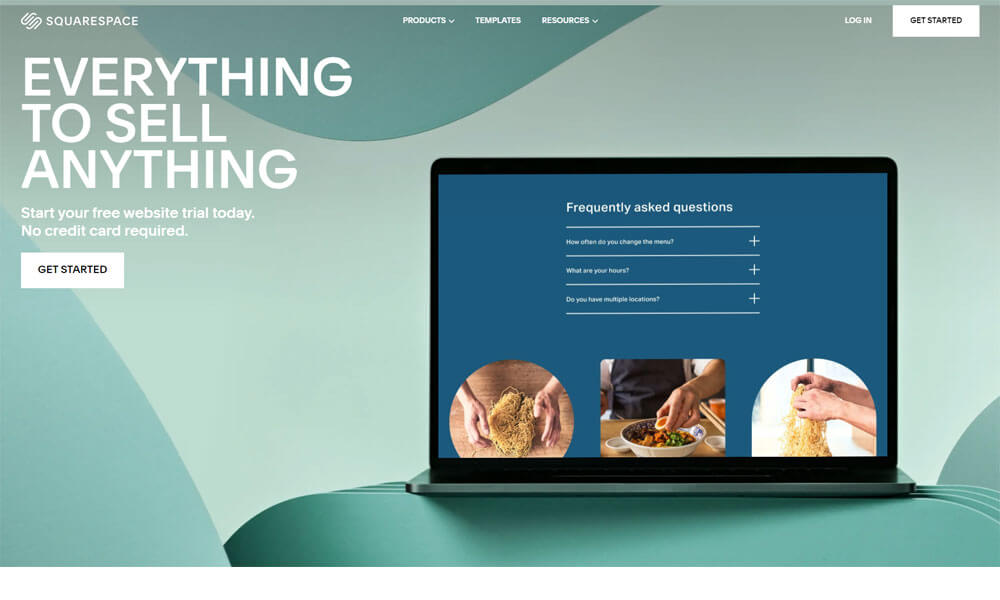
Squarespace is a popular website building platform known for its professionally designed templates and intuitive drag-and-drop editor. It enables users to create visually compelling websites, portfolios, blogs, and online stores without needing coding skills. Squarespace also includes built-in hosting, SEO tools, and ecommerce capabilities, making it a comprehensive solution for businesses and creators.
Pros
- Beautiful, professionally designed templates.
- All-in-one platform with hosting included.
- Strong ecommerce capabilities.
Cons
- Slightly higher cost than some alternatives.
- Fewer third-party integrations than open platforms.
Why did we choose this tool
- Elegant design quality for brand-focused websites.
- Simple yet powerful builder for non-technical users.
- Built-in ecommerce and SEO tools streamline workflow.
Pricing Plans
- Free version not available (free trial available).
- Premium pricing starts from: $16 per month.
c. Webflow
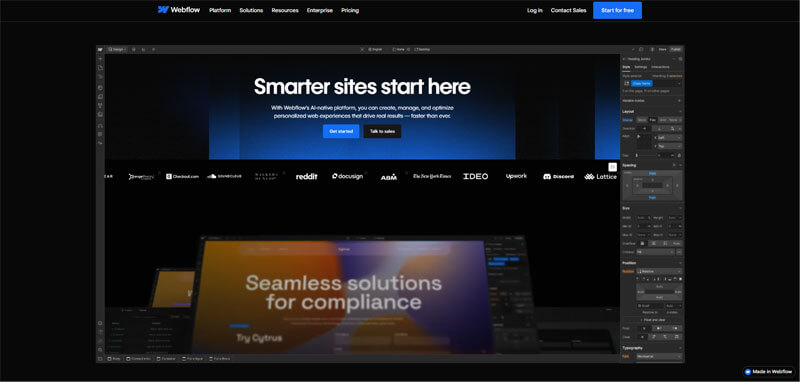
Webflow is a website building and design platform that combines visual design tools with the flexibility of custom code. It empowers designers and developers to build responsive, professional websites with precise control over layout, interactions, and animations. Webflow also offers hosting, CMS features, and scalable performance for both simple and complex projects.
Pros
- Highly customizable design without coding.
- Built-in CMS and hosting.
- Excellent performance and scalability.
Cons
- Steeper learning curve for beginners.
- More complex than basic drag-and-drop builders.
Why did we choose this tool
- Perfect for designers seeking fine control over visuals.
- Combines advanced design with CMS and hosting.
- Scales from simple sites to complex web projects.
Pricing Plans
- Free version available (Webflow branding, limited features).
- Premium pricing starts from: $12 per month.
12. Chat Bots & Messengers Tools
a. LiveHelpNow
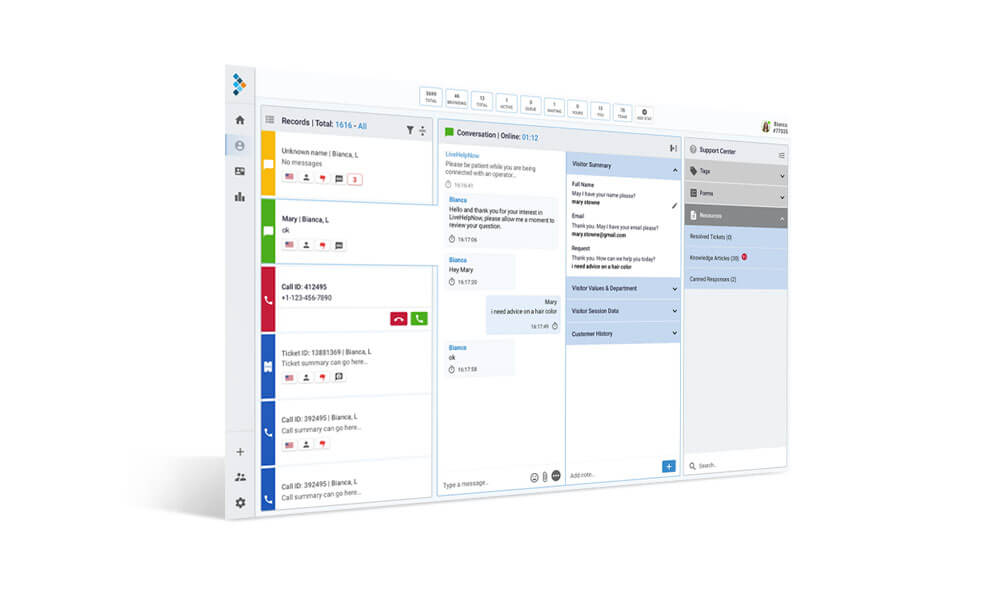
LiveHelpNow multi-channel help desk/call center SaaS tool facilitates real-time customer service communications via Live chat, Chat Bot, SMS/Text, Email, Facebook, VoIP (Phone) as well as provides ability to publish self-help knowledge base portal for customers to help themselves. LiveHelpNow chat support suite is a chat-based support application embedded into business websites.
Pros
- Excellent live chat and customer support tools.
- Comprehensive analytics for customer interactions.
- Integrates well with CRM systems.
Cons
- Interface can feel outdated.
- Mobile app functionality needs improvement.
Why did we choose this tool
- Reliable for improving customer engagement.
- Easy to set up and manage support queries.
- Offers good reporting features for insights.
Pricing
- Starts at $21/user/month.
b. Talkative
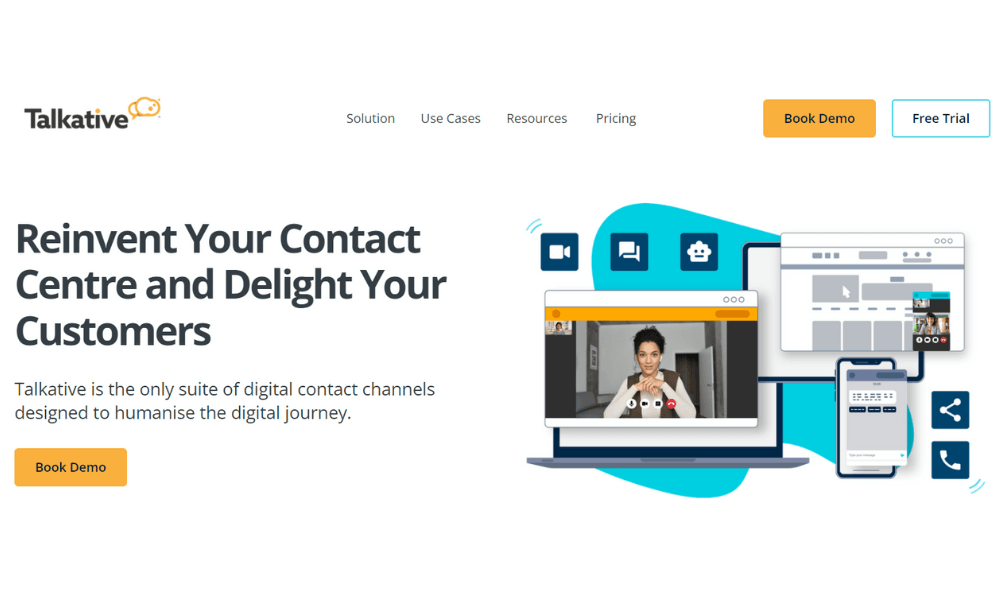
Talkative is a live chat SaaS tool that enables businesses and organizations worldwide to manage communication with customers by embedding audio/video calling, chat and co-browsing capabilities into business websites. Agents can utilize the platform to handle multiple chats, instantly translate messages into over 100 languages in real time and more as the customer browses through the website.
Pros
- Real-time chat and video support.
- Excellent for customer engagement.
- Smooth integration with websites.
Cons
- Pricing tailored to enterprise clients.
- Limited offline support features.
Why did we choose this tool
- Enhances live customer support with video and chat.
- Great for creating personalized customer experiences.
- Ideal for service-oriented businesses.
Pricing
- Custom pricing based on business needs.
c. Zendesk
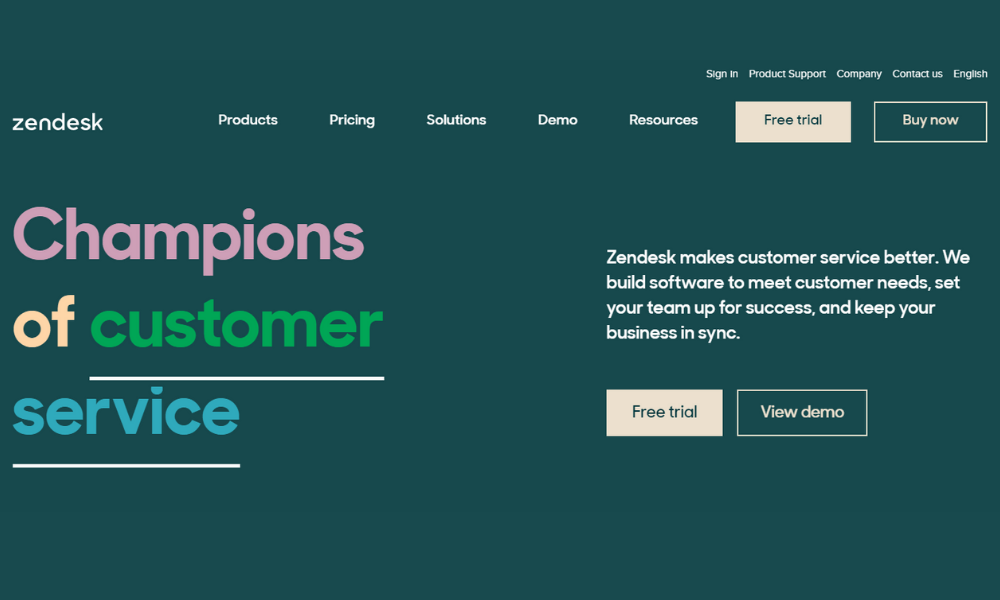
Zendesk is a cloud-based help desk management SaaS tool offering customizable tools to build customer service portals, knowledge bases and online communities. The solution offers a customizable front-end portal, live chat features and integration with applications like Salesforce and Google Analytics. Zendesk is used across a wide range of vertical markets including technology, government, media and retail, from small to large.
Pros
- Comprehensive customer support suite.
- Customizable workflows and automation.
- Multi-channel support for better engagement.
Cons
- Steeper pricing for advanced features.
- Complex to set up for smaller teams.
Why did we choose this tool
- Trusted by enterprises for customer support.
- Centralizes communication across multiple channels.
- Scalable for businesses of all sizes.
Pricing
- Starts at $49/user/month.
13. Marketing Automation Tools
a. SendInBlue

SendInBlue is an all-in-one marketing SaaS tool for engaging with your contacts and building better customer relationships through targeted and meaningful communication. Cover your entire marketing funnel with our all-in-one solution for marketing automation, email marketing, SMS marketing, chat, Facebook Ads, CRM and for sending transactional messages via email and SMS.
Pros
- Offers free plan with 300 emails/day.
- Excellent SMS marketing integration.
- User-friendly interface for email campaigns.
Cons
- Limited templates in the free version.
- Advanced reporting tools need higher-tier plans.
Why did we choose this tool
- Affordable for small and mid-sized businesses.
- Simplifies email and SMS marketing.
- Great for personalized campaigns at scale.
Pricing
- Free plan available
- Paid plans start at $25/month.
b. Mailchimp
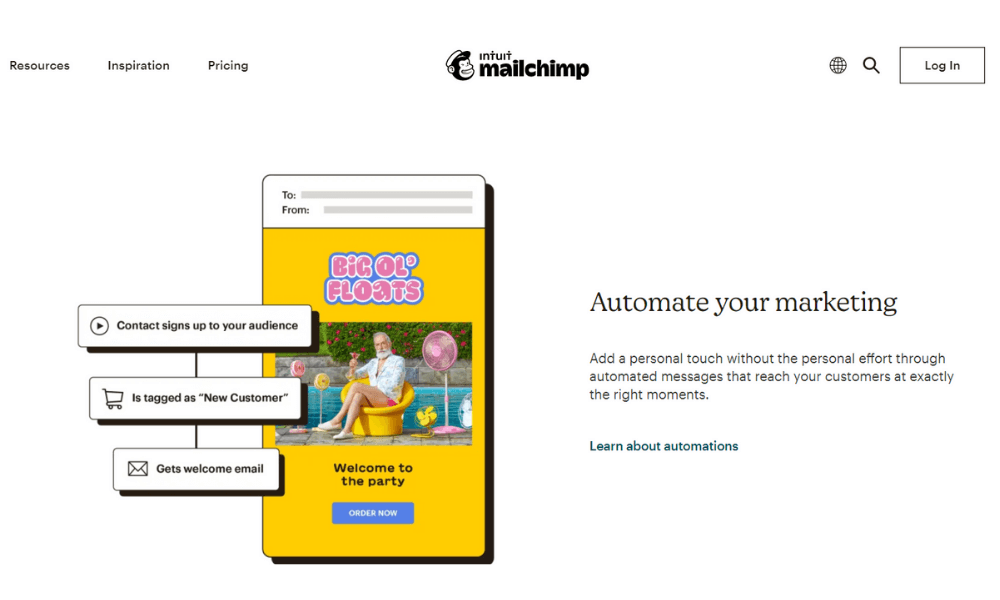
Mailchimp’s all-in-one Marketing SaaS tool helps small businesses market smarter so you can grow faster. As the backbone for your customer relationships, they provide AI-powered, user-friendly tools anyone can use to be successful. Mailchimp puts your audience at the center so you can send marketing emails and automated messages, create targeted ad campaigns, build landing pages, send postcards, facilitate reporting and analytics, and sell online.
Pros
- Wide variety of email templates.
- Free plan for up to 500 contacts.
- Great for beginners with easy setup.
Cons
- Steeper pricing for advanced features.
- Automation tools can feel limited for larger campaigns.
Why did we choose this tool
- Perfect for small businesses needing basic email marketing.
- Scalable options for growing contact lists.
- Integrates easily with e-commerce tools.
Pricing
- Free basic plan.
- Paid plans start at $13/month.
14. Email Marketing
a. ActiveCampaign
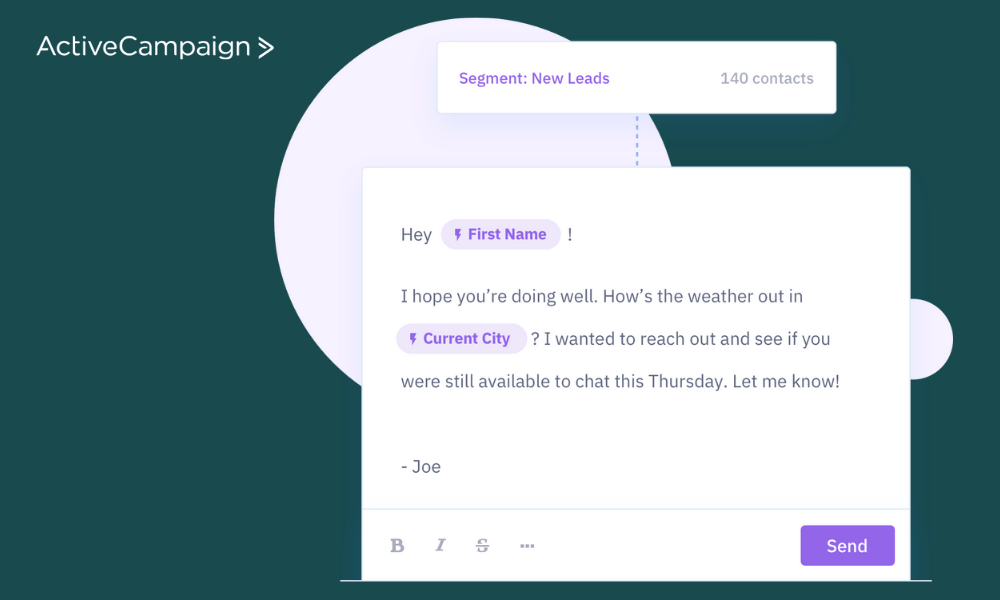
ActiveCampaign gives businesses of all sizes access to 500+ pre-built automations that combine email marketing, marketing automation and CRM for powerful segmentation and personalization across social, email, messaging, chat and text.
Pros
- Robust automation for email and sales processes.
- Excellent CRM integration.
- Offers SMS marketing features.
Cons
- Complex for beginners.
- Pricing can escalate with add-ons.
Why did we choose this tool
- Tailored for advanced automation needs.
- Combines CRM and marketing in one platform.
- Supports personalized campaigns effectively.
Pricing
- Starts at $29/month.
b. Campaigner
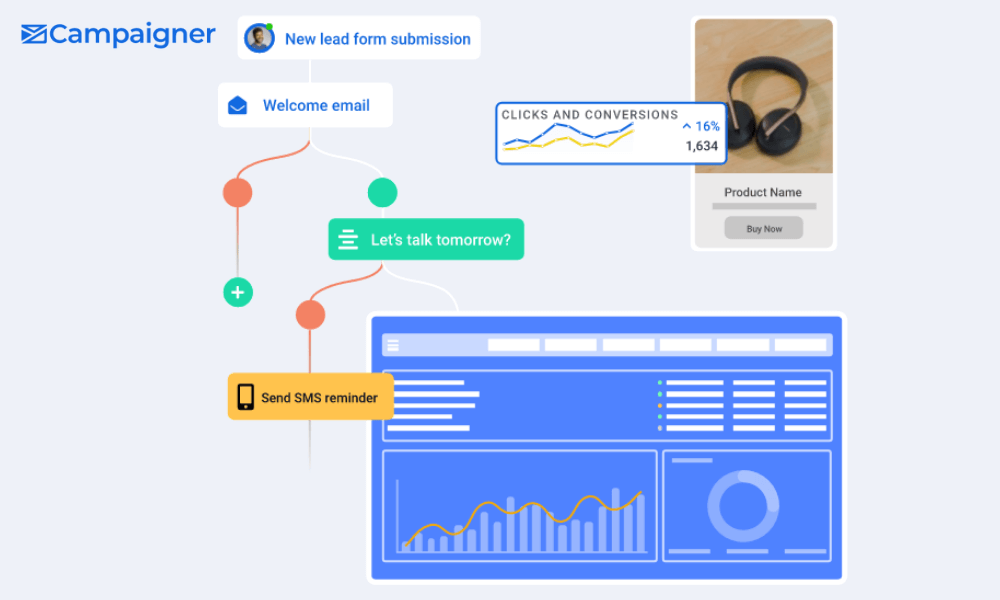
Campaigner is an email marketing-based SaaS tool for small and midsize businesses across various industry verticals. Professionals can create automation workflows using a drag-and-drop interface and improve customer engagement through conditional, behavioral and event-based triggers.
Pros
- Powerful segmentation and automation tools.
- Advanced email personalization options.
- Integrates well with CRM systems.
Cons
- Steep learning curve for beginners.
- No free plan available.
Why did we choose this tool
- Best for teams with advanced marketing needs.
- Robust analytics and tracking features.
- Helps improve ROI through detailed segmentation.
Pricing
- Starts at $59/month.
15. Content Marketing Tools
a. Contently
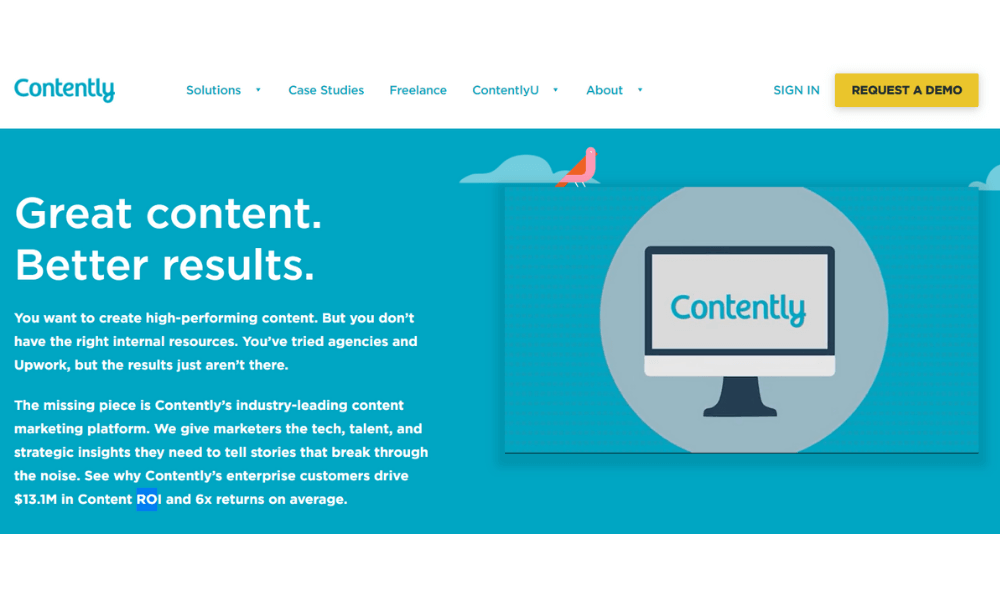
Contently is a content marketing platform that provides users with options that help them create unique brand stories and attract new audiences. Users can set up roadmaps for their content and assign top grade editors to get the desired results in terms of attracting new customers. Contently organizes the editorial process with calendars, editorial assets and by creating customized approval processes.
Pros
- Exceptional for content strategy and management.
- Access to a network of professional writers.
- Advanced analytics for content performance.
Cons
- High costs, suited for enterprises.
- Limited flexibility for smaller teams.
Why did we choose this tool
- Perfect for managing large-scale content operations.
- Offers strategic insights for content ROI.
- Ideal for brands focused on storytelling.
Pricing
- Custom pricing based on enterprise needs.
b. Contentful
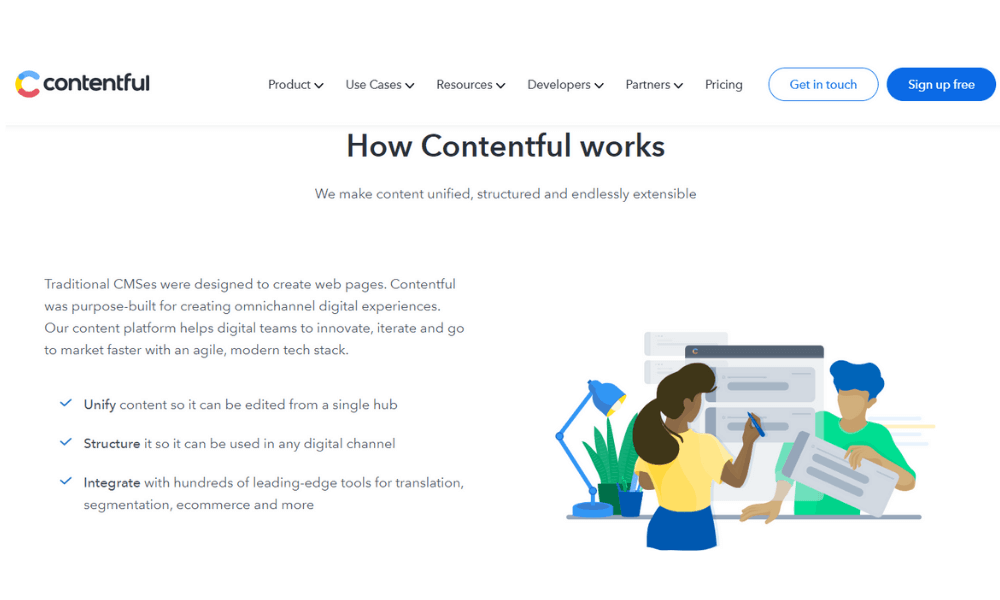
Contentful is a cloud-native content platform that enables medium to large-sized businesses to build digital experiences at scale. It allows teams to unify content in a single hub, structure it for use in any digital channel, and integrate seamlessly with hundreds of other tools through open APIs.
Pros
- Flexible headless CMS for multi-platform content.
- Excellent API integration.
- Supports custom workflows for developers.
Cons
- Complex for non-technical users.
- Pricing can increase with advanced usage.
Why did we choose this tool
- Best for scalable content delivery across platforms.
- Developer-friendly for customized experiences.
- Ideal for omnichannel content strategies.
Pricing
- Free basic plan.
- Paid plans start at $489/month.
16. Landing pages Tools
a. Sunny Landing Pages
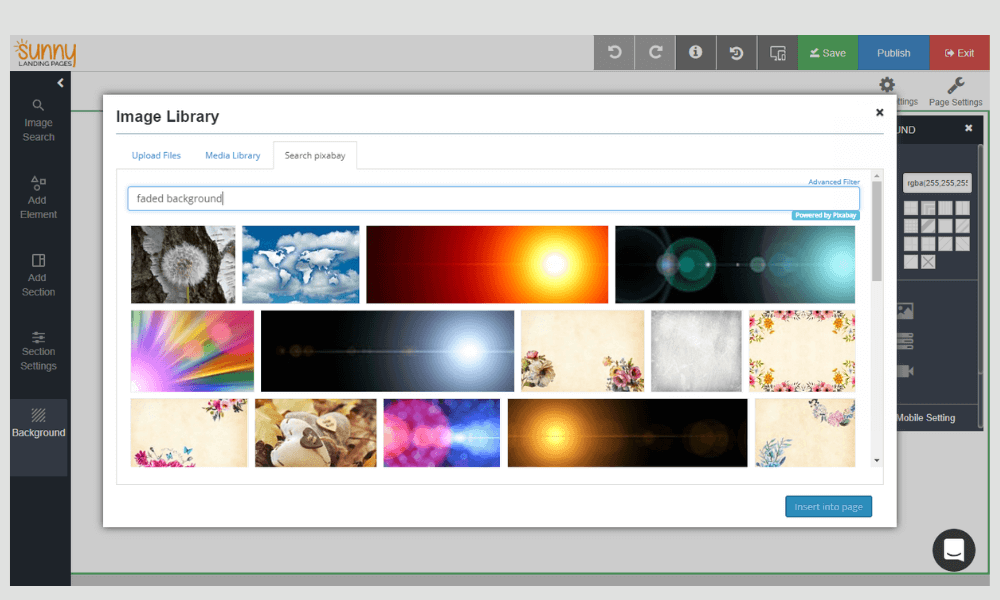
Sunny Landing Pages is a SaaS tool that is designed to help businesses in fitness, healthcare, travel and other industries create customizable landing pages. Professionals can track the activities and details of website visitors’ such as last/first seen time, the number of visits, location, browser, device and operating systems.
Pros
- User-friendly interface for landing page creation.
- Specialized for travel and event businesses.
- Customizable templates for different needs.
Cons
- Limited use cases outside specific industries.
- Integration options are not as diverse.
Why did we choose this tool
- Simplifies landing page creation for niche markets.
- Affordable and tailored to specific industries.
- Great for lead generation campaigns.
Pricing
- Starts at $20/month.
b. Geo Landing Pages
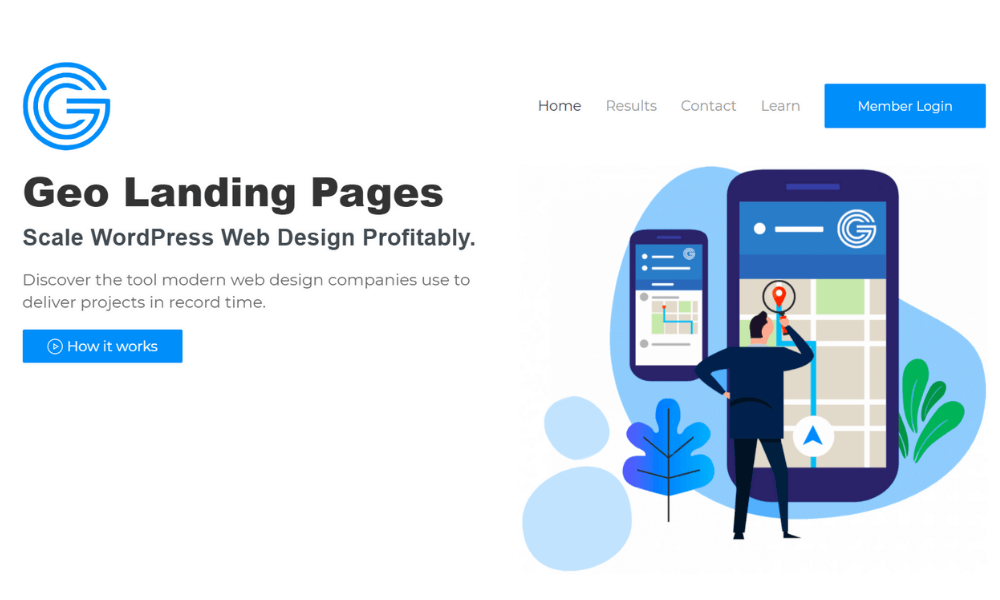
Geo Landing Pages is a SaaS tool for WordPress, Shopify and other content management systems (CMS), which leverages a proprietary text stack to parse and compile large amounts of data. The platform helps businesses bulk geocode images and produce highly optimized landing pages for SEO and Pay Per Click (PPC).
Pros
- Tailored for localized SEO strategies.
- Simplifies managing multiple landing pages.
- Good for targeting location-specific audiences.
Cons
- Limited customization options.
- Best suited for local businesses, less for global brands.
Why did we choose this tool
- Effective for location-specific marketing campaigns.
- Boosts local SEO and lead conversions.
- Ideal for businesses with multiple branches.
Pricing
- Custom pricing based on business needs.
17. Customer Support Tools
a. Live Support
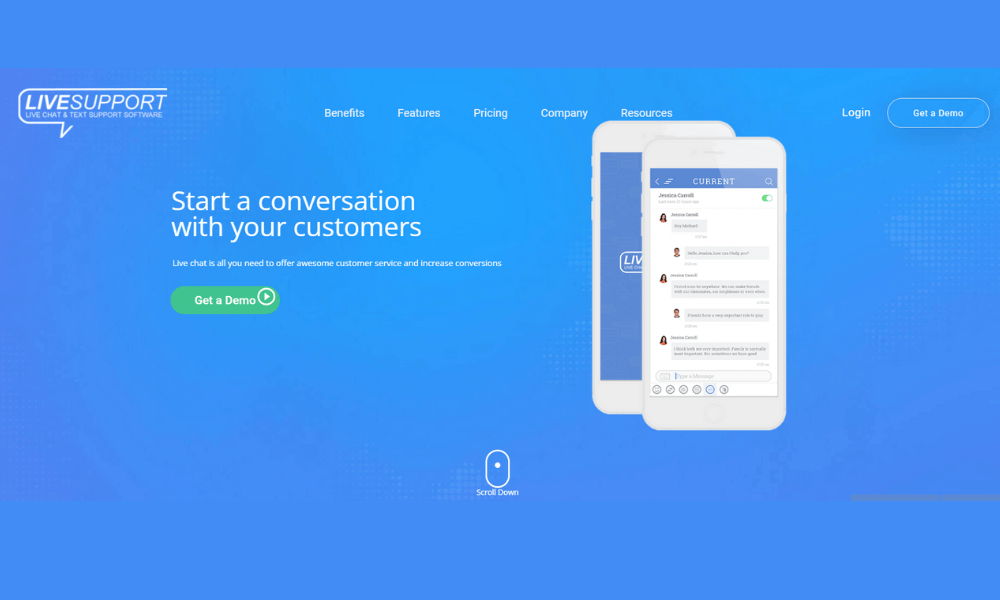
Live Support is a SaaS tool that helps enterprises streamline customer service processes via live chat and texts. Professionals can embed customizable chat widgets into business websites and handle clients’ inquiries in real-time. Organizations can use Live Support to create proactive campaigns, minimizing cart abandonment and improving overall conversion rates.
Pros
- Instant real-time customer interaction.
- Reduces response times significantly.
- Easy integration with websites.
Cons
- Limited functionality on mobile devices.
- Costs increase with team size.
Why did we choose this tool
- Essential for providing immediate customer assistance.
- Improves user satisfaction and retention.
- Great for resolving issues quickly and effectively.
Pricing
- Plans start at $9/month per agent.
b. Customer Thermometer
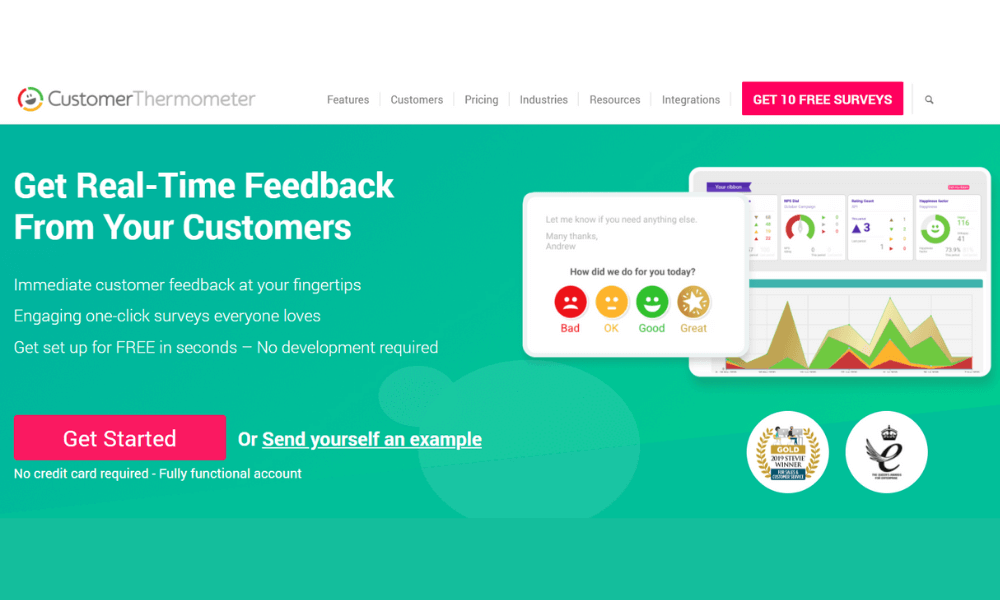
Customer Thermometer is a powerful survey SaaS tool for maximizing customer success. Boasting some of the highest response rates in the industry, CT works by making it super-easy for customers to rate your brands, products, services and people with just one click. Customer Thermometer is used by more than 10,000 support, service and help desk teams around the world to keep track of customer satisfaction, chart NPS and measure a range of other KPIs and metrics. It can even drive employee engagement and pulse surveys.
Pros
- Simplifies collecting customer feedback.
- High response rates with 1-click surveys.
- Excellent for tracking customer satisfaction.
Cons
- Limited survey customization options.
- Lacks advanced reporting features.
Why did we choose this tool
- Quick and easy way to gather real-time feedback.
- Ideal for monitoring customer sentiment.
- Integrates well with CRM and helpdesk tools.
Pricing
- Starts at $50/month.
18. Social Media Management Tools
a. Hootsuite
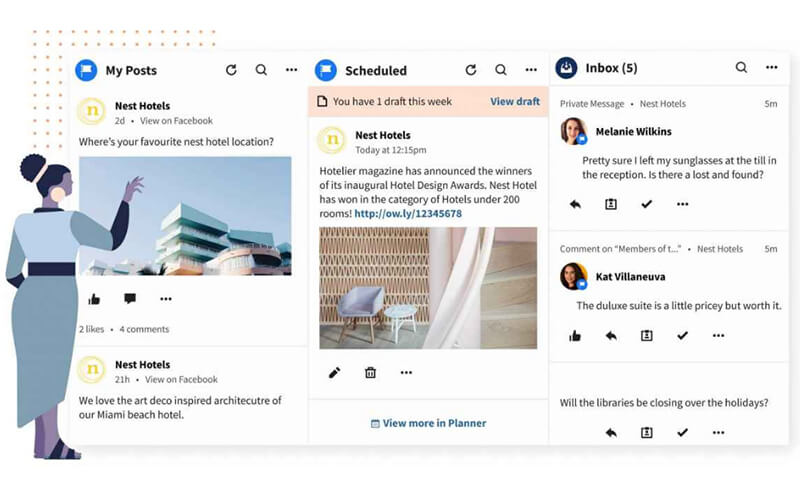
Hootsuite is of the popular tools for SaaS-based social media management. Using Hootsuite, organizations and businesses can collaboratively carry out campaigns across various social networks such as Instagram, Twitter, Facebook, LinkedIn, Pinterest, and YouTube.
Hootsuite powers social media for organizations around the world—from the smallest businesses to the largest enterprises. Build your brand, strengthen connections with customers, and drive business results business leaders care about by integrating social seamlessly across your whole organization.
Pros
- Manages multiple social accounts in one place.
- Advanced analytics for social media campaigns.
- Allows scheduling posts across platforms.
Cons
- Expensive for smaller teams.
- Steeper learning curve for beginners.
Why did we choose this tool
- Best for managing a multi-platform social presence.
- Offers insights to optimize social campaigns.
- Saves time by automating post scheduling.
Pricing
- Starts at $99/month.
b. Buffer
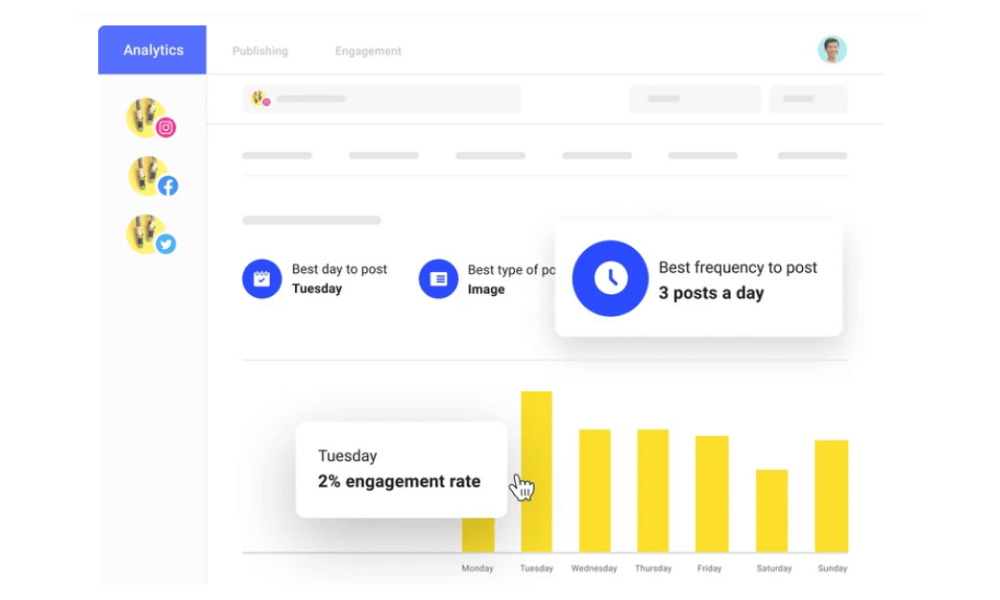
Buffer is one of the most popular SaaS tools for media management platform for small to midsize business. Using Buffer, users can publish content, engage clients and analyze their social media performance. Buffer integrates with Facebook, Instagram, Twitter, LinkedIn, Google+ and Pinterest.
Social media posts can be customized for each platform and then sent out to all platforms at once. Buffer can also automatically publish social media posts at predetermined times. Buffer has a browser extension and mobile apps so that users can share and create social media posts from anywhere.
Pros
- Simplifies social media scheduling.
- Intuitive and beginner-friendly interface.
- Offers a free plan for basic use.
Cons
- Limited analytics on lower-tier plans.
- Doesn’t support advanced team collaboration.
Why did we choose this tool
- Affordable option for startups managing social media.
- Great for automating and streamlining posts.
- Ideal for small businesses with limited budgets.
Pricing
- Free basic plan.
- Paid plans start at $6/month per channel.
19. Graphic Designing Tools
a. Adobe Express
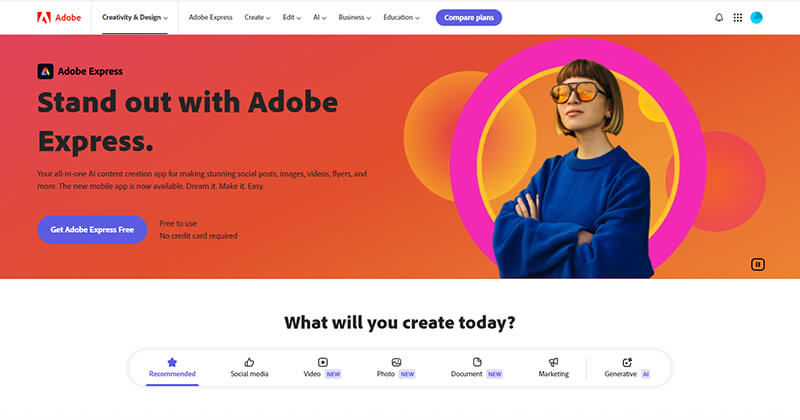
Adobe Express is a versatile graphic design tool designed for users of all skill levels, offering an intuitive and accessible platform for creating stunning visuals. With a wide range of templates and design elements, it allows users to quickly produce social media posts, logos, flyers, presentations, and more. Its drag-and-drop functionality and easy customization options make designing efficient and enjoyable, while its mobile app ensures you can create and edit on the go. Additionally, Adobe Express features a video cutter, making it easy to trim and edit video clips for various projects, enhancing your multimedia designs effortlessly. For professional or personal projects, Adobe Express provides the tools needed to bring creative ideas to life.
Pros
- Easy-to-use design tool with templates.
- Excellent for creating quick visual content.
- Integrates with Adobe Creative Cloud.
Cons
- Limited features compared to full Adobe tools.
- Can feel basic for professional designers.
Why did we choose this tool
- Ideal for creating simple, eye-catching graphics.
- Accessible to non-designers.
- Cost-effective for basic design needs.
Pricing
- Free basic plan.
- Premium starts at $9.99/month.
b. Renderforest
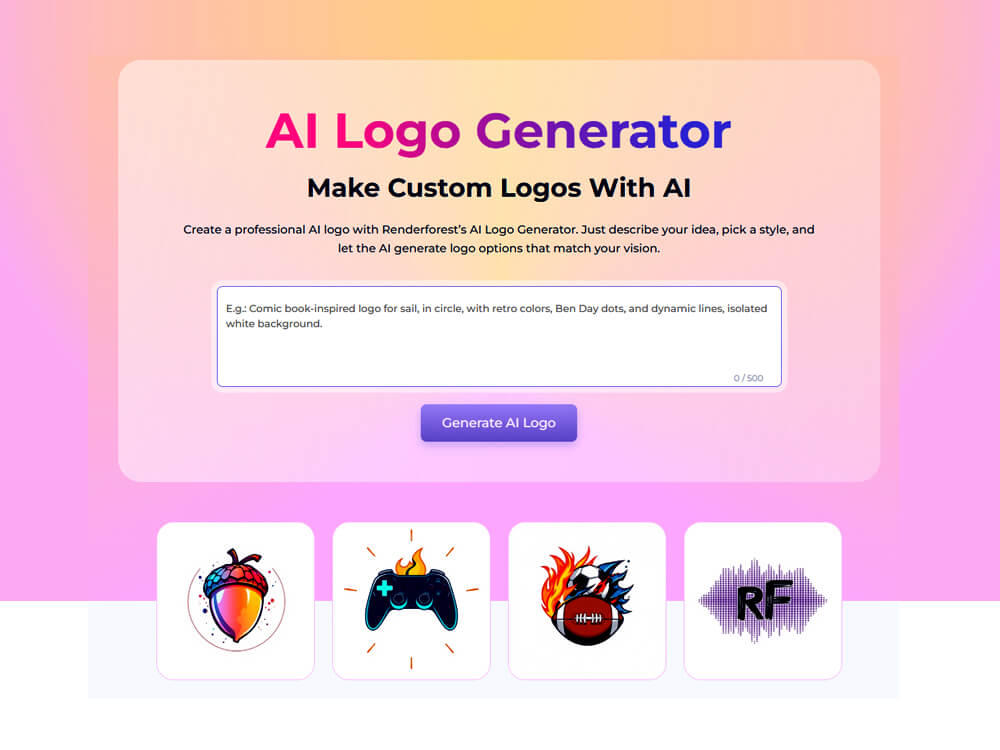
Renderforest is a powerful, cloud-based branding and design hub, ideal for creating high-quality visuals, videos, logos, mockups, websites, and presentations—all without installing software. Packed with a robust library of customizable templates and simple drag‑and‑drop editors, it empowers users of all levels to rapidly produce polished content, including explainer animations, promotional videos, logo reveals, and product mockups.
Pros
- Versatile toolset: Supports video, graphic, logo, mockup, and website creation.
- Massive template library: Thousands of professionally designed options.
- 100% cloud-based: No downloads required; accessible from any device, including mobile with their app.
Cons
- Free-plan limitations: Exports are watermarked, quality capped to HD720, and storage limits apply.
- Customization limits: Some users find higher-tier templates restrictive and generic.
Why did we choose this tool
- All-in-one solution: Great for creating consistent brand assets—videos, graphics, logos—on a single platform.
- Efficiency and value: Ideal for startups, small businesses, and content creators looking to produce professional content quickly and affordably.
- Scalable: Offers a clear upgrade path as needs grow—from personal to commercial and team use.
Pricing
- Free Plan: Basic features; HD720 exports with watermark; limited storage and watermarks.
- Lite ($9–14/month): Five 720p watermark‑free videos, AI tools, mockups without watermark, SVG logos, and 10 GB storage.
- Pro ($19–39/month): Unlimited Full HD1080 videos, commercial use license, 100 min text-to-speech, 300 AI images, priority rendering, full stock asset access, and 30 GB storage.
- Business ($29–49/month): Unlimited 4K videos, reseller license, team features, 300 min text‑to‑speech, 600 AI images, watermark control, and 50 GB per seat.
c. Venngage
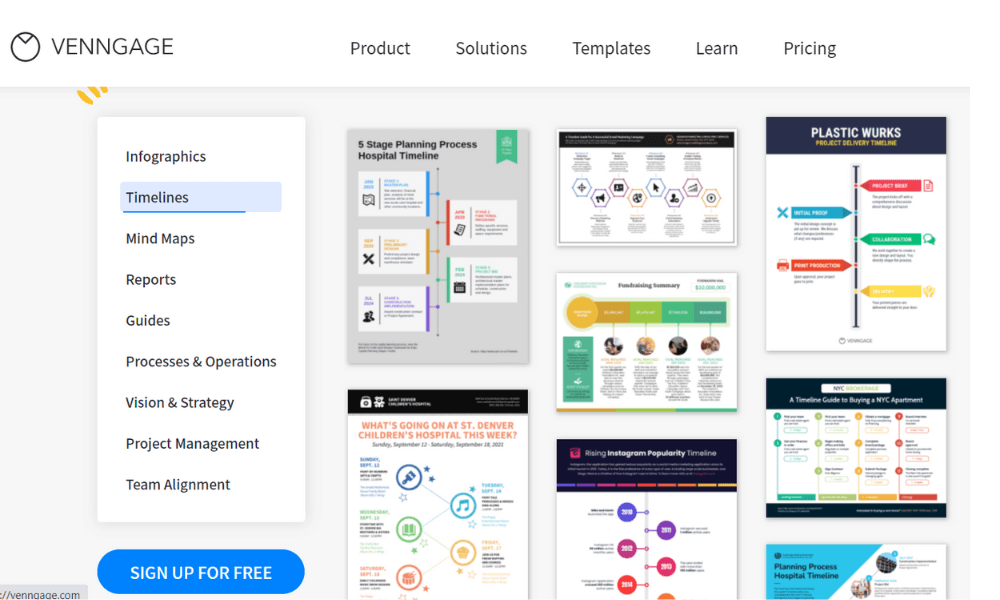
Venngage is one of the best SaaS tools for startups that helps usres create infographics using built-in templates. The platform enables managers to collaborate with colleagues on various infographics and share designs in PNG format. Users can utilize the drag and drop editor to add icons, charts, images and more on a unified interface. Additionally, Venngage allows teams to create shared folders and save personalized designs as templates.
Pros
- Wide variety of infographic templates.
- Easy drag-and-drop editor.
- Great for data visualization.
Cons
- Limited free plan features.
- High cost for team plans.
Why did we choose this tool
- Perfect for creating professional infographics quickly.
- Enhances visual communication in reports.
- User-friendly even for beginners.
Pricing
- Free basic plan.
- Premium starts at $16/month per user.
d. Canva
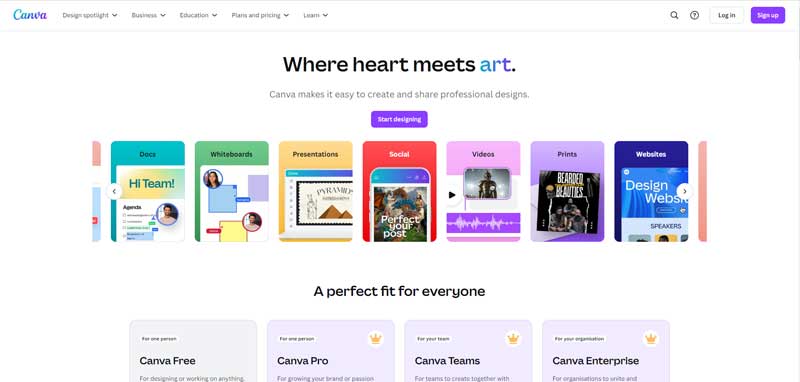
Canva is a SaaS tool for small businesses and startups used to create on-brand marketing content, sales presentations, training videos, and more by companies of all sizes. This solution includes features such as drag-and-drop design and photo editing with access to custom fonts, frames, shapes, grids, icons, and a vast library of stock images from Depositphotos.
Search our stock library to find what you need, with thousands of pre-licensed photos, videos, illustrations, soundtracks and more. Canva’s pre-built templates include logos, posters, presentations, infographics, social media posts, newsletters, menus, plus thousands more.
Pros
- Comprehensive library of templates and assets.
- Easy-to-use interface for all skill levels.
- Affordable and versatile for design projects.
Cons
- Limited advanced features for professional designers.
- Collaboration tools could be better.
Why did we choose this tool
- Excellent for creating social media visuals and presentations.
- Affordable for small teams and individuals.
- Saves time with pre-designed templates.
Pricing
- Free basic plan.
- Premium starts at $12.99/month per user.
20. Surveys Tools
a. Zonka Feedback
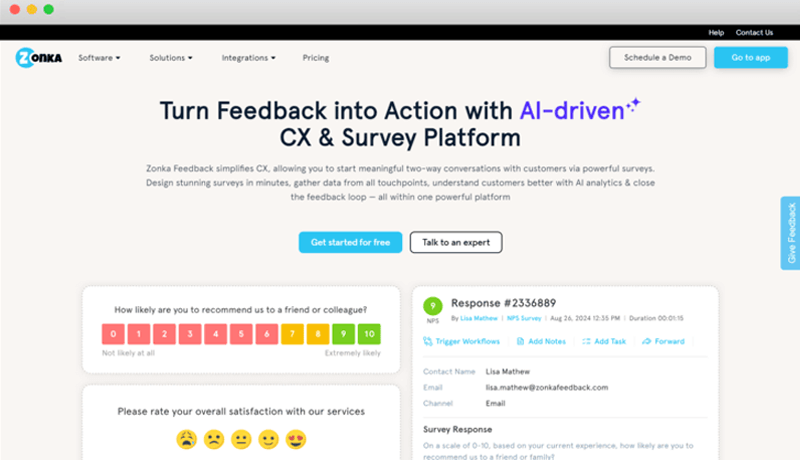
Zonka Feedback is a SaaS tool designed for businesses of all sizes that helps users create, distribute, and analyze surveys. Users can send surveys via email, share them on their websites, and post them on social media to boost response rates. The platform enables businesses to run customer satisfaction surveys to gather feedback on products and services, as well as employee engagement surveys to gauge staff satisfaction and improve workplace culture. Zonka Feedback also offers real-time analytics, allowing users to monitor survey results and insights from any mobile device.
Pros
- Easy-to-use survey and feedback platform.
- Real-time analytics for actionable insights.
- Supports multi-channel feedback collection.
Cons
- Limited features in lower-tier plans.
- Customization could be more robust.
Why did we choose this tool
- Effective for monitoring customer satisfaction.
- Supports collecting feedback across devices.
- Great for identifying areas of improvement.
Pricing
- Plans start at $49/month.
b. Zoho Survey
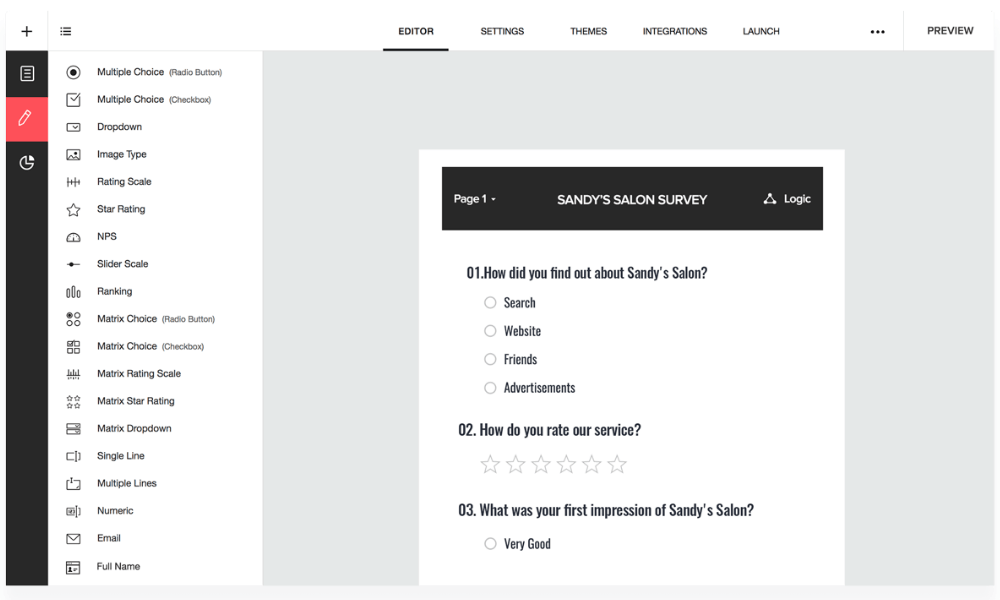
Zoho Survey is a SaaS tool that caters to small, midsize and large organizations. The solution offers templates and a library of questions to create custom surveys. Survey creators can also customize themes to match their branding. It also offers multilingual support.
Pros
- Affordable with advanced features.
- Integrates well with Zoho ecosystem.
- Easy to design surveys with pre-built templates.
Cons
- Limited free plan.
- Reporting tools can feel basic compared to competitors.
Why did we choose this tool
- Cost-effective for small businesses.
- Seamlessly integrates with other Zoho products.
- Simple and intuitive for quick survey creation.
Pricing
- Free basic version.
- Paid plans start at $20/month.
c. SurveyMonkey
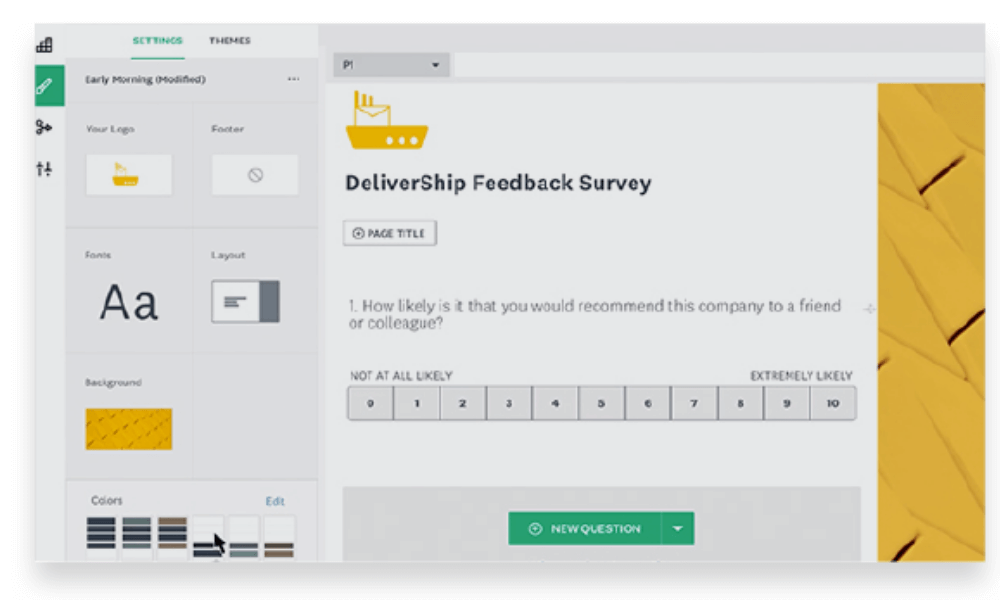
SurveyMonkey is a SaaS tool for small businesses that helps users create, send and analyze surveys. Users can email surveys to respondents and post them on their websites and social media profiles to increase response rate. Users can run customer satisfaction surveys to get feedback on products and services, and they can send employee engagement surveys to understand employee satisfaction within the company. The tool allows users to send surveys and check on results from a mobile device.
Pros
- Advanced survey design and analytics tools.
- Supports multiple question types.
- Excellent for large-scale feedback collection.
Cons
- Expensive for advanced features.
- Free plan has limited response limits.
Why did we choose this tool
- Best for detailed and professional surveys.
- Offers extensive customization and reporting options.
- Trusted by enterprises for large-scale projects.
Pricing
- Free basic plan.
- Paid plans start at $25/month.
21. Screen Recording Tools
a. Screen Recorder
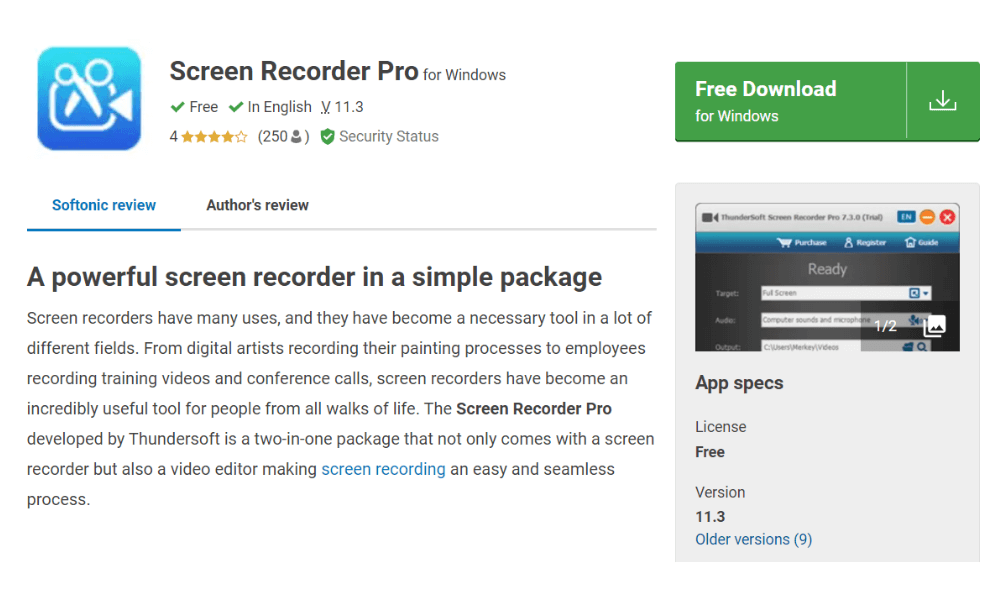
Screen Recorder Pro is SaaS tool for on-premises recording that allows users to create screencasts and record online content. The solution can be used by business professionals looking to create instructional videos, such as demos and tutorials, or record live streaming videos.
With this Screen Recorder Pro, users can record using multiple modes. Recording modes include custom areas of the screen, mouse movement, full screen, specific application windows, and webcam captures.
Pros
- Simple interface for quick recording.
- Supports recording with audio.
- Free versions available for basic needs.
Cons
- Limited editing features in free versions.
- Watermarks on videos in many free tools.
Why did we choose this tool
- Useful for creating tutorials and presentations.
- Lightweight and works well on most devices.
- Affordable for individual and team use.
Pricing
- Free basic version.
- Premium plans start at $10/month.
b. Icecream Screen Recorder
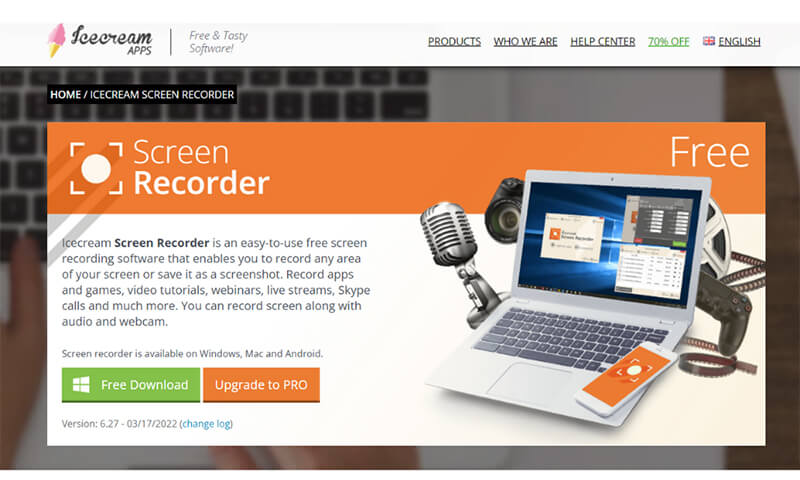
Icecream Screen Recorder is a SaaS tool that allows businesses to record and edit videos using screen recording tools. With Icecream Screen Recorder, users can record online content including tutorials, online meetings, games, plus more. Webcam videos can also be recorded and edited with this solution. Users can add sounds to screen recordings as well as record audio-only files.
Pros
- Intuitive and beginner-friendly interface.
- Allows scheduled recordings.
- Provides annotation tools during recording.
Cons
- Free version has watermarks.
- Lacks advanced editing features.
Why did we choose this tool
- Ideal for capturing webinars and video calls.
- Quick to set up and easy to use.
- Affordable for small teams.
Pricing
- Free basic version.
- Premium starts at $29.95 for a one-time purchase.
22. Data Storage and File Sharing Tools
a. Google Cloud Storage
Google Cloud Storage is a data storage platform, which helps businesses of all sizes store data with multiple automatic redundancy options. Features include object versioning, data backup, geo-redundant storage, object and bucket-level permissions and audit log. Google Cloud Storage comes with a shippable storage server, transfer appliance, which facilitates offline data transfer for users. Employees can store data across different storage classes such as standard, nearline, coldline, and archive storage.
Pros
- Seamless integration with Google Workspace.
- Highly scalable for growing storage needs.
- Robust security and file-sharing features.
Cons
- Costs can escalate for heavy usage.
- Requires an internet connection to access files.
Why did we choose this tool
- Reliable for storing and sharing business files.
- Offers flexible pricing based on storage needs.
- Excellent for collaboration within remote teams.
Pricing
- Free up to 15 GB.
- Paid plans start at $6/month for 100 GB.
b. MEGA
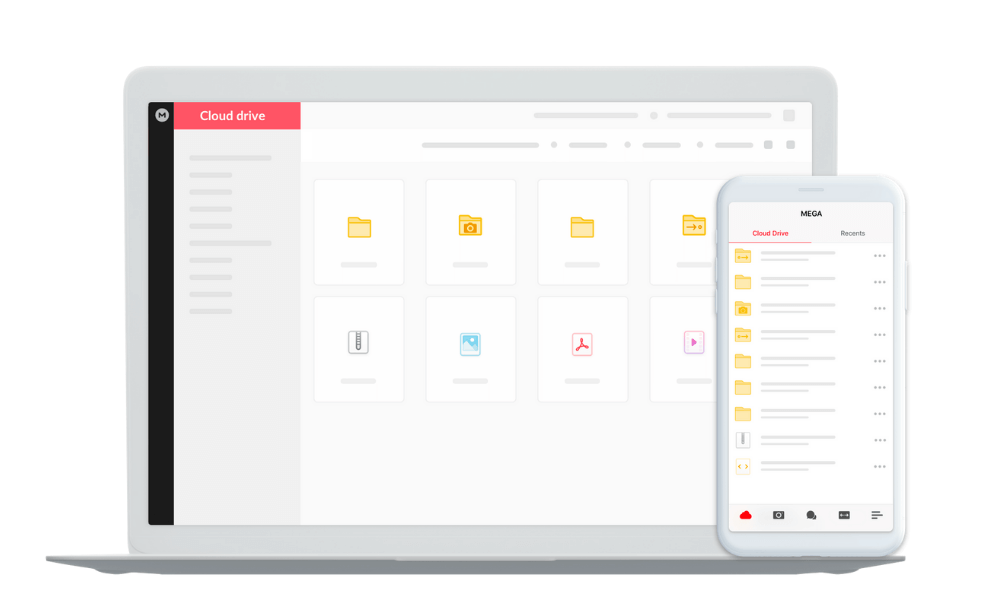
MEGA is a SaaS-based tool for small business storage and communication management designed to help users upload and manage images, videos, documents and more in a centralized repository. The platform includes end-to-end encryption, which enables users to securely transfer and store files on a unified portal. MEGA automatically decrypts media files, enabling users to stream audio and video files on mobile devices.
Pros
- Generous free storage (20 GB).
- End-to-end encryption for high security.
- User-friendly interface for file uploads and sharing.
Cons
- Slower upload speeds compared to competitors.
- Limited collaboration features.
Why did we choose this tool
- Best for secure file sharing and backups.
- Generous free storage plan is great for startups.
- Easy access across multiple platforms.
Pricing
- Free up to 20 GB.
- Premium plans start at $5.85/month for 400 GB.
Conclusion
As we look ahead to 2026, it is clear that SaaS tools will continue to play a decisive role in how startups and small businesses operate, scale, and compete. From collaboration and communication to finance, CRM, and analytics, modern SaaS applications provide the flexibility and speed required in an increasingly dynamic business environment. Choosing the right mix of solutions is no longer optional; building a well-aligned SaaS stack has become a strategic priority.
What sets the best SaaS tools apart today is their ability to integrate seamlessly, offer strong access management, and leverage machine learning to deliver smarter automation, insights, and decision support. Whether it is optimizing workflows through project management tools or improving security and compliance, these platforms are designed to reduce operational friction and maximize productivity.
For founders and operators, identifying the right SaaS tools for startups means balancing usability, scalability, and cost while ensuring the tools grow with the business. The SaaS tools examples covered in this blog highlight how diverse and specialized the ecosystem has become, with solutions tailored for nearly every function. Ultimately, investing in the right SaaS tools enables small businesses to stay agile, competitive, and future-ready in 2026 and beyond.
Frequently Asked Questions
What are SaaS tools?
SaaS tools, or Software as a Service tools, are cloud-based software applications accessible via the internet. They offer on-demand access to software without the need for installation or maintenance, typically through a subscription-based model.
What is SaaS in startups?
In startups, SaaS (Software as a Service) refers to cloud-based software applications used to streamline various operations like project management, customer relationship management (CRM), or communication tools.
What is a SaaS example?
An example of SaaS (Software as a Service) is Salesforce, a cloud-based CRM platform widely used by businesses for sales, marketing, and customer service. Other examples include Clariti for team communication and collaboration and Zoom for video conferencing and online meetings.




Start for FREE with Personal CRM
We too hate spam! Your email is secure with us.

Spot secured. You're in.
You’re officially on the list for early access to Clariti.


No more switching tools.

No more lost context.

Just Clarity.
You’ll be among the first to experience it when we launch. We’ll let you know the moment it’s ready.

Keep an eye out for emails from @clariti.app.
(and check your spam folder just in case—whitelisting us helps ensure you don’t miss a thing).

