


Business Productivity, Blog
Top 15 SaaS-based productivity tools for remote teams in 2026
- By Vinod Kumar VR
- No Comments


- Published on
- 15 min read
Remote teams rely on Software-as-a-Service platforms to work smoothly and stay organized. These solutions play a major role in improving SaaS productivity by helping teams plan tasks, share updates, and complete work on time. As remote and hybrid work models continue to grow, the need for reliable SaaS tools has become stronger than ever. These tools allow teams to work from anywhere while staying connected and aligned with business goals.
There are many types of SaaS applications available today. Some focus on communication, others on project planning, collaboration, reporting, or time tracking. Together, these tools help teams improve customer satisfaction by ensuring faster responses and clearer communication. In simple terms, productivity refers to how well people turn time and effort into results. When teams use the right SaaS tools, labor productivity improves, and daily work becomes easier to manage.
Modern SaaS platforms help track progress and measure outcomes using clear productivity measures. These insights help managers understand what is working and where improvements are needed. As a result, teams can raise productivity levels without increasing workload or stress. SaaS tools also reduce manual work, limit errors, and support better decision-making through shared data and real-time updates.
The global SaaS market continues to grow rapidly, showing how much businesses trust these solutions. Remote teams, in particular, depend on SaaS tools to avoid delays, reduce confusion, and maintain steady workflows. These tools support collaboration, improve visibility, and help teams stay focused on priorities.
In this blog, we will explore 15 must-have SaaS-based productivity tools for remote teams in 2026. These tools are selected for their ease of use, flexibility, and real impact on daily work. From communication platforms like Clariti to planning and collaboration tools, each solution supports better teamwork and long-term success. By using the right SaaS tools, organizations can build stronger teams, improve productivity, and thrive in a remote-first work environment.
Most Popular SaaS-based productivity tools for remote work:
1. Clariti
AI-powered Clariti stands out as one of the premier SaaS software for remote work due to its innovative features and unparalleled functionality. Leveraging artificial intelligence, Clariti revolutionizes the way remote teams communicate, collaborate, and manage their workloads, ensuring optimal efficiency and productivity.
One of Clariti’s key strengths lies in its ability to unify various communication channels, including emails, chats, documents, calendar events, and feeds, into context-based hybrid Conversations. By consolidating scattered information and providing rich context, Clariti enables remote teams to stay organized and focused, eliminating the need to juggle multiple tools and platforms.
Moreover, Clariti’s AI-driven capabilities empower remote teams to make informed decisions and drive meaningful outcomes. Its unique machine learning algorithm identifies and connects relevant information from across conversations, enabling users to gain valuable insights and collaborate more effectively.
Additionally, Clariti’s emphasis on asynchronous communication ensures that remote teams can collaborate seamlessly across different time zones and schedules. With features like email integration and context-based threads, Clariti facilitates productive collaboration without the constraints of real-time communication.
Pros
- Combines emails, chats, and files into one platform for better context.
- Offers hybrid Conversations for seamless communication.
- Integrates with over 5000 apps via Zapier.
Cons
- No mobile app.
Why did we choose this tool
- Excellent for managing hybrid teams and workflows.
- Helps reduce email overload with contextual chats.
- Offers voice calls, screen sharing, and calendar integration.
Pricing
- Premium plans on request.
2. Zonka Feedback
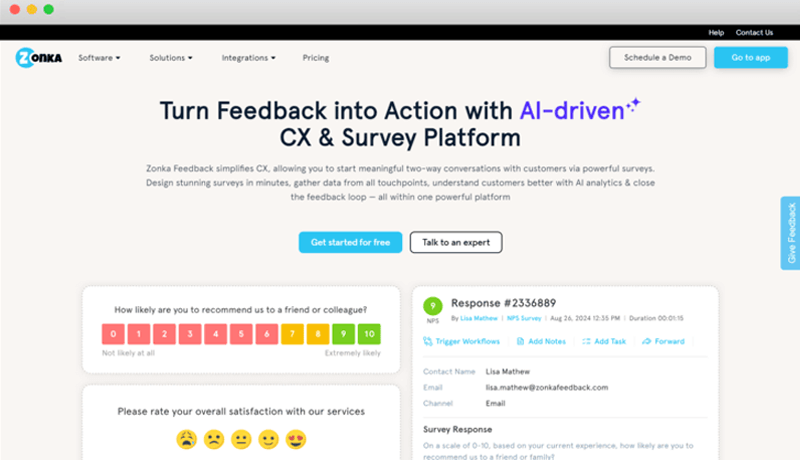
Zonka Feedback is one of the best SaaS software solutions for collecting and managing customer feedback. Packed with features like multi-channel surveys, real-time insights, and advanced analytics, Zonka Feedback helps businesses measure customer satisfaction, identify pain points, and improve experiences effectively.
It gives businesses ultimate control over feedback and survey processes. Zonka Feedback ensures better decision-making by providing actionable data and empowering teams to act quickly on customer insights. With its intuitive design and minimal learning curve, Zonka Feedback makes it simple for teams to create engaging surveys, analyze responses, and drive customer-centric growth. It is a must-have tool for businesses aiming to enhance customer satisfaction and loyalty.
Pros
- Gather instant customer insights with real-time surveys and notifications.
- Tailor surveys to suit diverse industries and touchpoints effortlessly.
- Gain deep insights with detailed reports, trends, and customer sentiment analysis.
Cons
- New users may require time to explore and utilize all features effectively.
- Offline survey capabilities could be more robust for remote or low-connectivity scenarios.
Why did we choose this tool
- Offers real-time feedback collection, customizable surveys, and powerful analytics tailored to diverse needs.
- Intuitive interface and seamless integrations simplify adoption and usage across teams.
- Provides actionable reports and sentiment analysis to drive improvements and enhance customer satisfaction.
Pricing
- Starts at $49/month for the Essential Plan, including core survey tools and analytics.
- Advanced features available in higher-tier plans like Professional and Growth for scaling businesses.
3.TeamDynamics
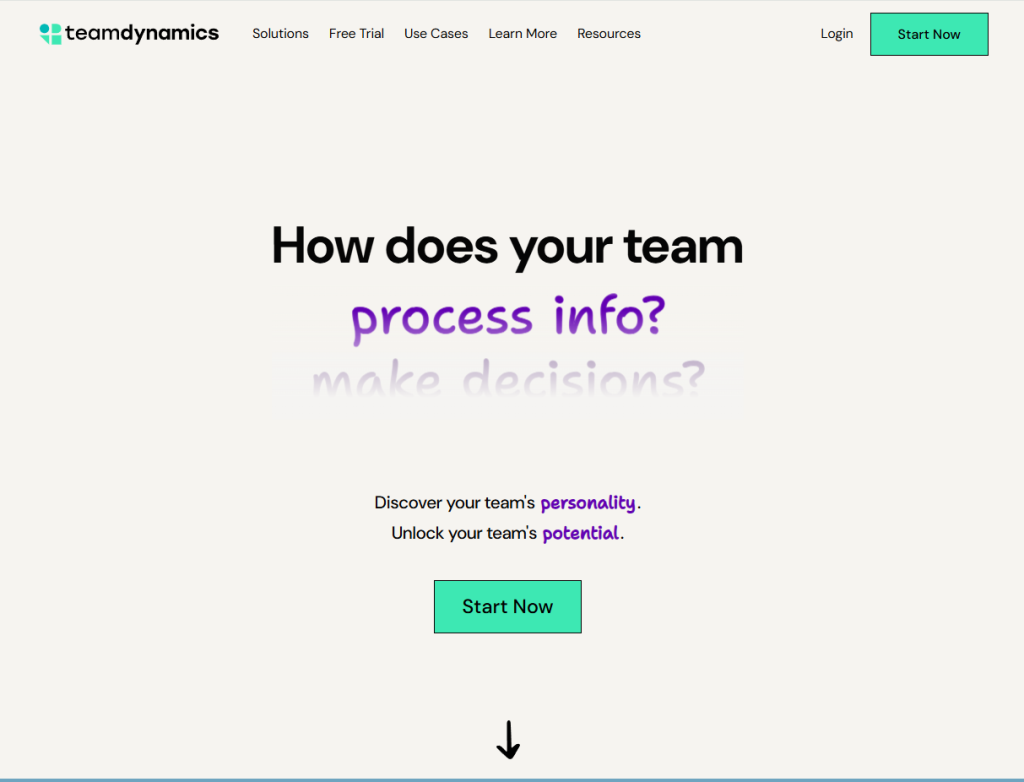
TeamDynamics is a modern SaaS platform built for understanding and improving how teams truly work together, not just who’s on the team. It uses a fast, engaging online assessment to measure team behavior across four core dimensions—how you communicate, process information, make decisions, and execute tasks—and assigns your team one of 16 distinct “TeamDynamics types.” From there, it shows you both team-level norms and each individual’s preferences, helping uncover misalignments and areas for growth.
You also get practical tools and data to act on the insights. There are detailed reports, a facilitation guide for running team reflection sessions, and personalized recommendations for individual team members. Whether you’re onboarding new members, resolving friction, reinforcing norms, or improving remote/hybrid collaboration, TeamDynamics provides frameworks to make collaboration more intentional and affective.
Pros
- Transparent, one-time pricing per user (Solo, Pro, Enterprise), so you know what you’re paying upfront.
- Framework that gives both team-level and individual-level insight, enabling real, actionable feedback.
- Engagement tools like facilitation guides make it easier to turn results into team conversations rather than just reports
Cons
- Because it’s behavior-based rather than task-oriented, it might not address highly operational needs (like project management, scheduling, etc.) directly.
- Some teams may need time to reflect and discuss results — getting real value depends on follow-through.
Why did we choose this tool
- TeamDynamics is for leaders, managers, coaches, and teams committed to more than just productivity—it aims for deeper alignment, understanding, and collaboration.
- If your goal is to build stronger, more intentional team culture, reduce miscommunication, and get everyone working more harmoniously, this gives you both the language and the tools to do it.
- It’s especially helpful in hybrid/remote settings where alignment and communication behaviors matter even more.
Pricing
- Solo – $29 one-time per user: full individual report, insights on how to best work with your team’s type, user guide.
- Pro – $39/user one-time: everything in Solo, plus the full team report (based on the whole team’s responses), team facilitation guide, manager-level report with additional insights.
- Enterprise – for teams larger than ~20: custom pricing with advanced analysis, manager consultations, facilitated team discussions, etc.
4. Time Champ
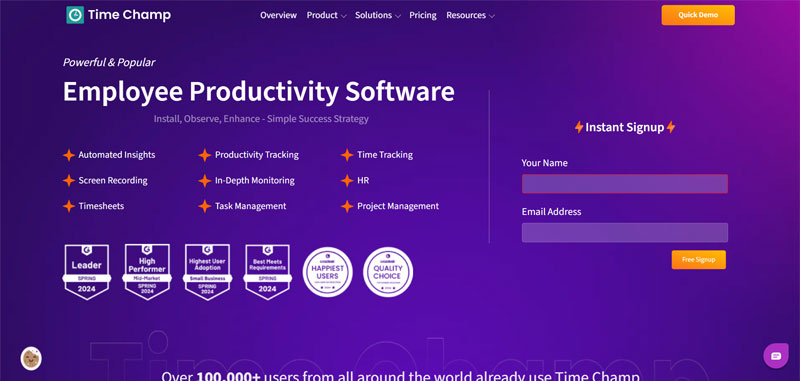
Time Champ is an all-in-one timesheet and productivity management software designed for modern teams, whether remote, hybrid, or in-office. It provides organizations with real-time visibility into employee productivity, attendance, project timelines, and task allocation all through a user-friendly and robust dashboard.
It equips managers with tools to monitor work hours, generate automated timesheets, track project progress, and manage performance across distributed teams. With built-in analytics and reporting features, Time Champ helps improve employee accountability, streamline workflows, and ensure optimal resource allocation.
Whether you’re a small business or a large enterprise, Time Champ’s flexible modules including employee monitoring, task tracking, time tracking, and attendance management make it a comprehensive choice for boosting operational efficiency.
Pros
- Powerful timesheet tracking and productivity monitoring.
- Real-time visibility into team activities.
- Seamless integration with HR, payroll, and project management tools.
- Detailed analytics and customizable reports.
Cons
- Feature-rich interfaces may take some initial getting used to.
- Limited offline functionality without active internet access.
Why did we choose this tool
- Excellent for improving team accountability and project delivery timelines.
- Combines time tracking, task management, and employee insights into a single platform.
- Ideal for remote and hybrid teams looking for performance transparency.
Pricing
- Free plan available with basic features.
- Paid plans start at $3.9/user/month.
5. Twist
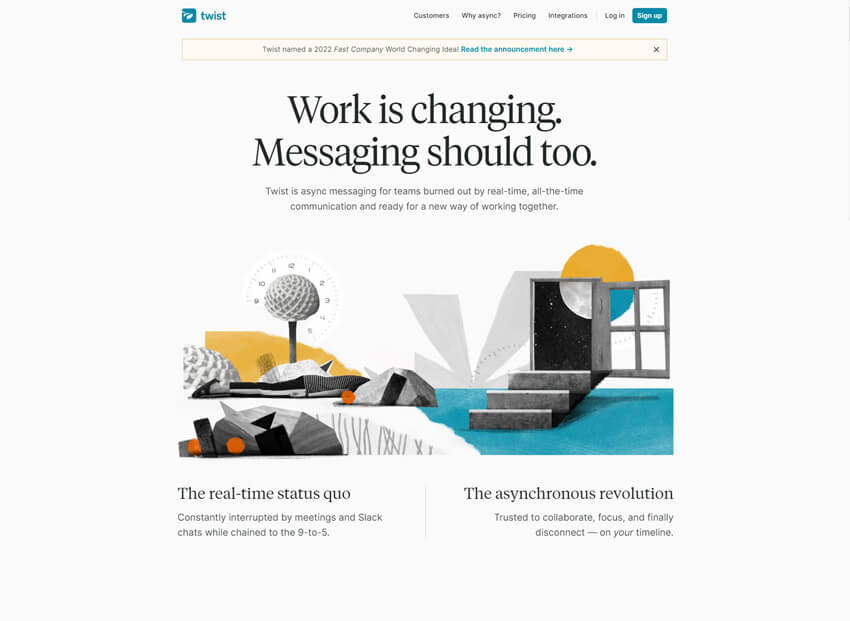
Twist is a team communication tool designed to reduce distractions by focusing on structured, asynchronous conversations instead of real-time chat. It organizes discussions into clear threads and channels, making it easier for teams to follow conversations without constant interruptions. Twist is well suited for remote and distributed teams that value deep work and thoughtful communication over rapid message exchanges.
Pros
- Thread-based conversations reduce noise.
- Ideal for asynchronous team communication.
- Clean and distraction-free interface.
Cons
- Not suitable for real-time urgent discussions.
- Limited voice and video features.
Why did we choose this tool
- Promotes focused and mindful communication.
- Helps reduce chat overload.
- Works well for remote-first teams.
Pricing
- Free plan with limited features.
- Paid plans start at approximately $8/user/month.
6. Hive
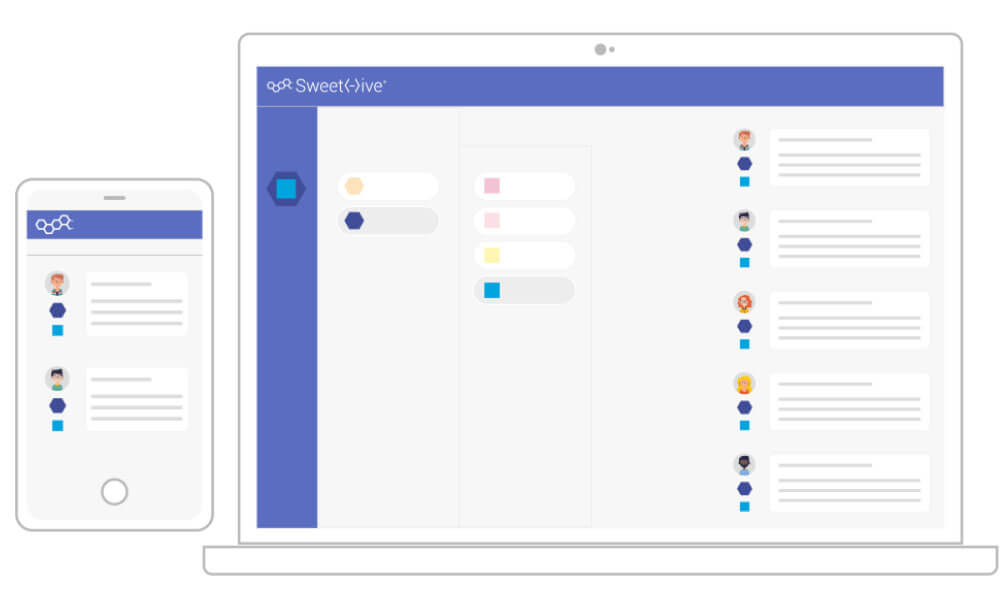
Hive is a project management and collaboration tool built for fast-moving teams. It helps teams manage tasks, projects, and communication from a single dashboard. Hive offers flexible views such as Kanban, Gantt, and calendar, making it adaptable to different workflows and team preferences.
Pros
- Multiple project views.
- Strong collaboration features.
- Integrates with many business tools.
Cons
- Add-ons can increase cost.
- Slight learning curve for new users.
Why did we choose this tool
- Flexible project management capabilities.
- Supports cross-functional teams.
- Good balance of planning and collaboration.
Pricing
- Free basic plans come with limited features.
- Paid plan starts at approximately $12/user/month.
7. Dropbox
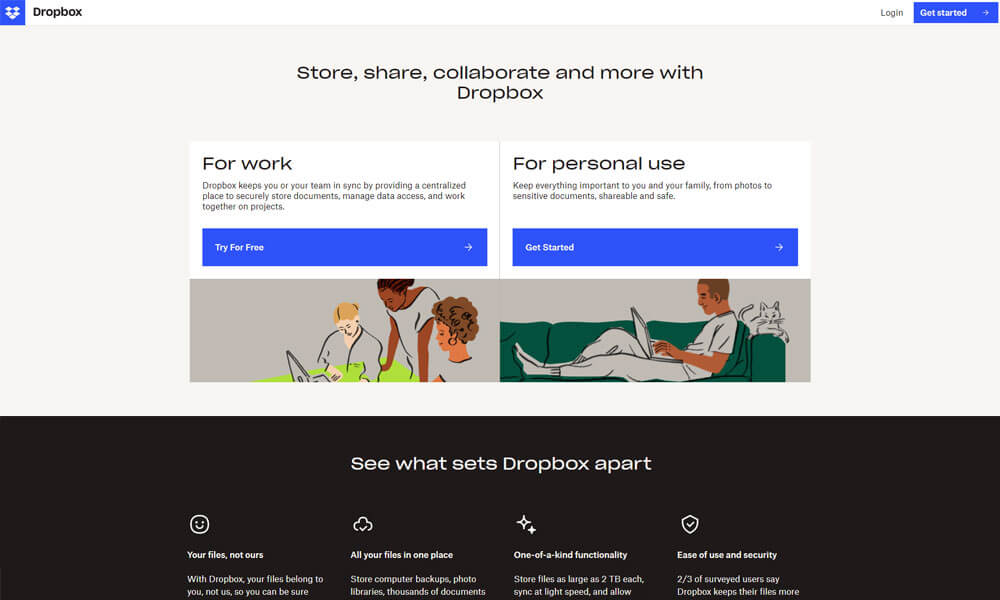
Dropbox is a cloud-based SaaS software that brings teams, tools, and content together. It is used for creating, storing, and sharing cloud content from Google Docs, Sheets, and Slides, Microsoft Office files, and Dropbox Paper alongside traditional files in Dropbox.
Dropbox Spaces brings your files and cloud content together so that your PowerPoints can live next to your Google Docs, Trello boards, and whatever tools your team wants to use. It lets you easily access your team’s work from your computer, mobile device, or any web browser. Using Dropbox, you can keep your team’s files and the conversations about them in the same place by connecting tools like Slack and Zoom.
Pros
- Reliable cloud storage with excellent syncing features.
- Supports multiple file types and large files.
- Integrates with popular tools like Google Workspace and Microsoft Office.
Cons
- Limited free storage compared to competitors.
- Advanced collaboration features require paid plans.
Why did we choose this tool
- Easy-to-use interface for file storage and sharing.
- Reliable for secure document backup.
- Versatile integrations with work tools.
Pricing
- Free plan offers 2 GB storage.
- Paid plans start at $11.99/user/month.
8. Milanote

Milanote is a visual collaboration tool that helps teams organize ideas, plans, and creative workflows in a flexible, board-based format. It is widely used by designers, marketers, and product teams to brainstorm, plan projects, and share visual content. Milanote supports notes, images, links, and tasks in a highly visual layout.
Pros
- Excellent for visual planning and brainstorming.
- Easy drag-and-drop interface.
- Supports creative collaboration.
Cons
- Not a real-time communication tool.
- Limited automation features.
Why did we choose this tool
- Ideal for creative team collaboration.
- Encourages idea organization visually.
- Simple onboarding for non-technical users.
Pricing
- Free plan comes with limited boards and storage.
- Paid plans start at approximately $9.99/user/month.
9. Evernote
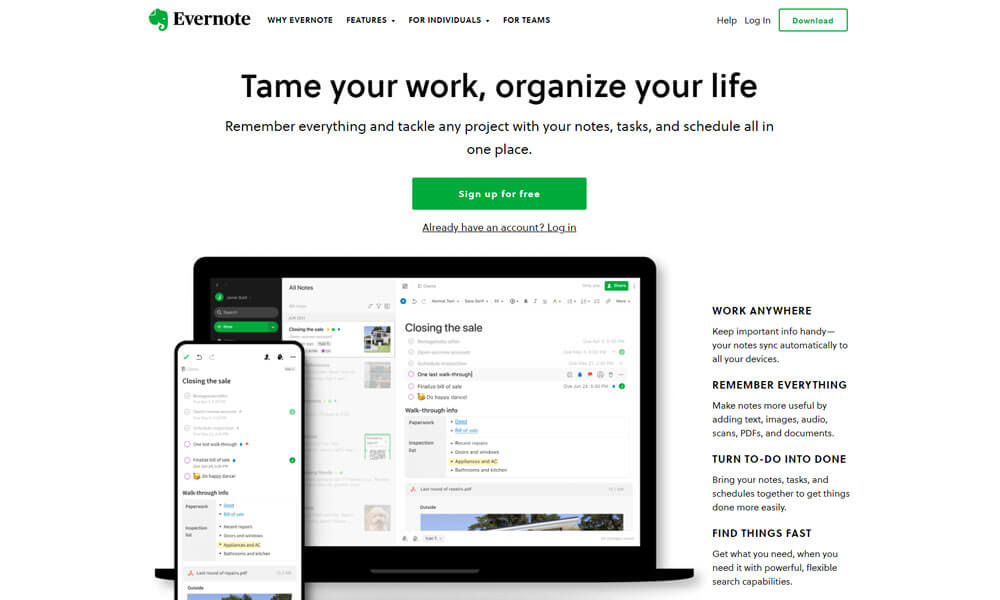
Evernote is a reliable SaaS application that is highly beneficial for remote teams. It offers many features specifically designed to streamline communication and collaboration among dispersed employees, such as a central note library, virtual whiteboards, secure chat rooms, and task management systems.
With all of these options in one app, Evernote can help remote teams stay organized and productive. Additionally, the platform’s comprehensive search functions make it easy to find tasks quickly and keep everyone on the same page. With Evernote’s broad range of features, remote teams have an essential resource for boosting productivity and achieving success.
Pros
- Comprehensive note-taking and organization.
- Cross-platform syncing for seamless access.
- Searchable notes with advanced tagging.
Cons
- Free version has limited storage.
- Premium pricing can be high for small teams.
Why did we choose this tool
- Ideal for capturing and organizing ideas.
- Integrates with apps like Google Drive and Slack.
- Great for personal and team productivity.
Pricing
- Free plan available.
- Paid plans start at $7.99/user/month.
10.Taskade
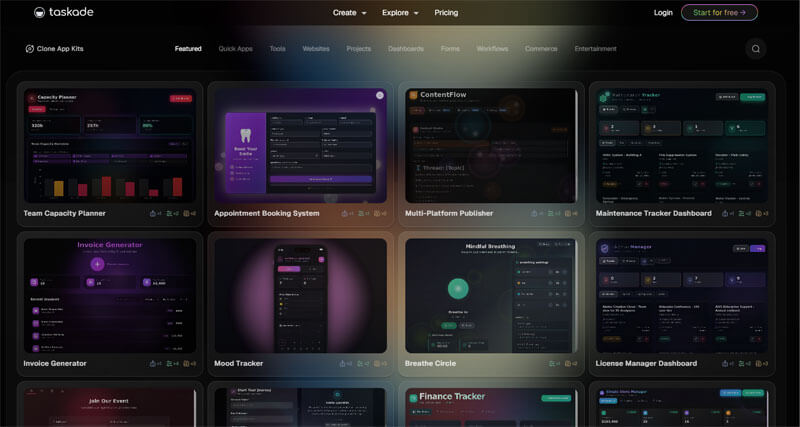
Taskade is a unified productivity platform that combines task management, notes, mind maps, and team communication into one workspace. It allows teams to plan, track, and collaborate in real time or asynchronously. Taskade is especially useful for small teams looking for an all-in-one solution.
Pros
- Combines tasks, notes, and collaboration.
- Real-time and asynchronous support.
- Lightweight and easy to use.
Cons
- Advanced reporting is limited.
- Interface may feel basic for large teams.
Why did we choose this tool
- All-in-one productivity approach.
- Supports multiple work styles.
- Suitable for startups and small teams.
Pricing
- Free plan includes core features.
- Paid plans start at approximately $8/user/month.
11. Podio
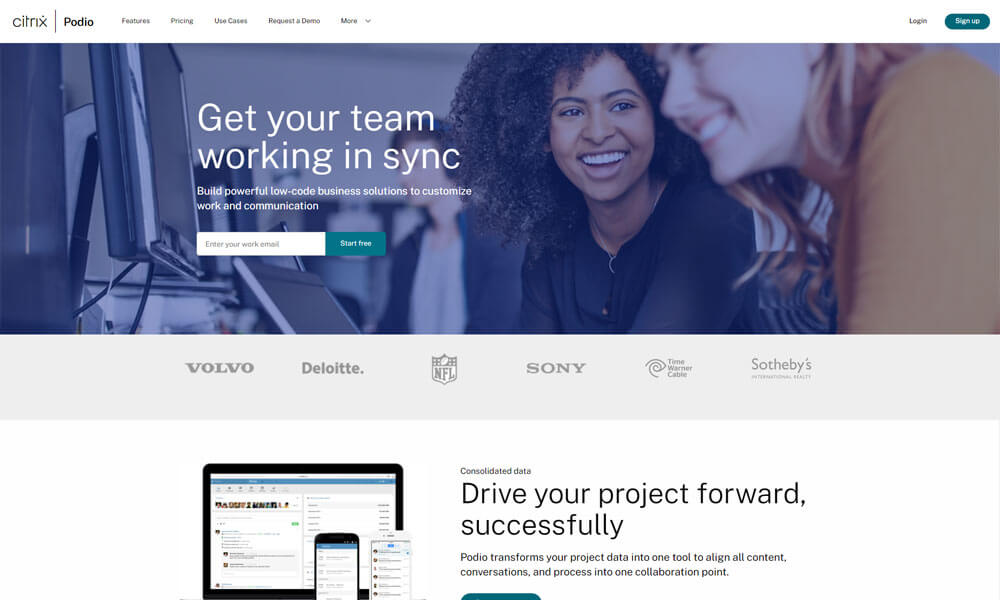
Podio is an intuitive and powerful SaaS software for remote teams looking to increase their productivity. With easy project management tools, Podio users can create tasks, store files, set deadlines and automatically update themselves on progress within the workflows of their projects.
Additionally, it offers robust collaboration tools that help remote teams stay in sync by allowing team members to comment, @mention people, share polls and status updates. Its integration with existing business tools–like Office 365 and Dropbox–and its user-friendly interface makes it one of the most popular options available for remote teams. With Podio, remote teams can benefit from increased visibility and communication at competitive price points.
Pros
- Flexible project management with customizable workflows.
- Built-in task management and collaboration.
- Integrates with major tools like Google Workspace.
Cons
- Mobile app functionality is limited.
- Requires setup time to customize effectively.
Why did we choose this tool
- Perfect for teams needing custom workflows.
- Combines communication and task tracking.
- Scalable for growing businesses.
Pricing
- Free plan for small teams.
- Paid plans start at $11.20/user/month.
12. Toggl

Toggl is an ideal SaaS software for remote teams because of its many features. It allows users to track their time across various tasks, categorize these tasks according to projects and team members, identify areas where they may be lagging behind, and recognize how team collaboration contributes to overall progress. It also provides detailed reports that help managers identify issues, improve accountability, and make accurate forecasts for the future.
On top of that, Toggl gives teams transparency into how their work hours are spent, enabling businesses to better optimize their operations in the era of remote work. All in all, Toggl helps remote teams stay productive and organized by providing a comprehensive set of tools for visibility and tracking team performance.
Pros
- Simple and accurate time-tracking tool.
- Detailed reporting and analytics.
- Integrates with major project management tools.
Cons
- Limited features in the free version.
- Lacks advanced project management features.
Why did we choose this tool
- Helps track time for tasks and projects efficiently.
- Boosts productivity by identifying time-wasters.
- Ideal for freelancers and remote teams.
Pricing
- Free plan available.
- Paid plans start at $9/user/month.
13. RescueTime
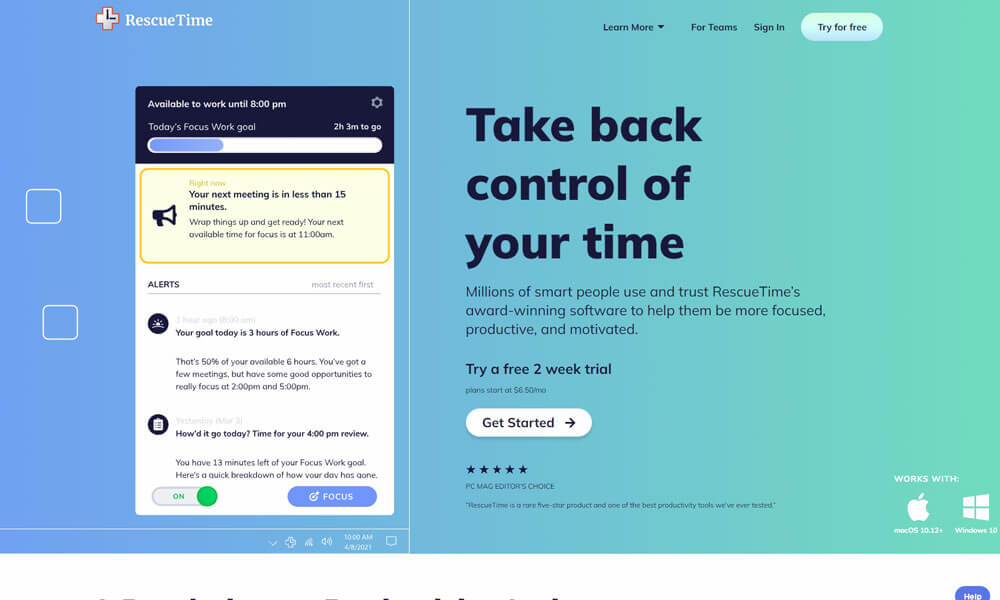
RescueTime is a powerful SaaS application that can help remote teams stay organized, on task, and productive. It has the ability to monitor activity and log time, ensuring staff members are working efficiently when they are spread out geographically.
Not only does it provide visibility into the individual contributor’s performance, but it also offers reporting so managers and teams can better understand productivity patterns.
Additionally, RescueTime provides the capability to set goals and reminders with detailed insights on performance, so everyone involved in a project is aware of their role in its success. For remote teams looking for an efficient way to keep work flowing, RescueTime is an ideal option.
Pros
- Automatic time tracking for productivity insights.
- Detailed reports to identify distractions.
- Blocks distracting sites to improve focus.
Cons
- Limited customization in lower-tier plans.
- Premium features require a paid subscription.
Why did we choose this tool
- Excellent for monitoring and improving time use.
- Boosts focus with distraction-blocking capabilities.
- Ideal for individual and team productivity.
Pricing
- Free plan available.
- Paid plans start at $12/user/month.
14. Sanebox
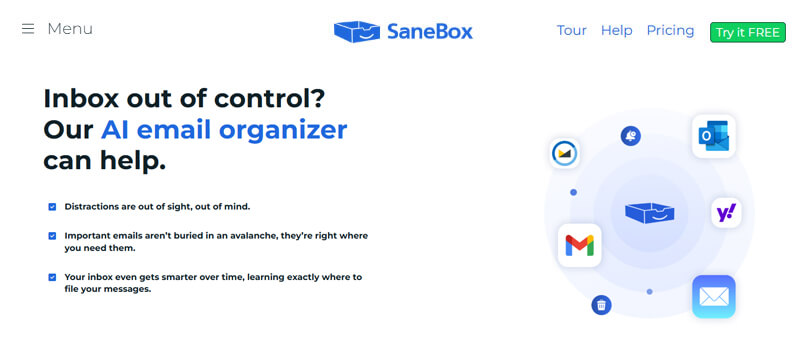
For remote teams, Sanebox offers an incredibly useful and convenient SaaS software. With Sanebox, team members can prioritize their inboxes with features like Snooze, Timer, and Move To. It enables users to manage multiple email accounts in one place, reducing the time needed for managing emails and allowing them to stay more organized.
It also incorporates automatic filters that help organize incoming messages into folders such as Newsletters, For Later, People I Know, etc., so team members can quickly identify and respond to what matters most without wasting time on useless emails. All of these features make Sanebox ideal for busy remote teams that need a reliable way of organizing their communication efficiently.
Pros
- Automatically prioritizes important emails.
- Reduces inbox clutter effectively.
- Customizable filters for organization.
Cons
- Not a standalone email app; requires integration.
- Premium plans can be expensive.
Why did we choose this tool
- Great for streamlining email management.
- Saves time by focusing on important messages.
- Ideal for busy professionals with high email volumes.
Pricing
- No free plan.
- Paid plans start at $7/user/month.
15. Shortcut
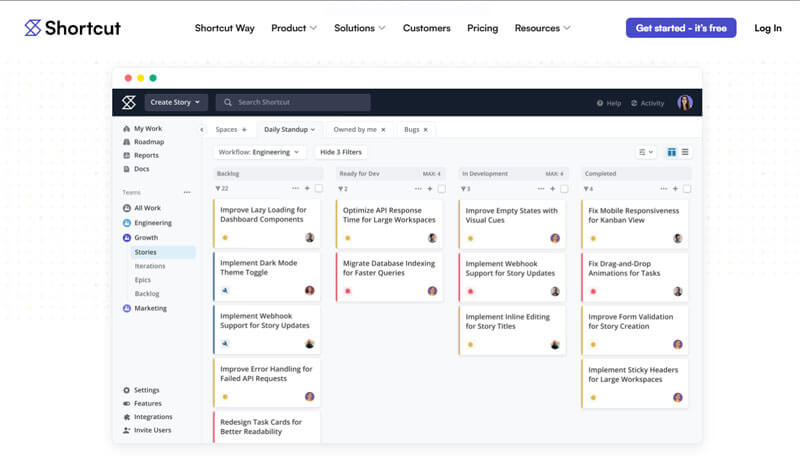
Clubhouse, now known as Shortcut, is a project management and product development tool built for software teams. It helps teams plan, track, and build products using structured workflows. Shortcut focuses on transparency and speed, making it suitable for agile and engineering-driven teams.
Pros
- Designed for product and engineering teams.
- Strong workflow customization.
- Clear visibility into progress.
Cons
- Less suitable for non-technical teams.
- Limited built-in communication features.
Why did we choose this tool
- Ideal for agile development teams.
- Focuses on execution and delivery.
- Scales well with growing products.
Pricing
- Free plan available for small teams.
- Paid plans start at approximately $8.50/user/month.
Conclusion
Remote teams have a unique challenge ahead of them; they need to work together successfully without ever meeting in person. SaaS-based productivity tools, however, can go a long way in enabling remote teams to reach their greatest potential.
Such SaaS-based productivity tools provide the necessary structure and organization, which help keep tasks on track, assign responsibility for different aspects of projects, lend support for collaboration and communication, as well as provide insights into team productivity.
By utilizing these SaaS applications, remote teams can streamline processes across multiple locations and gain greater insight into individual and collective progress – allowing them to become more productive and efficient.
Frequently Asked Questions
What is SaaS application?
A SaaS application, or Software as a Service, is a software distribution model where applications are hosted by a third-party provider and accessed over the internet. Users subscribe to these services on a pay-as-you-go basis, avoiding the need for upfront investment in hardware or software.
What do you mean by SaaS?
SaaS stands for Software as a Service, a cloud-based software distribution model where applications are hosted by a third-party provider and accessed over the internet. Users subscribe to these services on a pay-as-you-go basis, eliminating the need for traditional software installation and maintenance. SaaS offers flexibility, scalability, and cost-effectiveness for businesses seeking efficient software solutions.
Which two tools are most useful to remote employees and coworkers?
Two highly useful tools for remote employees and coworkers are collaboration and communication tools such as Clariti or Microsoft Teams and project management platforms like Trello or Asana, enabling real-time messaging, file sharing, and voice calling and facilitating task organization, thereby fostering seamless remote collaboration.
What tools are needed to work remotely?
To work remotely effectively, essential tools include communication platforms like Clariti or Microsoft Teams for real-time messaging, voice calling, and file sharing, project management software such as Trello or Asana for task organization and collaboration, and cloud storage solutions like Google Drive or Dropbox for easy access to documents from anywhere.
Which tool is used for work available for the team to take on?
Clariti is a popular tool that is used for work, and it automatically organizes all your work – emails, chats, voice calling, to-do, and documents – by topic, so there is no need to waste time searching for information.




Start for FREE with Personal CRM
We too hate spam! Your email is secure with us.

Spot secured. You're in.
You’re officially on the list for early access to Clariti.


No more switching tools.

No more lost context.

Just Clarity.
You’ll be among the first to experience it when we launch. We’ll let you know the moment it’s ready.

Keep an eye out for emails from @clariti.app.
(and check your spam folder just in case—whitelisting us helps ensure you don’t miss a thing).

