Businesses can increase their productivity and reduce their manual effort by using AI tools. These tools bring automation and assistance to reach productivity goals by managing repetitive tasks. It helps in writing, organizing information, and performing many other tasks. These tools free up your time so you can focus on more productive tasks.
AI tools have become essential for staying ahead these days. These tools give better outputs free of human error and can also do many tasks in less time. That’s why modern businesses rely on AI tools to boost productivity.
In this article, we will list the top AI tools that help you increase your business’s productivity.
How to Pick the Best AI Tools for Your Tasks
AI tools are very helpful for daily business tasks. But before selecting a tool, make sure that it protects your privacy and data. Always read the privacy policy of the tool as well as its terms and conditions. Ensure that the tool doesn’t access your sensitive information, check encryption, and compliance with standards.
An important factor in deciding to use this tool or not is cost-effectiveness. Free versions are useful for performing some basic tasks. For extensive business needs, premium tools offer more support and special features. Choose tools that are reliable, secure, and suit your needs.
Best Tools to Boost Productivity in 2026
Using AI tools in your business helps you keep up and grow in a fast-changing world. The following are the best AI tools to help you achieve success in business.
1. Clariti
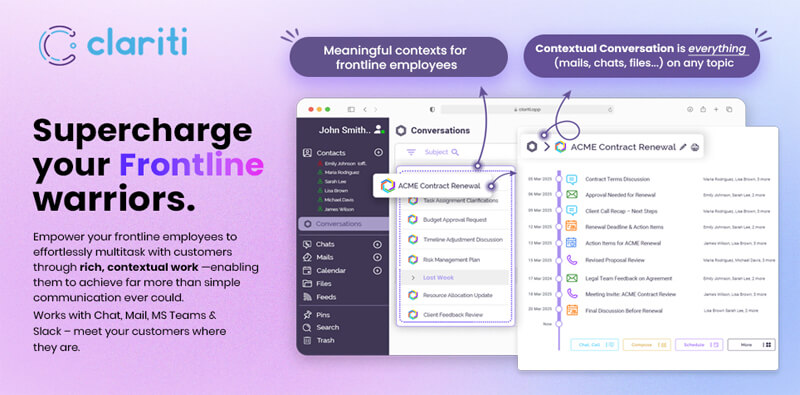
Clariti is one of the best tools to boost productivity in 2026 by eliminating app overload and bringing all communication—emails, chats, files, calendar events, and to-dos—into one unified view. Designed for teams that value context, Clariti transforms fragmented interactions into focused, topic-based contextual hybrid Conversations, ensuring nothing slips through the cracks.
Key Features:
Hybrid Conversations combining email and chat.
Built-in calendar and to-do tracking.
Context-aware AI suggestions.
Best Use Cases:
Managing client communications and internal discussions in one place.
Streamlining cross-functional teamwork without app switching.
Organizing emails, chats, and files by topic for easy tracking and retrieval.
Pricing
Clariti offers a free basic plan.
Premium plans start from $9.
2. VEED
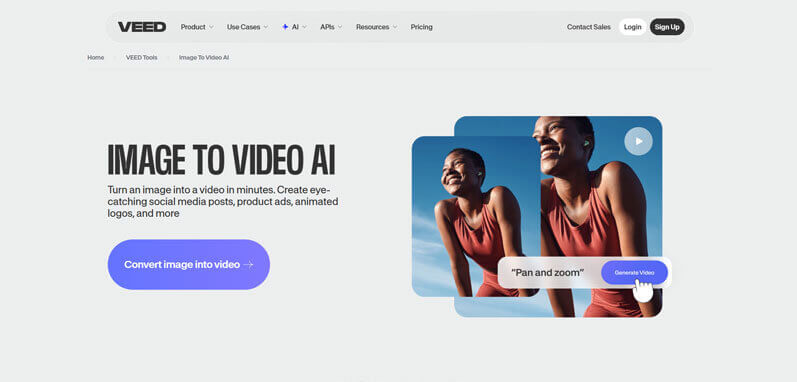
VEED is an intuitive browser-based video creation platform that combines powerful editing tools with advanced AI capabilities, making video production faster and more accessible. It supports Image to Video AI workflows that let static visuals be transformed into engaging video content, and features AI Voice Cloning to generate personalized narration without costly voice actors. This tool is widely used by creators, marketers, and teams looking to scale content without heavy technical overhead.
Key Features
Smart Image to Video AI workflows that generate dynamic videos from text and visuals.
Built-in AI Voice Cloning and text-to-speech that create natural-sounding voiceovers quickly.
Easy web-based editor with auto-captions, templates, and export options up to 4K (depending on plan).
Best Use Cases
Producing social media videos from static assets or scripts in minutes.
Creating narrated promotional content without external recording or studios.
Rapid team collaboration on video campaigns with shared brand kits and templates.
Pricing
Free: Start for $0 with basic editing, watermark-included exports, and limited AI tools — ideal for experimentation.
Pro: Around $24–$29 per month with unlimited videos, advanced AI features like AI Voice Cloning and premium exports.
3. Pollo AI
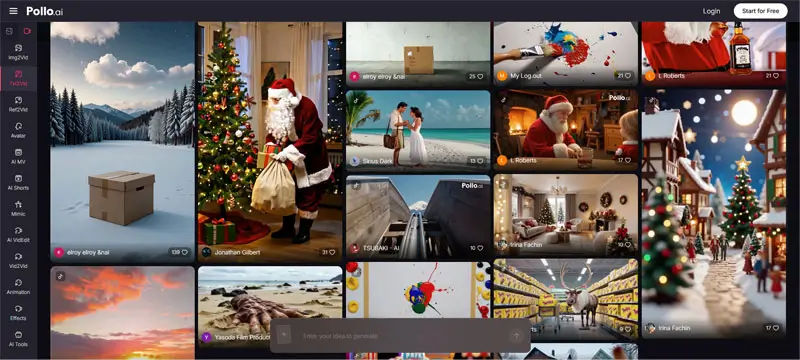
Pollo AI is a productivity-first AI agent designed to help teams create viral videos without extra editing needed. By integrating multiple top-tier AI models into a single, automated dashboard, it removes the friction of switching between tools. This one-click approach allows marketing departments to turn scripts or images into high-performing video content instantly, drastically reducing production timelines.
Key Features
Intelligent AI Agent: Unified access to leading AI models for diverse creative needs.
One-Click Viral Production: Create social-media-ready videos from images or text with no extra editing.
Cost-Efficient Scaling: Generous free credit program and deep discounts during holiday events.
Best Use Cases
Marketing teams needing an AI agent to handle high-volume video production.
Producing “one-click” viral social media content from existing brand assets.
Maximizing ROI through free credit tiers and seasonal promotional deals.
Lite Plan: $10/mo (Billed annually, 300 credits/mo, no watermark).
Pro Plan: $14.5/mo (Flash Sale 50% – Billed annually, 800 credits/mo, no watermark).
4. Extract Text From Image
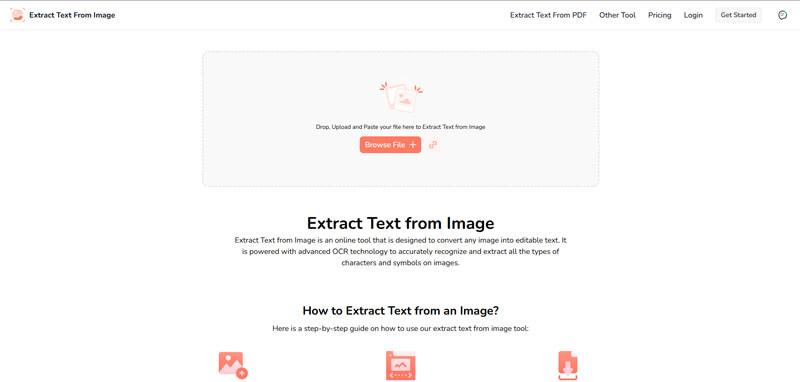
Are you working with scanned documents, screenshots, or images? Extract Text From Image extracts editable text from all of these sources with a single click. This tool saves your time because you don’t have to type manually.
Corporations and medical institutes extract text to digitize documents.
Students make notes and prepare lectures from images.
Newspaper companies convert printed papers into web-ready content.
Pricing
Free version available.
Premium plan begins at $7 per month.
5. Slidesgo AI Presentation Maker
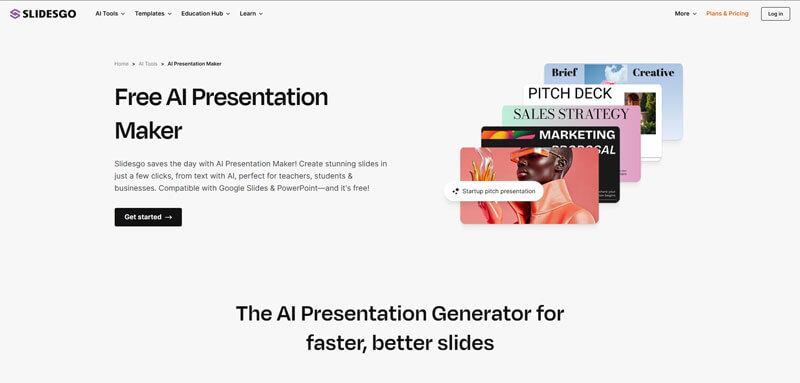
When you need to put together a presentation quickly, Slidesgo AI Presentation Maker takes care of the design so you can focus on your ideas. Instead of building slides from scratch, you just type in your topic and the tool generates a complete deck with layouts, visuals, and text.
Key Features
This tool supports:
AI-powered slide creation from a short text prompt.
Multiple templates and design styles for different subjects.
Editing options to adjust colors, fonts, and layouts.
Export-ready presentations compatible with PowerPoint and Google Slides.
Best Use Cases
Students use it to prepare class projects or thesis defenses.
Professionals use it to pitch ideas or create reports.
Small businesses use it to build branded presentations for clients.
Pricing
Free version available.
Premium plan begins at $4.99 per month.
6. ProProfs Quiz Maker
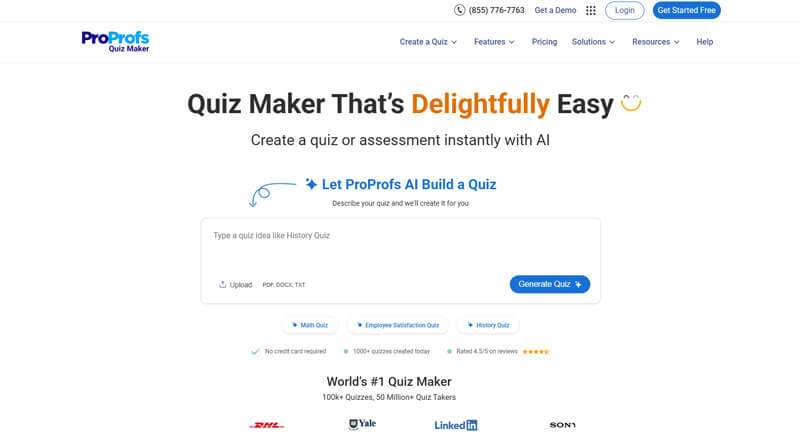
ProProfs Quiz Maker helps you create smart, flexible assessments for training, education, and hiring. You can build quizzes using AI or choose from 200+ prebuilt skill tests developed by experts. With options for timed exams, proctoring, and detailed reporting, it’s a reliable and easy-to-use quiz tool for teams that need both scale and control.
Key Features
This tool supports:
AI-based quiz creation from text, documents, videos, or links.
20+ question types with options to add images, videos, and audio.
Secure settings, proctoring, browser lockdown, and anti-cheating tools.
Advanced analytics for tracking progress, scores, and completion.
Best Use Cases
Training employees with custom role-based quizzes and virtual classrooms.
Educating students through auto-graded exams and engaging visual quizzes.
Hiring candidates using timed tests and ready-to-use assessments.
Pricing
Forever free for short quizzes.
Premium plans start at $19.99/month.
7. Botsify
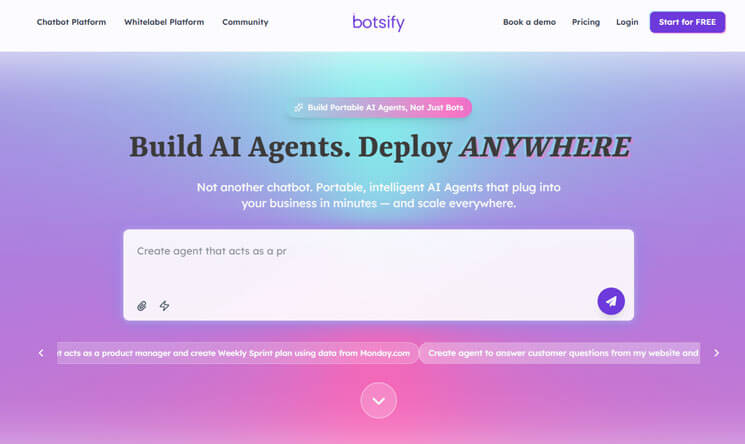
Want to scale productivity with intelligent automation? Botsify is an AI agents platform that helps businesses streamline workflows, handle routine tasks, and provide round-the-clock support. Its AI agents act as digital team members that can manage conversations, qualify leads, and execute processes without constant supervision.
Key Features
This tool supports:
AI agents for business operations and customer interactions.
Multi-channel integration (Web, WhatsApp, Instagram, Shopify, and more).
AI agent builder with customizable workflows.
White-label AI agents for agencies.
Seamless integration with CRMs and productivity apps.
Best Use Cases
Businesses are deploying AI agents to automate support and lead generation.
E-commerce stores are using AI agents on WhatsApp and Shopify to boost sales.
Agencies reselling white-label AI agents under their own brand.
Pricing
Free trial available.
Premium plans start at $49 per month.
8. Otter.ai
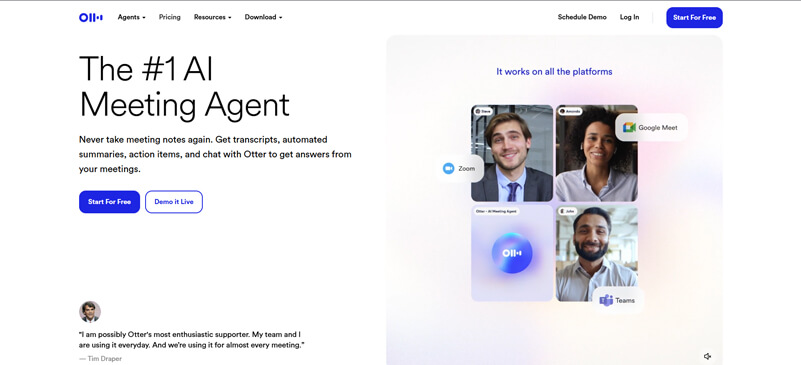
Turning ideas and conversations into text is important, and Otter.ai does this in real time with accuracy. This tool helps teams gather information from meetings, interviews, or lectures. It makes sure that they don’t overlook anything.
Key Features
Its top features include:
Live transcription with speaker identification.
Automated meeting notes.
Summary keywords and search capability.
Best Use Cases
Teams that rely on searchable conversation history.
Project managers use this to monitor performance.
Researchers conducting qualitative analysis using transcripts.
Pricing
It offers a free plan, but this has limited minutes per month.
Premium plans begin at $8.33 per month
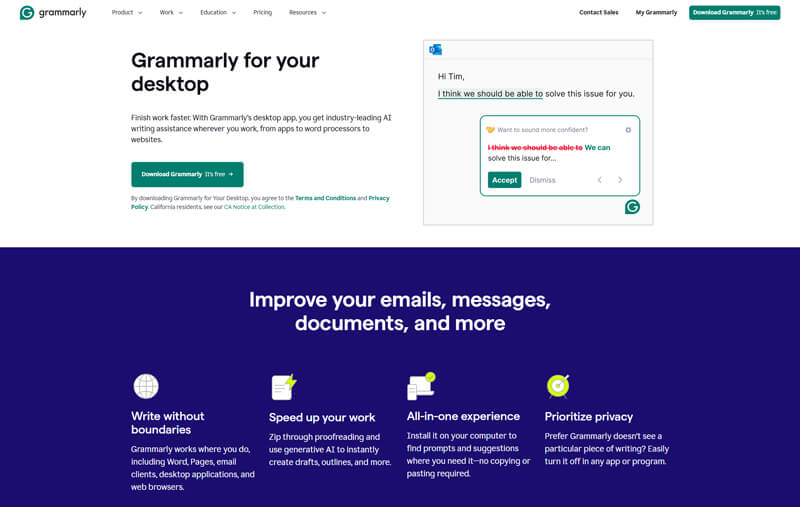
9. Grammarly
Writing with clarity, accuracy, and confidence requires close attention, but Grammarly makes this easier. It detects all kinds of grammar issues. It helps you write in a tone that is properly aligned with the context.
Key Features
Grammarly goes beyond proofreading. It helps:
Correct grammar, spelling, and punctuation.
Improve clarity and conciseness.
Detects and fixes tone and structural issues.
Best Use Cases
Professionals can use this to improve their tone in emails, reports, or drafts.
Marketers use this to optimize their tone and increase impact.
Legal or technical writers clarify dense writing while maintaining precision.
Pricing
Free basic plan.
Premium plan begins around $12/month.
10. Fireflies.ai
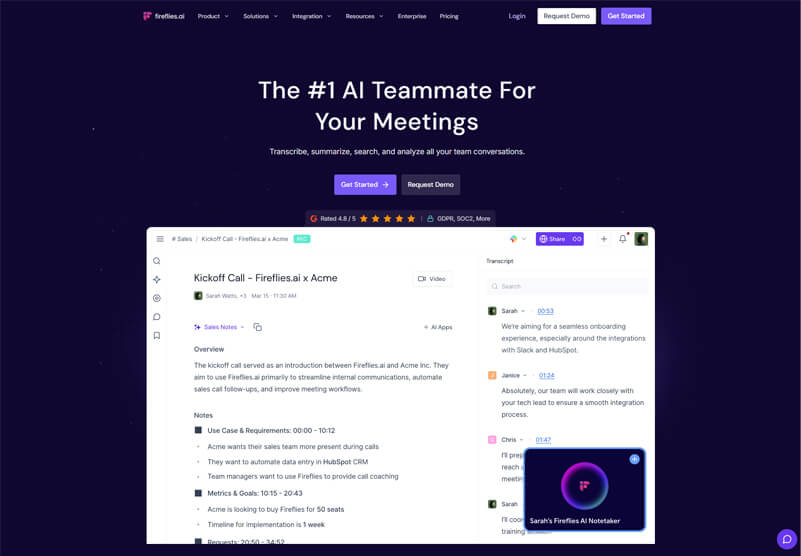
This tool ensures you never miss an action item, even when meetings pile up. It saves the key points automatically. You can check and review everything later when you have time. With this tool, you don’t have to remember everything; this tool does this for you.
Key Features
Fireflies.ai captures meetings, transcribes them in real time, and provides:
Key takeaways.
Action items.
Searchable transcripts.
Best Use Cases
Remote teams maintain searchable records of meetings.
Salespeople extract objections, interest points, and commitments.
Consultants archive discussions for follow-ups and accountability.
Pricing
Free trial available.
Business plans begin at $10/user/month.
AI and the 2026 Productivity Mindset
Productivity is improved by doing more in less time, and AI tools facilitate this process. AI is becoming essential in business operations, supporting both problem-solving and creativity.
Whether it’s extracting data, managing meeting notes, or writing with AI support, these tools elevate team performance by eliminating bottlenecks.
The technology remains the same, but the approach has shifted. Workers now need to design workflows, not just follow them. This new mindset makes AI not just helpful, but essential.
Final Thoughts
AI tools are becoming fundamental elements of modern work. They’re more than just trends or add-ons. No matter what your role is, there’s a tool that can simplify your workflow and help you focus on creativity.
Try a few tools and see how they lighten your workload. Spend the saved time on creative and inspiring projects.
Author Bio
Sanwal Shafiq is a creative writer who informs and educates readers through compelling content. He has a strong focus on writing about how technology is evolving and making its way into businesses. He keeps an eye on the latest trends and developments and uses these in his writing.