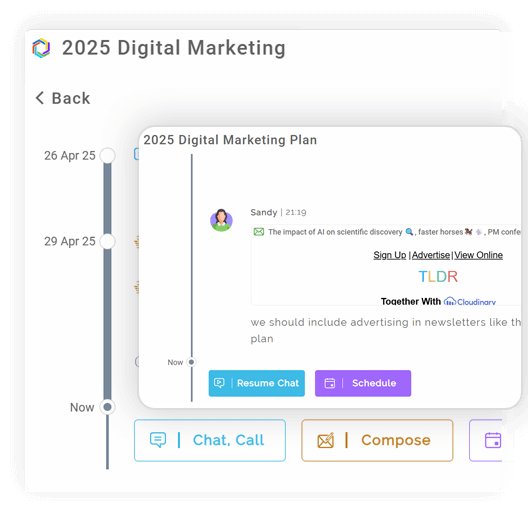
All Your Chats, Emails & Calls—Together at Last.
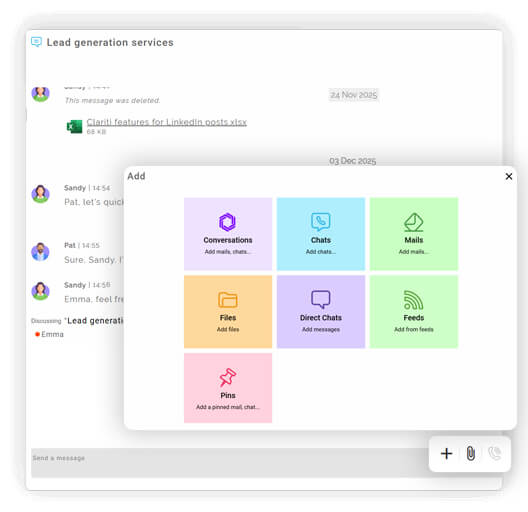
Access emails, chats, calls, and files seamlessly without toggling between apps.
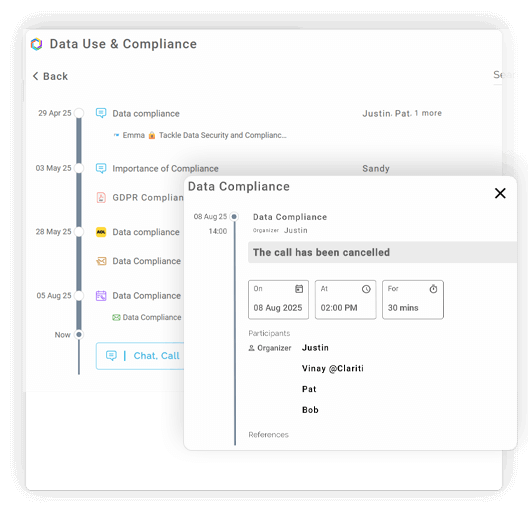
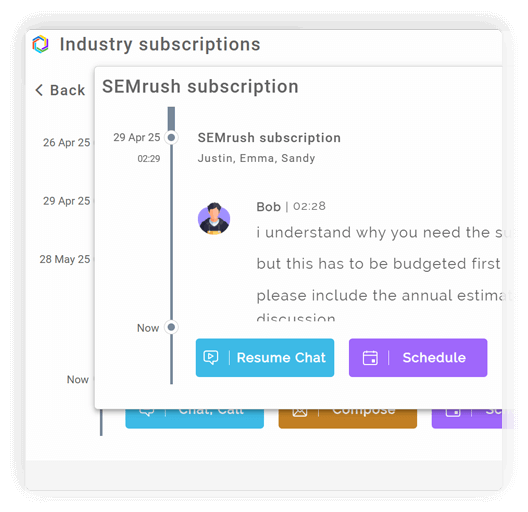
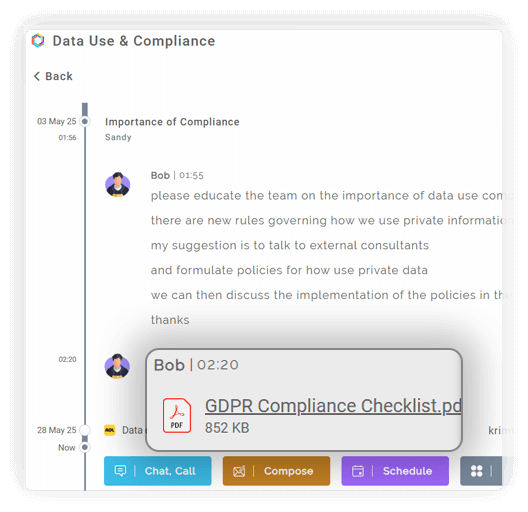
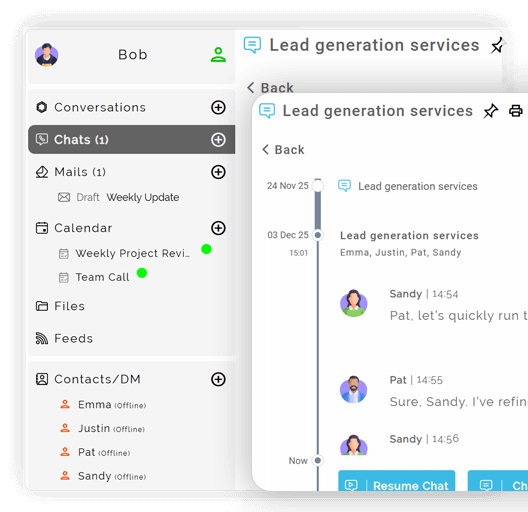
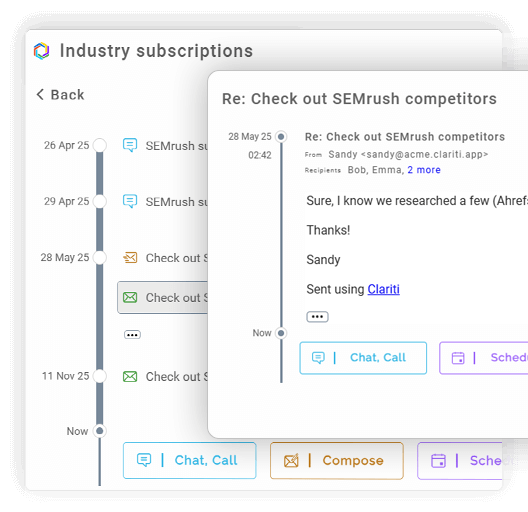
Move from email to chat or call within the same conversation thread.
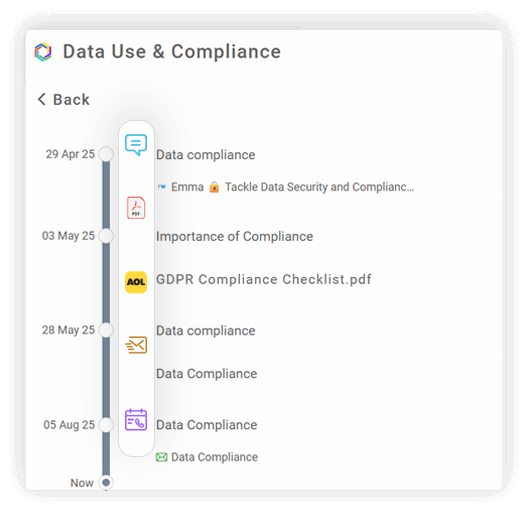
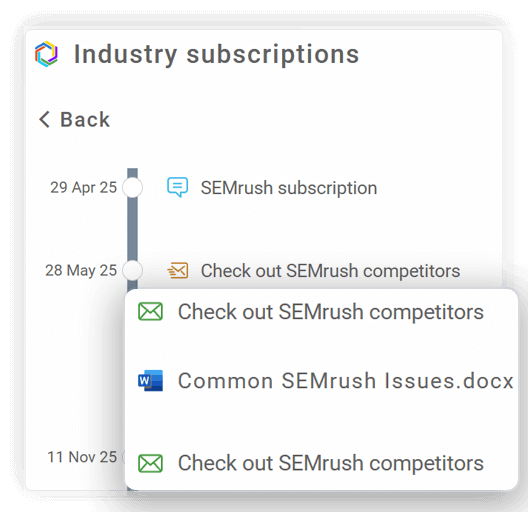
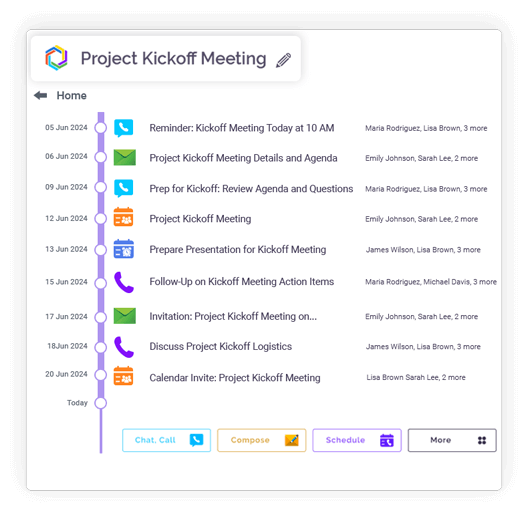
Link related emails, messages, and files under a single subject.
Share email content directly in chats for faster decisions.
Every update or message stays visible to all participants instantly.
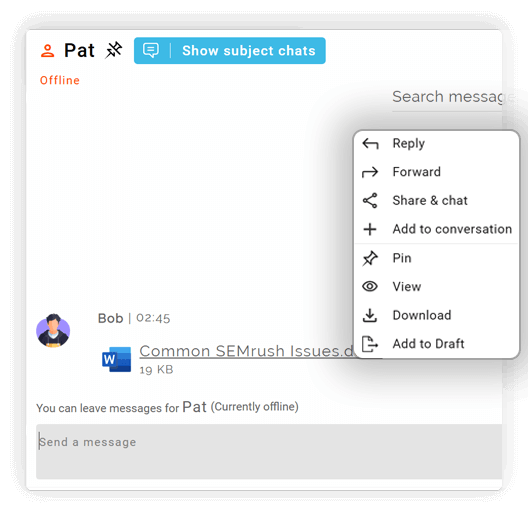
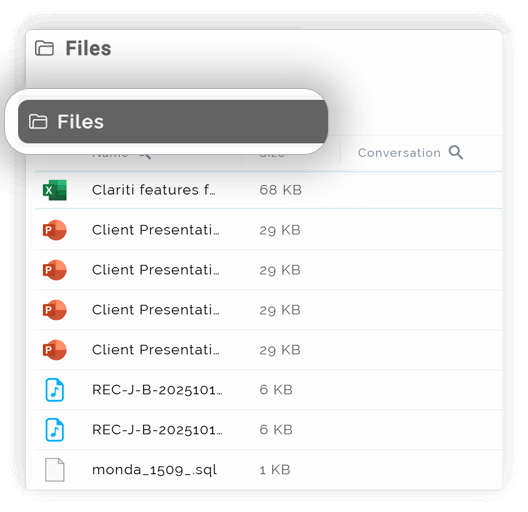
Upload and share from Google Drive, Dropbox, OneDrive, or local folders.
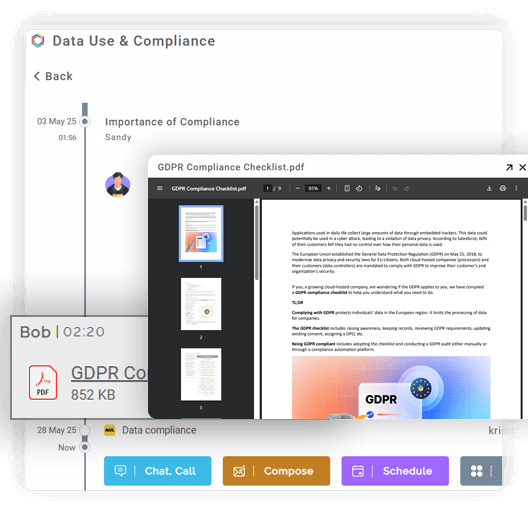
View all related documents alongside the discussion.
Open attachments and documents inside Clariti.
Eliminate repetitive file transfers between tools.
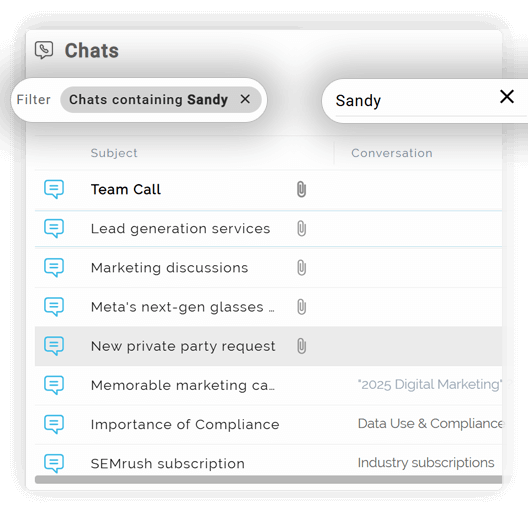
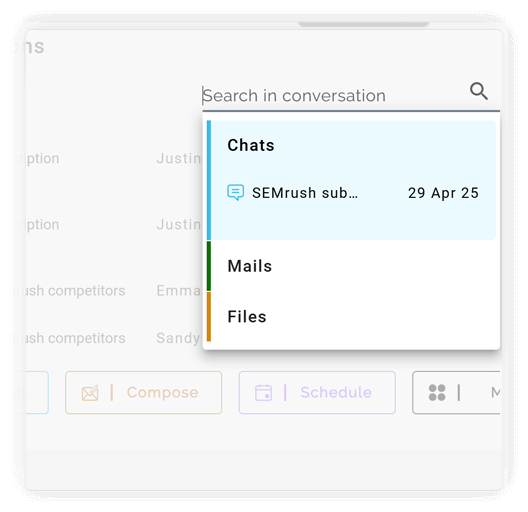
Search across emails, chats, files, and calls.
Retrieve discussions based on topic, people, or keywords.
Clariti stores past searches for quick access.
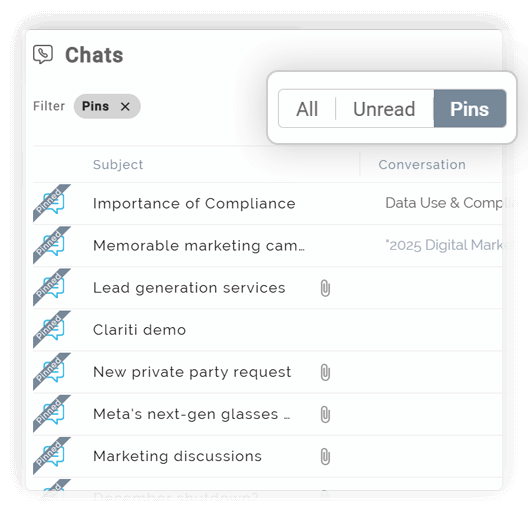
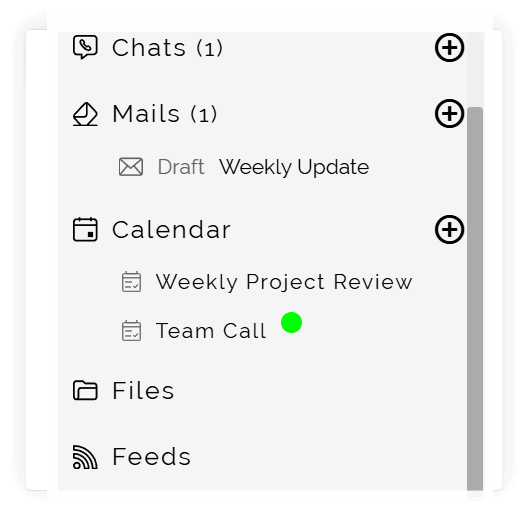
Jump directly to your most recent action or message through active chat and mail drafts.
No more switching tools to find scattered information.
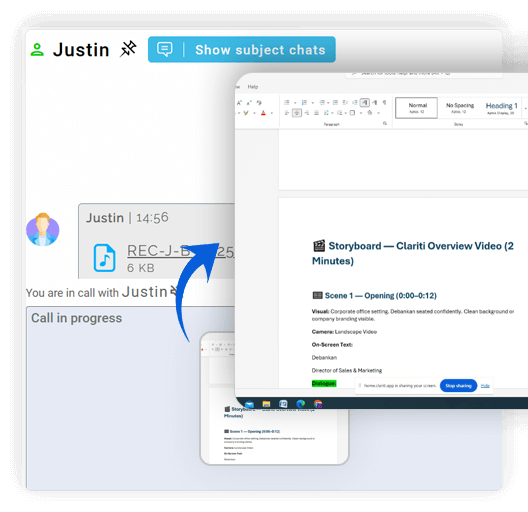
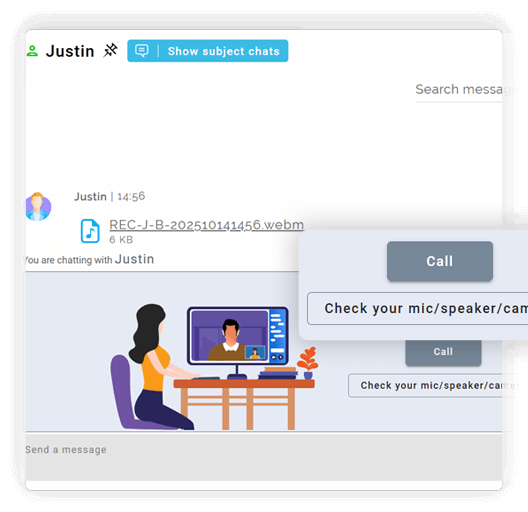
Launch one-on-one or group calls directly from chats or conversations.
Collaborate visually without using external meeting apps.
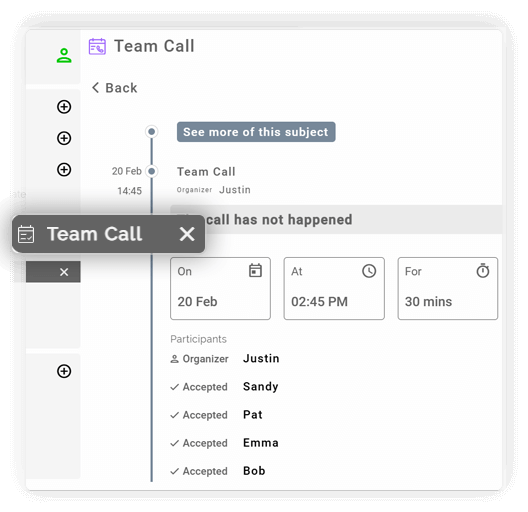
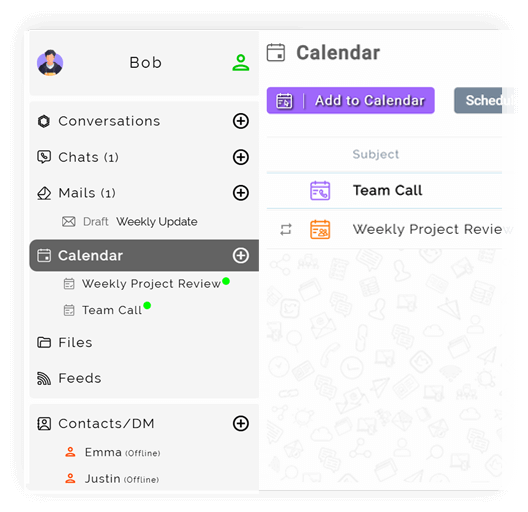
Plan calls within the same workspace using Clariti’s built-in calendar.
Record and save key points within the same conversation.
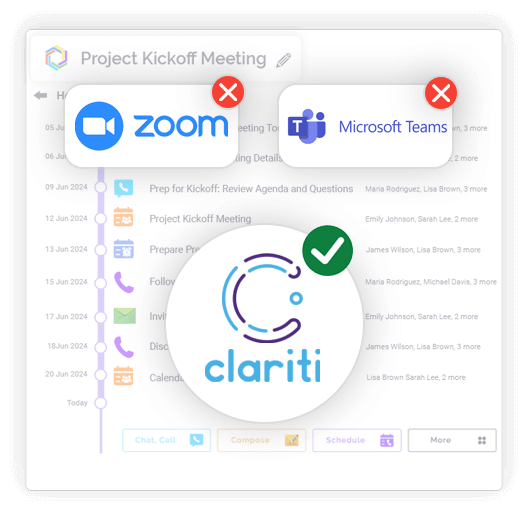
No need for Zoom or Teams for quick discussions.
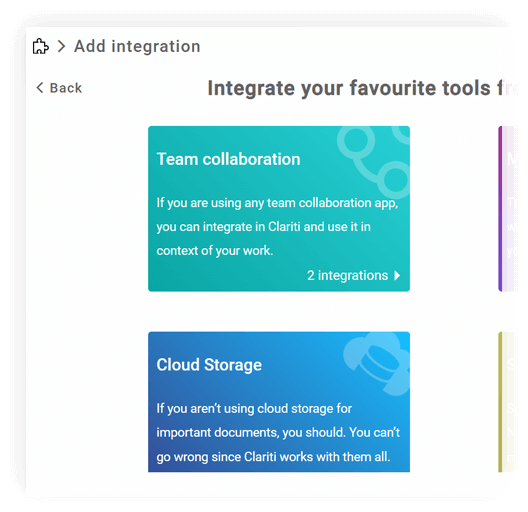
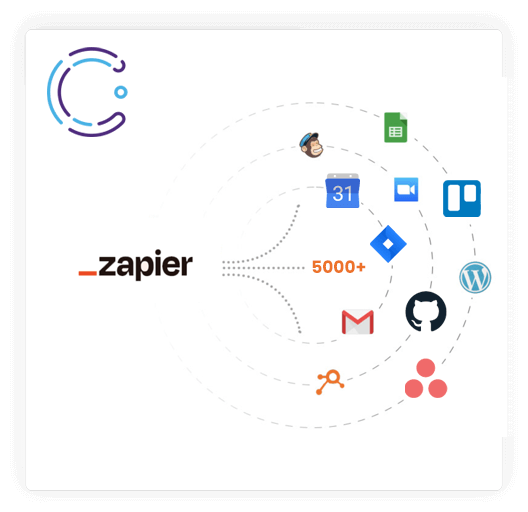
Automate workflows across tools like Slack, Trello, or Google Workspace.
Receive all app alerts directly within Clariti.
Bring CRM, project, or social media data into relevant chats.
Access your integrated tools without leaving Clariti.
Reduce tab clutter and keep productivity focused.
Integration
Microsoft 365
Office productivity suite

Google Workspace
Cloud-based productivity suite

OneDrive
Cloud file storage

Google Drive
Cloud file storage and sharing

Dropbox
Cloud file storage and sharing

pCloud
Secure cloud file storage

GitHub
Source code hosting

HubSpot
Marketing automation platform

Microsoft Teams
Team collaboration platform

Hybrid Conversations
Connect emails, chats, and files in one contextual thread.
Built-in Email & Chat
Communicate seamlessly without switching apps.
Voice Calling & Screen Sharing
Collaborate instantly within the same platform.
Calendar Events
Schedule and manage meetings without external tools.
AI-Powered Context Management
Automatically link related messages and files.
App Integrations via Zapier
Connect with 5000+ external tools for unified workflow.
Unified • Effortless • Streamlined
Unified Communication (UC) is an integrated system that brings together multiple real-time and asynchronous communication tools—like voice calls, video conferencing, instant messaging, email, and file sharing—into a single, cohesive platform. The goal is to create a seamless flow of information, eliminating the barriers between different modes of communication.
In today’s workplace, teams use a multitude of apps (Slack, email, Zoom, etc.), leading to information being scattered and lost. This “app switching” causes context loss, reduces productivity, and creates collaboration silos. Unified Communication matters because it:
Clariti, a Unified communication tool, boosts productivity by eliminating the constant need to switch between apps and hunt for information. With all context preserved in a single Hybrid Conversation, users can get up to speed on any topic instantly. Features like integrated email, calendar, and document sharing mean work happens in one place, reducing task-switching penalties and keeping teams in a state of flow.
Clariti, a Unified communication tool, is designed specifically to combat app fatigue. It replaces the need for separate apps for:
Clariti unifies communication not just by putting tools in one app, but by intelligently connecting related communications through “Hybrid Conversations”. Instead of siloed channels or inboxes, Clariti organizes all communication (emails, chats, calls, documents) around topics or projects, automatically threading them together to provide full context.
The key benefits of using a Unified Communication tool like Clariti include dramatically improved productivity, reduced information overload, faster and more informed decision-making, and a significant reduction in the cost and complexity of using multiple standalone apps.
Clariti offers a comprehensive suite of integrated collaboration tools, including:
Clariti simplifies workflows by organizing work around subjects, not apps. For example, a single “Q4 Marketing Campaign” folder can contain the initial email thread, related chat discussions, a shared project brief document, and a recording of the kickoff call. This “subject-based” threading creates a self-organizing workflow that is intuitive, reduces clutter, and ensures nothing falls through the cracks.
Top 20 unified communication platforms and the best guide to choose them in 2026
Read more > >Unlocking the benefits of Unified Communications for teams and businesses
Read more > >Why unified communication holds the key for successful hybrid work
Read more > >How businesses can save money through unified communications
Read more > >Clariti brings email, chat, calls, and file sharing into one workspace. It connects all related conversations on a topic into “Hybrid Conversations” for full context. This creates a seamless, organized flow of information without switching apps.
Yes, it provides a single source of truth for all project discussions and files. Teams have faster access to context, leading to more informed and timely decisions. It breaks down information silos, ensuring everyone is on the same page.
Absolutely. Clariti’s all-in-one design is ideal for remote teams needing a central hub for collaboration. Its integrated voice/video calling and topic-based organization keep distributed members connected and aligned, as if they were in one office.
Yes, Clariti integrates with 5000+ tools through Zapier. This allows you to bring external communications and schedules directly into your Clariti workspace, further unifying your workflow and reducing the need to leave the app.
You can get started by signing up for a free trial directly on Clariti’s website. The platform is easy to set up, and you can begin using its web app immediately. You can also explore their resources or contact their team for a demo.
We too hate spam! Your email is secure with us.
(and check your spam folder just in case—whitelisting us helps ensure you don’t miss a thing).