




- Published on
- 15 min read
In the fast-changing business world of 2026, small businesses are turning to cloud-based tools to work smarter and faster. These tools are built on modern cloud platforms and cloud infrastructure, making them easy to use, flexible, and cost-effective. By moving away from traditional systems, companies can now rely on cloud communications platforms and cloud communications solutions to run daily operations smoothly.
Cloud-based tools help businesses manage work, talk to customers, and support teams from anywhere. From cloud communications service platforms that support call recording and customer service to tools that improve collaboration and planning, these solutions are changing how work gets done. Most tools seamlessly integrate with other communication systems, helping teams avoid confusion and save time.
In this blog, we will explore 15 essential cloud-based tools that small businesses rely on in 2026. These include tools for teamwork, project management, communication, and secure data storage. Together, they improve productivity, support remote work, and enhance the overall customer experience.
Join us as we look at how cloud-based tools are helping small businesses grow and stay competitive. Whether your goal is better teamwork, stronger customer service, or easier communication, this guide will help you choose the right cloud platforms for long-term success.
What Are Cloud-Based Tools?
Cloud-based tools are software applications that run on the internet instead of being installed on a local computer. These tools are hosted on secure cloud infrastructure and can be accessed through a web browser from anywhere. Users can log in, work, and collaborate without worrying about hardware limits.
All data, files, and communication systems are stored and managed by the service provider. Many cloud communications solutions also include features like call recording, real-time messaging, and shared workspaces, making them ideal for modern businesses.
Key Differences Between Cloud-Based and On-Premise Software
- Cloud-based software runs on cloud platforms, while on-premise software runs on local servers.
- Cloud solutions usually use monthly subscriptions, while on-premise systems need high upfront costs.
- Updates and security fixes happen automatically in the cloud.
- Cloud tools grow easily as businesses expand.
- Cloud communications platforms allow access from anywhere, not just the office network.
Do Cloud-Based Collaboration Tools Increase Workplace Productivity?
Yes, cloud-based collaboration tools clearly increase productivity.
- They support real-time communication across teams.
- Shared access to files reduces wasted time.
- Teams work together easily across locations.
- Automation reduces repetitive work.
- Fewer tools mean better focus and faster results.
How Cloud-Based Tools Enable Remote and Hybrid Work
- Employees can access tools from any device, anywhere.
- Cloud communications service platforms support video calls, chats, and customer service.
- Shared dashboards keep everyone aligned.
- Strong security protects company data outside the office.
- Scalable cloud platforms support changing work models with ease.
List of essential cloud-based tools in 2026
Here is the list of the 15 best cloud-based tools for small businesses that will help your employees to collaborate, manage time, remove distractions, and organize their work better.
1. Clariti

Clariti is one of the best cloud-based communication tools that organizes all business communications in one place. Clariti supports all communication forms including chats, emails, cloud-based documents, voice calls and social feeds. Clariti’s context-based hybrid Conversations help small businesses improve their team communication by allowing all team members to avoid silos and have equal access to the relevant conversations throughout the organization.
Beyond just having conversations, Clariti’s no-channel design also provides an integrated context while eliminating the need for searching through multiple historized conversations when addressing a particular topic. The result is increased productivity as teams become more informed and reactive in their group interactions. With Clariti, small businesses can easily delve into the most up-to-date information, helping them make informed decisions quickly and effectively.
Pros
- Unified email, chat, files, and calendar in one place.
- AI links related conversations automatically.
- Reduces app switching and preserves context.
Cons
- Learning curve for users who are new to hybrid conversations.
Why we chose this tool
- Central hub for all communication.
- Great for context‑rich team collaboration.
Pricing
- Premium plans are available on request.
2. WinPure
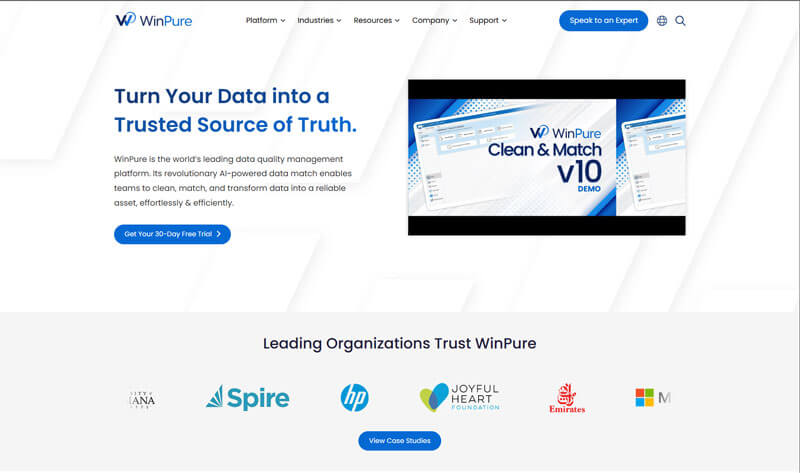
WinPure is a leading cloud-based data quality solution that enables small businesses to clean, match, and deduplicate their data efficiently. By ensuring data accuracy and consistency, WinPure helps organizations make informed decisions and maintain reliable customer information. Its user-friendly interface and powerful features make it an essential tool for businesses aiming to uphold data integrity.
Pros
- Strong data cleansing and deduplication.
- Easy, intuitive interface.
- Improves data quality for CRM and analytics.
Cons
- Not a communication or collaboration tool.
- Limited integration with other work tools.
Why we chose this tool
- Helps clean and prepare business data.
- Useful for marketing and CRM accuracy.
Pricing
- Free trial available.
- Premium by custom quote.
3. Skype

Skype is one of the cloud-based tools that is recognizable in the world of VoIP software. It offers a free plan that can be perfect for individuals needing it for personal use or a small business that needs to keep up with others. Skype has long been able to allow you to connect to anyone from anywhere. Calls can be made to a person’s mobile phone and their landline. It also allows for sending text messages with end-to-end encryption so you can rest assured your conversations are private. You can use it on a multitude of devices like your PC, tablet, or smartphone.
Pros
- Free voice and video calls.
- Easy setup and use.
- Widely known and adopted.
Cons
- Limited collaboration beyond calls.
- Less suitable for large teams.
Why we chose this tool
- Simple remote communication.
- Good baseline calling platform.
Pricing
- Free version available.
- Paid calling add‑ons (varies by region).
4. Asana

Asana is a popular cloud-based project management tool that helps you plan, organize, and manage your team’s work, from start to finish. It is good project management software you can use to coordinate your team tasks, so everyone knows who’s doing what. Share feedback, files, and status updates. Plus, get a complete view of work so teams tackle the right tasks at the right time.
Managing projects is hard work. It’s easy to lose track of all the moving pieces—and tough to stay up to date. That’s when things fall through the cracks. Asana helps you to organize projects and meet deadlines.
Pros
- Clear task tracking and visual boards.
- Project timelines and milestones.
- Workflow automation.
Cons
- Can be complex for simple use cases.
- Some key features behind paid plans.
Why we chose this tool
- Strong project and task coordination.
- Scales from small to large teams.
Pricing
- Free plan available.
- Premium ~$10.99/user/month.
5. Trello

Trello is a cloud-based visual collaboration tool designed for organizing work and tracking progress. It uses boards, lists, and cards to help teams manage projects, tasks, and workflows clearly. Trello is suitable for individuals, startups, and teams that prefer simple, visual project planning. The platform supports remote and hybrid teams through real-time updates and shared workspaces.
Pros
- Simple, visual, and easy-to-use interface.
- Flexible boards for different project types.
- Useful integrations with popular cloud tools.
Cons
- Limited advanced reporting features.
- Not ideal for complex project dependencies.
Why We Chose This Tool
- Excellent for teams that prefer visual task organization.
- Low learning curve makes adoption fast across teams.
Pricing
- Free plan available with basic boards and features.
- Paid plans start at approximately $5/user/month (Standard plan).
6. Microsoft OneDrive
Microsoft OneDrive is the one place for everything in your work. It gives you free cloud storage for all your files so you can get to them from your Android device, computer (PC or Mac), and any other devices you use. With OneDrive for Business, you also get storage for your work files so you can share and collaborate on them with other people at your work or school. The OneDrive app for Android lets you easily work with your work files when you’re on the go.
Pros
- Secure cloud storage.
- Integrates with Microsoft 365.
- Syncs files across devices.
Cons
- Best with Microsoft ecosystem.
- Limited direct collaboration features.
Why we chose this tool
- Enterprise‑grade file storage.
- Strong integration with office apps.
Pricing
- Free tier available.
- Premium via Microsoft 365 plans ($2–$10/user/month).
7. Salesforce
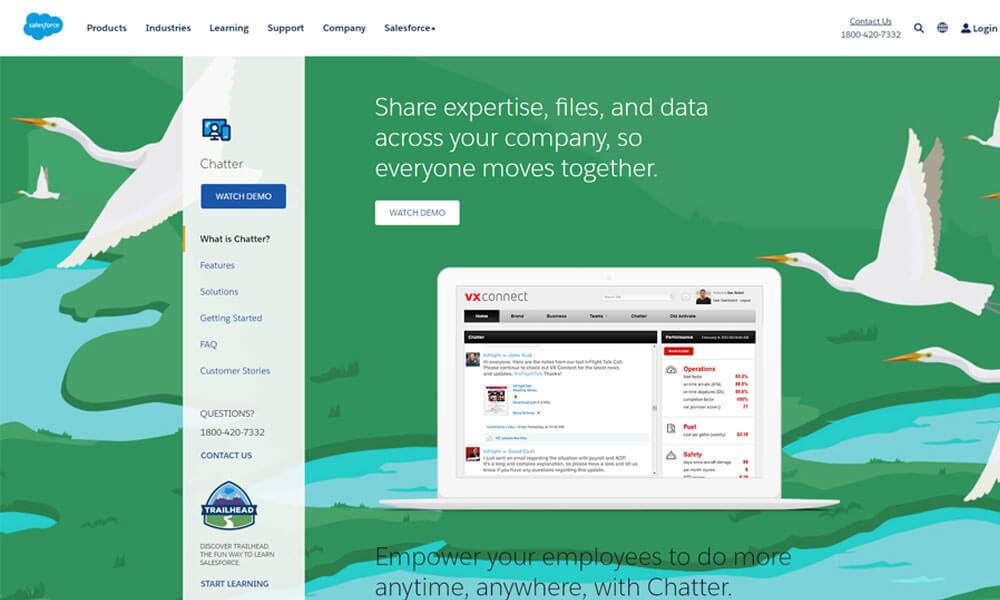
Salesforce is a cloud-based customer relationship management solution that brings companies and customers together. It’s one integrated CRM platform that gives all your departments — including marketing, sales, commerce, and service — a single, shared view of every customer. Using Salesforce web-to-lead forms you can easily push leads from the website to your sales team for further follow-up.
Pros
- Powerful CRM features.
- Automation and analytics.
- Large integration ecosystem.
Cons
- High complexity to configure.
- Premium pricing can be expensive.
Why we chose this tool
- Enterprise customer and sales platform.
- Deep reporting and workflows.
Pricing
- No free plan.
- Premium starts $25/user/month.
8. YouTube

YouTube is an online video platform owned by Google. In total, users watch more than one billion hours of YouTube videos each day, and hundreds of hours of video content are uploaded to YouTube servers every minute. Video is a must for companies to succeed with marketing efforts in today’s marketplace. Using YouTube connectors, you can easily pull YouTube videos into your website without you having to host it yourself.
Pros
- Easy video publishing.
- Massive global reach.
- Good analytics for engagement.
Cons
- Not private by default.
- Not designed for internal team collaboration.
Why we chose this tool
- Great for training and customer content.
- Wide distribution for video resources.
Pricing
- Free plan.
9. Campaign Monitor
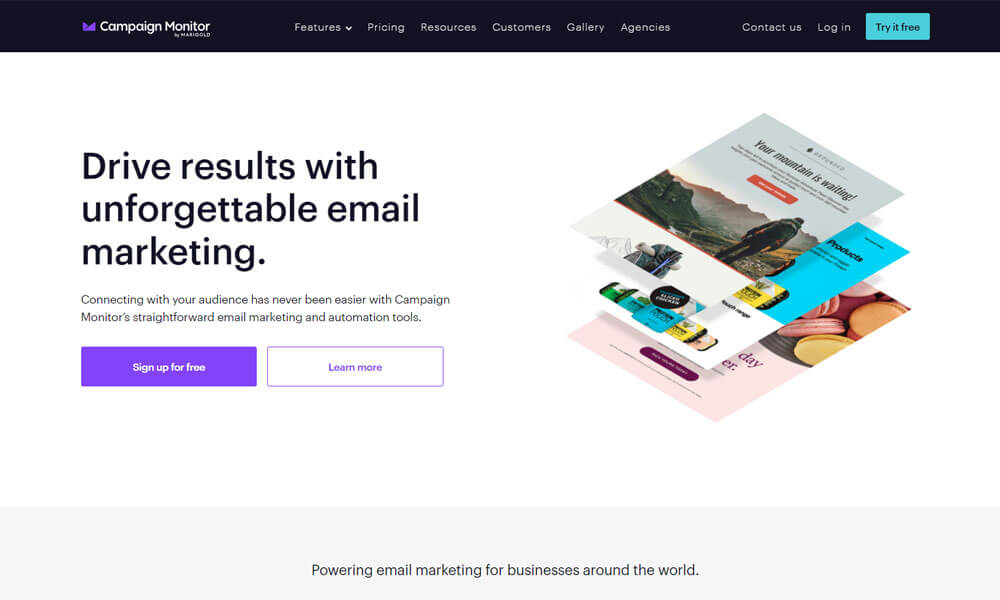
Campaign Monitor gives you everything you need to run beautifully designed, professional email marketing campaigns to grow your business. You can choose from hundreds of professionally designed templates and drag-and-drop to put your email together in moments. Drive urgency using a countdown timer and customize every visual aspect for a completely branded email campaign that looks great on any device.
Pros
- Easy email campaign builder.
- Detailed analytics.
- Mobile‑friendly templates.
Cons
- Focused on email only.
- Can be pricey at larger subscriber counts.
Why we chose this tool
- Strong email engagement tool.
- Good for marketing outreach.
Pricing
- No free plan.
- Premium pricing based on list size ($9–$29+/month).
10. HubSpot

HubSpot is a leading cloud-based customer relationship management solution that provides software and support to help businesses grow better. HubSpot platform includes marketing, sales, service, and website management products that start free and scale to meet our customers’ needs at any stage of growth. HubSpot builds connections, careers, and employee growth by creating a workplace that values flexibility, autonomy, and transparency.
Pros
- Unified CRM and marketing tools.
- Sales and service automation.
- Real‑time analytics.
Cons
- Premium tiers are costly.
- Time required to set up properly.
Why we chose this tool
- Full‑stack business platform.
- Strong inbound marketing support.
Pricing
- Free plan available.
- Premium starts $20/user/month+
11. Box
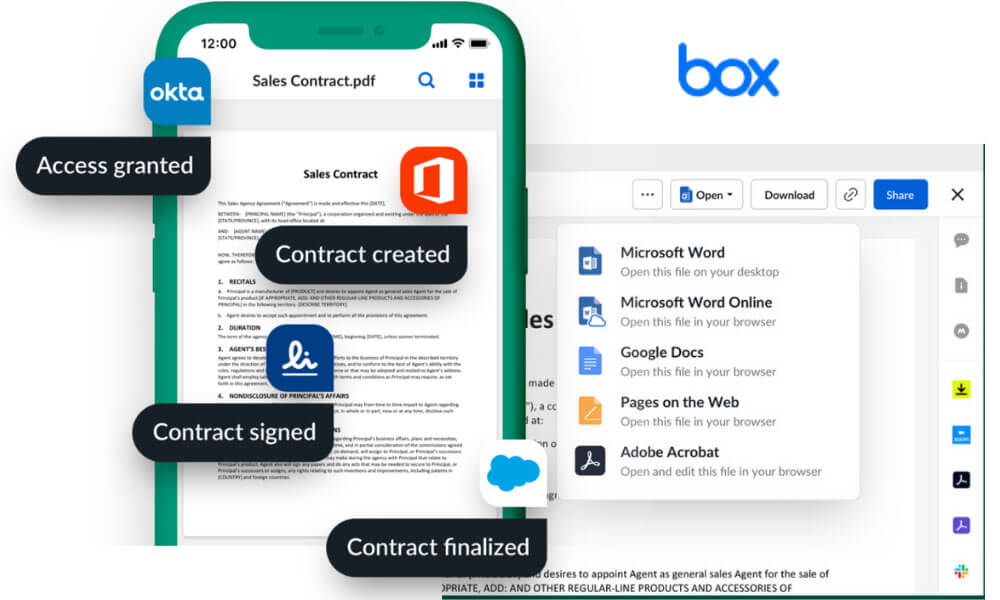
Box is a cloud-based content management platform for companies of all sizes and industries. It offers security and controls for admins as well as sharing and collaboration capabilities for end users across the globe. Box enables users to collaborate on all types of files, on any device and choose where to store data, to manage encryption keys and set metadata-driven workflows to automate content-based processes.
Pros
- Secure cloud file storage.
- Enterprise security controls.
- Easy sharing and access.
Cons
- Storage costs add up.
- Not as feature‑rich in collaboration beyond files.
Why we chose this tool
- Enterprise content management.
- Strong compliance and sharing.
Pricing
- Free tier available.
- Premium $15–$25/user/month.
12. SharePoint
SharePoint empowers teamwork with dynamic and productive team sites for every project team, department, and division. Using SharePoint you can share files, data, news, and resources. Using SharePoint, you can customize your site to streamline your team’s work and collaborate effortlessly and securely with team members inside and outside your organization, across PCs, Macs, and mobile devices.
Pros
- Document management hub.
- Strong version control.
- Integrates with Microsoft 365.
Cons
- Complicated to set up.
- Requires governance and planning.
Why we chose this tool
- Enterprise intranet + shared library.
- Great for structured team sites.
Pricing
- Included with Microsoft 365 plans ($2–$10/user/month).
13. Google Drive
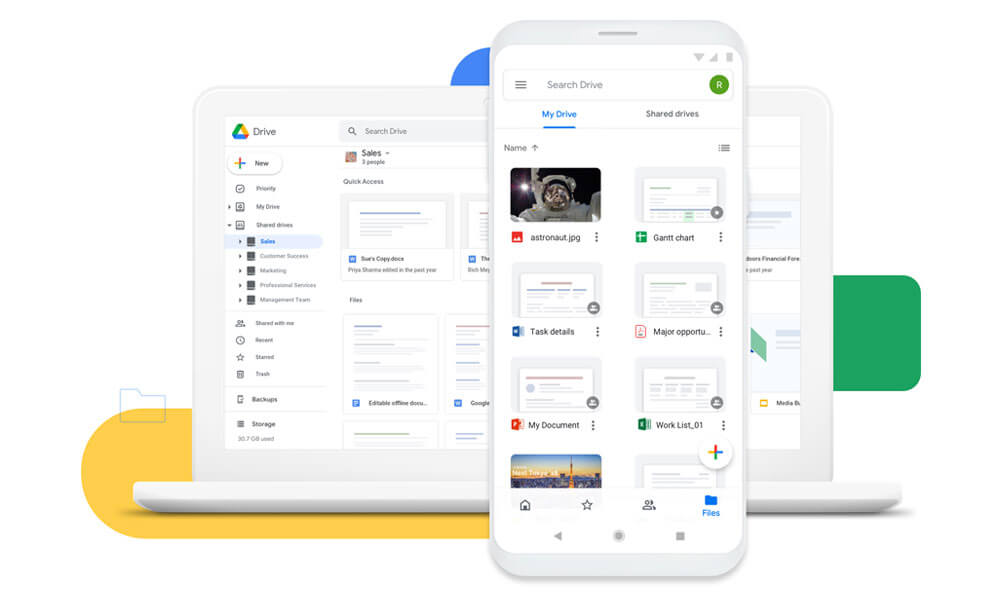
Google Drive makes sharing your files simple. It also allows multiple people to edit the same file, allowing for real-time collaboration. Google Drive is a safe place to back up and access all your files from any device. Easily invite others to view, edit or leave comments on any of your files or folders.
Pros
- Cloud storage with sharing.
- Real‑time collaboration on files.
- Easy access from any device.
Cons
- Google ecosystem required.
- Permissions can be confusing.
Why we chose this tool
- Powerful collaborative file workspaces.
- Simple document access.
Pricing
- Free 15 GB.
- Premium via Google Workspace ($6–$12/user/month).
14. Notion
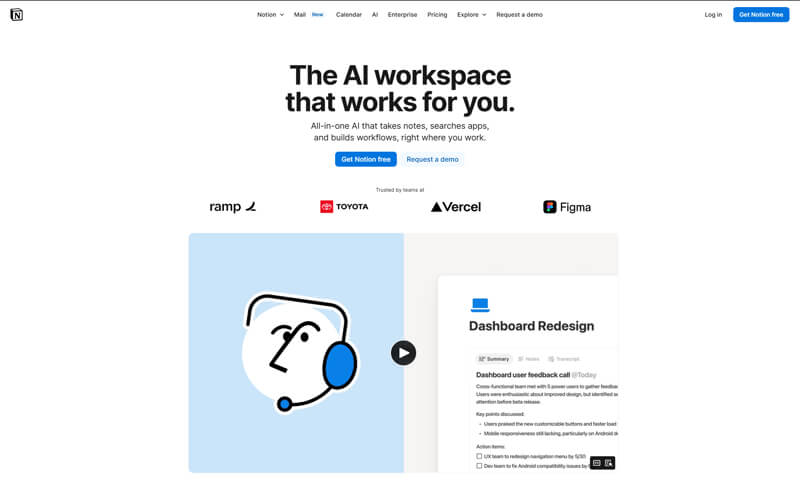
Notion is a flexible cloud-based workspace designed to help teams organize information, collaborate, and manage knowledge in one place. It combines documents, notes, databases, and lightweight project tracking into a single, customizable interface. Teams can create shared pages for documentation, meeting notes, internal wikis, and workflows, making information easy to find and update.
Real-time collaboration allows multiple users to edit content simultaneously, while comments and mentions support discussion and feedback. Notion works well for teams that want adaptable collaborative digital workspaces rather than rigid structures, supporting the broader benefits of collaboration in the workplace by aligning people around shared goals and information.
Pros
- Flexible documentation and notes.
- Customizable modules.
- Works for multiple use cases.
Cons
- Setup can overwhelm new users.
- Limited automation without integrations.
Why we chose this tool
- Combines docs, tasks, and wikis in one place.
- Great for team knowledge bases.
Pricing
- Free plan available.
- Premium $8–$15/user/month.
15. Zoom
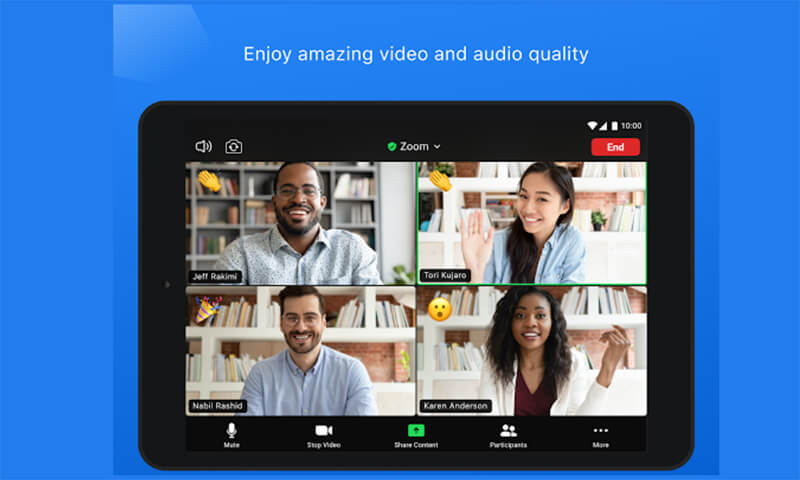
Zoom is a cloud-based communication platform widely used for video meetings, voice calls, webinars, and online collaboration. It enables teams, customers, and external partners to connect in real time regardless of location or device. Zoom supports features such as HD video, screen sharing, meeting recordings, breakout rooms, and live chat, making it suitable for internal meetings, training sessions, and customer interactions.
Its reliability and ease of use have made it a standard tool for remote and hybrid work environments. By enabling face-to-face communication at scale, Zoom enhances team coordination, speeds up decision-making, and strengthens collaboration across distributed teams.
Pros
- Reliable video conferencing.
- Breakout rooms and recordings.
- Easy for large meetings.
Cons
- Free plan time limits.
- Needs admin setup for security best practices.
Why we chose this tool
- Industry standard for virtual meetings.
- Widely trusted and adopted.
Pricing
- Free plan available.
- Premium $14.99–$19.99/host/month.
Conclusion
Embracing cloud-based tools is not just a modern trend but a strategic move for small businesses aiming to thrive in the dynamic landscape of 2026. The array of essential tools discussed above showcases the power of leveraging cloud technology to streamline operations, enhance collaboration, and bolster overall efficiency. From project management to communication and data storage, these tools cater to diverse business needs, offering scalable solutions that can grow with the company.
Small businesses that integrate these cloud-based tools into their operations gain a competitive edge, as they can adapt swiftly to market changes and foster a more agile, collaborative, and productive work environment. As technology continues to evolve, staying connected, flexible, and efficient is paramount for small businesses, and the cloud remains a pivotal enabler of success in the digital age. Embracing these essential cloud-based tools positions small businesses for resilience and growth in the years ahead.
Frequently Asked Questions
What is a cloud-based tool?
A cloud-based tool is a software application or service that operates over the internet, utilizing cloud computing infrastructure. These tools store and process data online, allowing users to access and manage resources from anywhere with an internet connection.
What are some of the best cloud-based tools?
Some of the best cloud-based tools include Clariti, Microsoft 365, Google Workspace, etc, offering a range of applications for communication, productivity, collaboration, and creative tasks.
What are some of the popular cloud-based tools used in business?
Communication is vital in any business setting. There are a variety of different tools like Clariti, Slack, Microsoft Teams that can be used for business communication, depending on the needs of the specific company.




Start for FREE with Personal CRM
We too hate spam! Your email is secure with us.

Spot secured. You're in.
You’re officially on the list for early access to Clariti.


No more switching tools.

No more lost context.

Just Clarity.
You’ll be among the first to experience it when we launch. We’ll let you know the moment it’s ready.

Keep an eye out for emails from @clariti.app.
(and check your spam folder just in case—whitelisting us helps ensure you don’t miss a thing).

