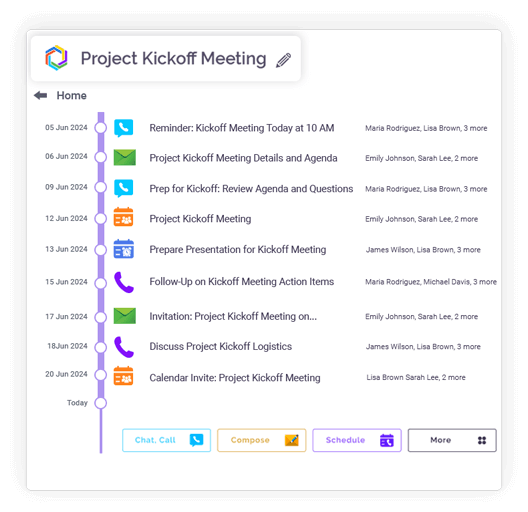
All Your Emails, Chats, and Files — Finally Together!
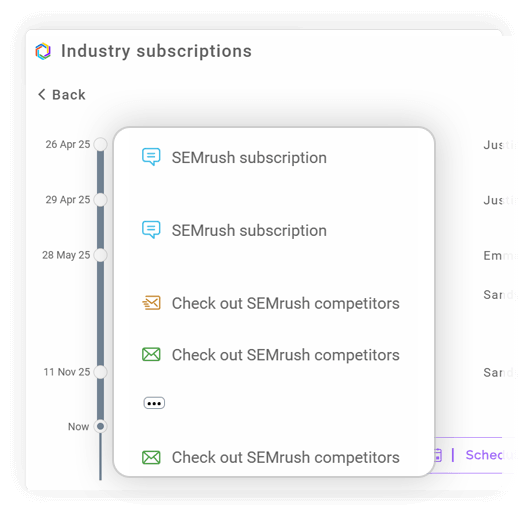
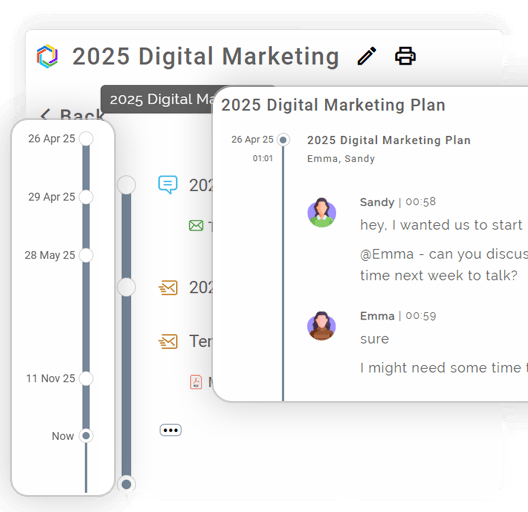
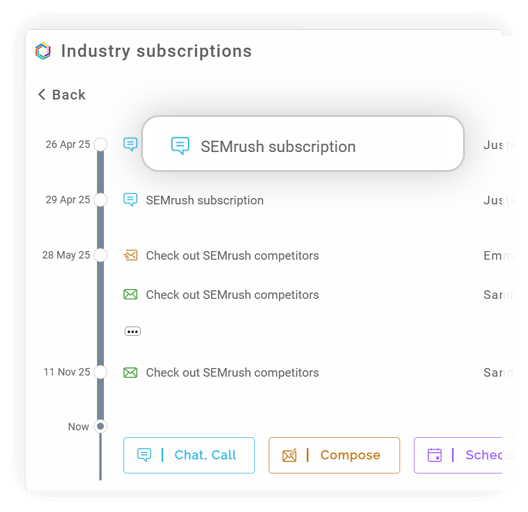
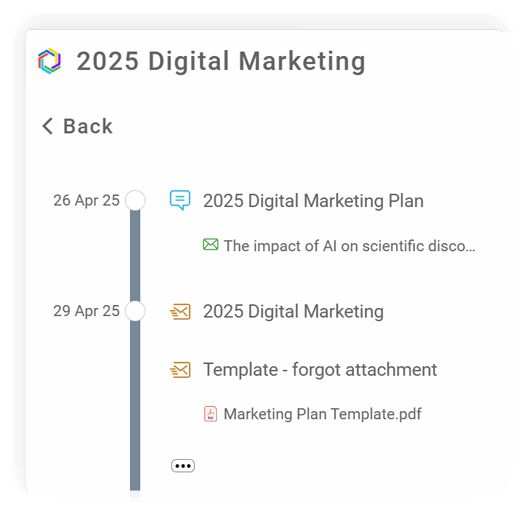
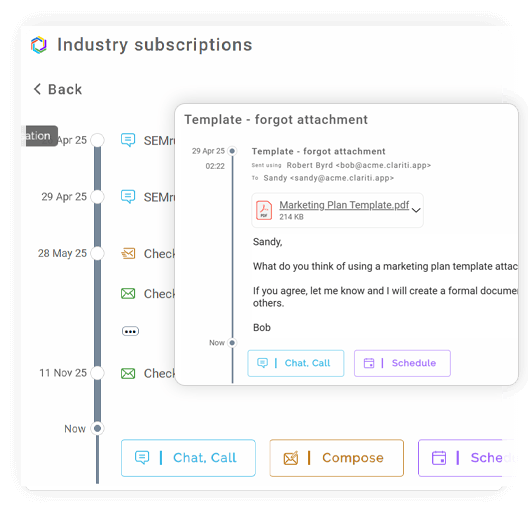
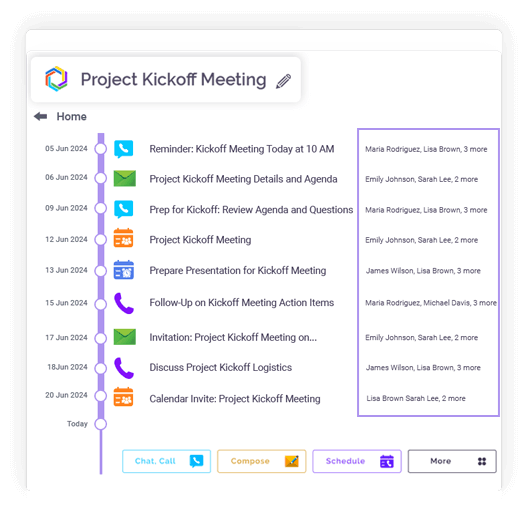
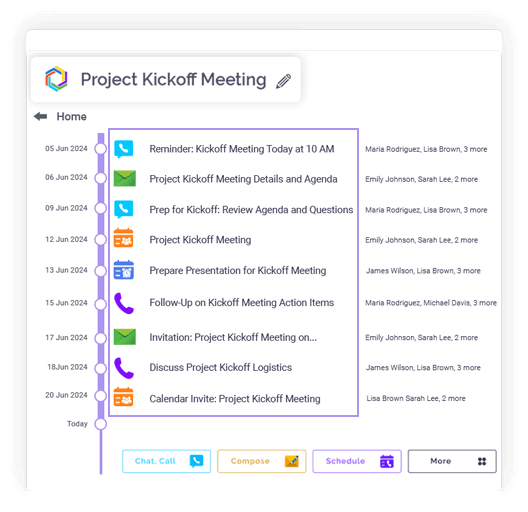
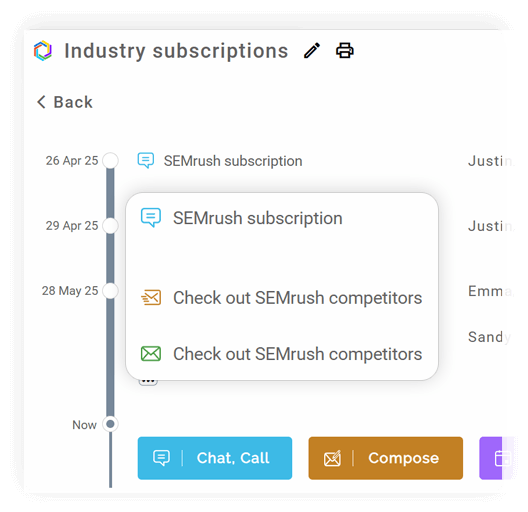
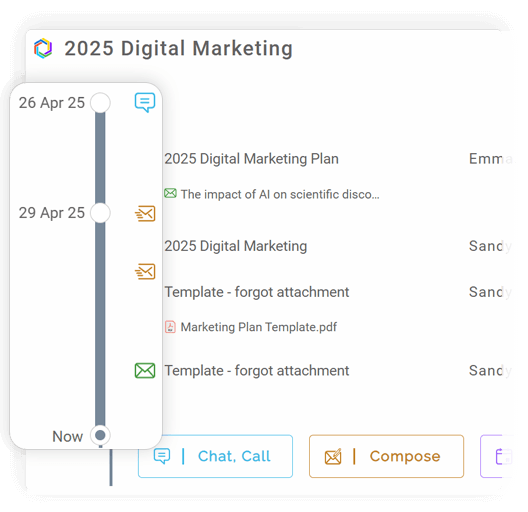
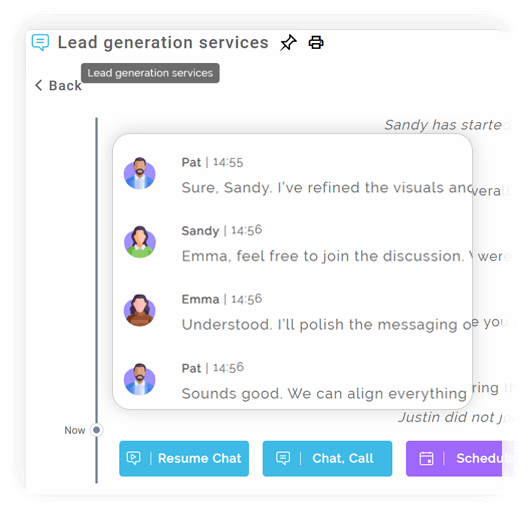
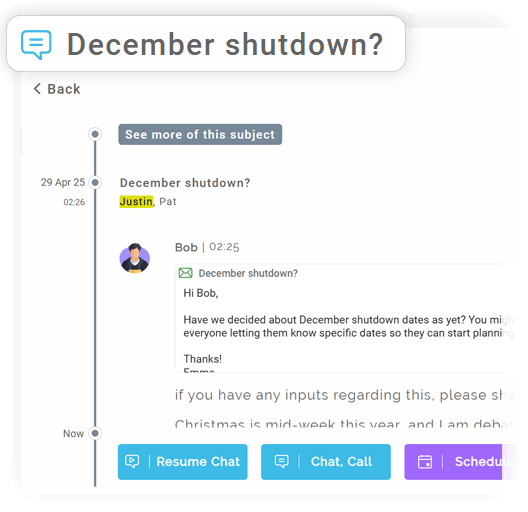
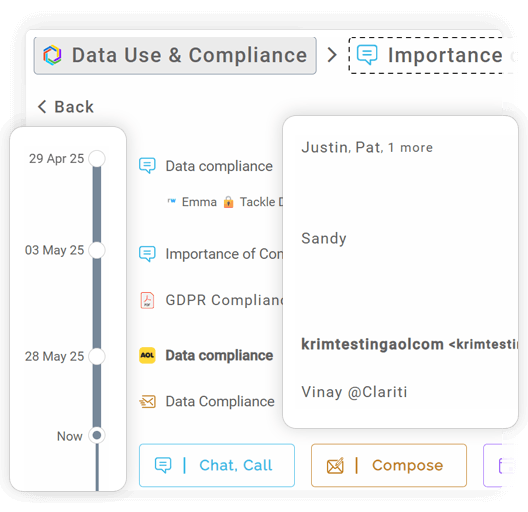
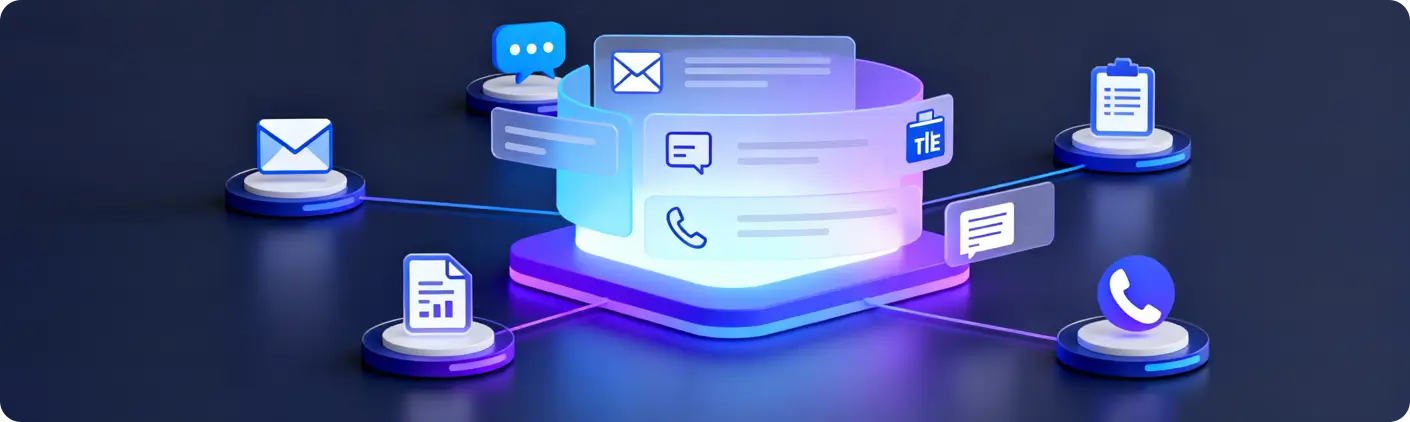
All emails, chats, documents, calls, and actions related to a topic are displayed in a single time-ordered sequence.
Track how a discussion evolved from the first message to the final decision without gaps.
Every interaction is logged with clear timestamps for reference, audits, and reviews.
Easily identify key updates, approvals, and turning points in long-running discussions.
Ideal for retrospectives, handovers, compliance checks, and decision validation.
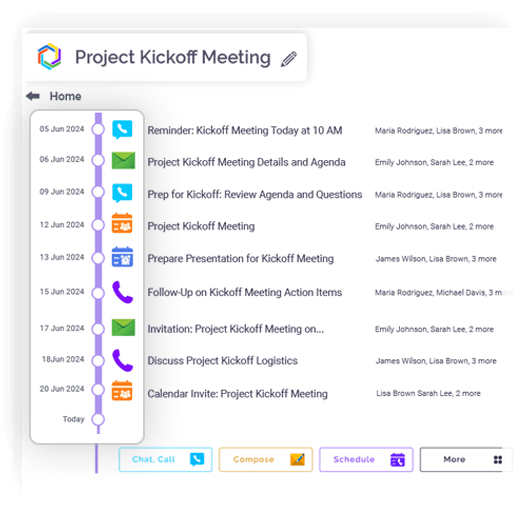
AI detects and groups related emails and chats by context.
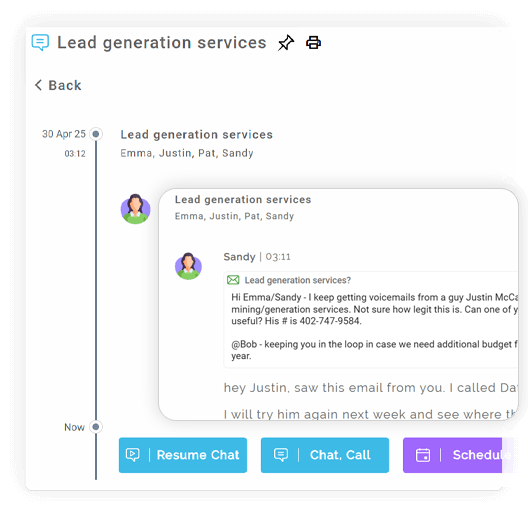
Related interactions are automatically connected, even across different channels.
The system continuously learns from user behavior to improve grouping accuracy.
All information related to a topic is accessible in one consolidated space.
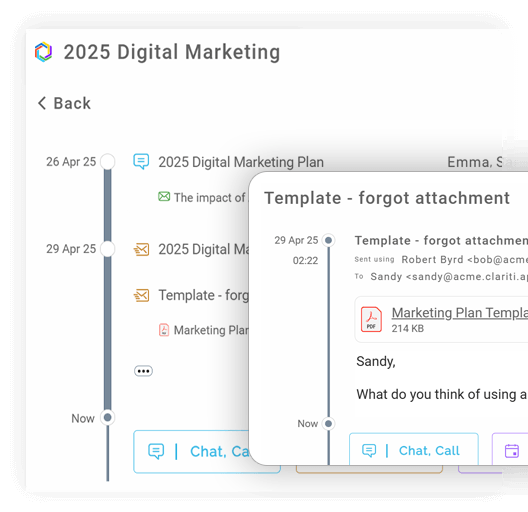
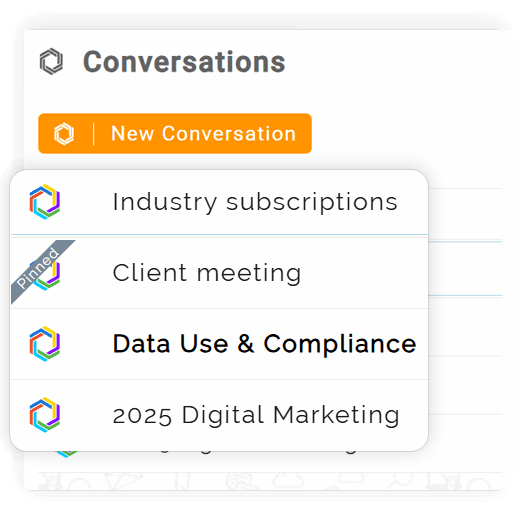
Conversations are organized by subject rather than by channel or tool.
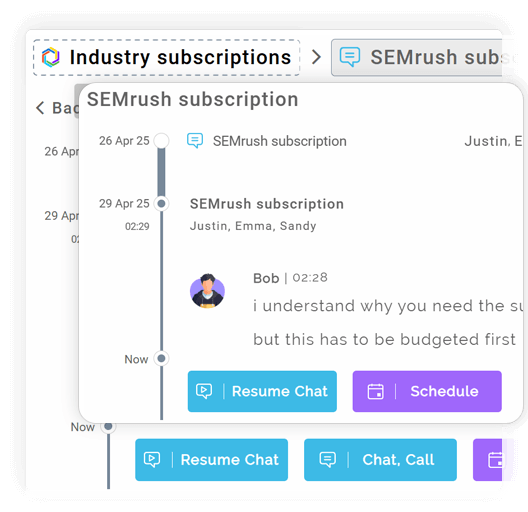
Email replies and chat messages follow the same topic flow seamlessly.
Users can find information by remembering the topic, not the location.
Prevents duplicate discussions and repeated email chains by keeping context intact.
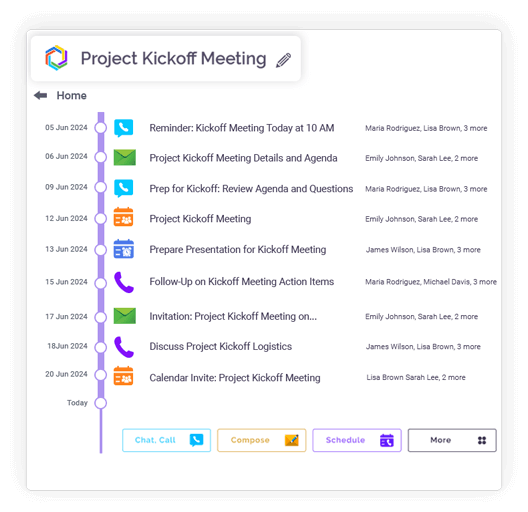
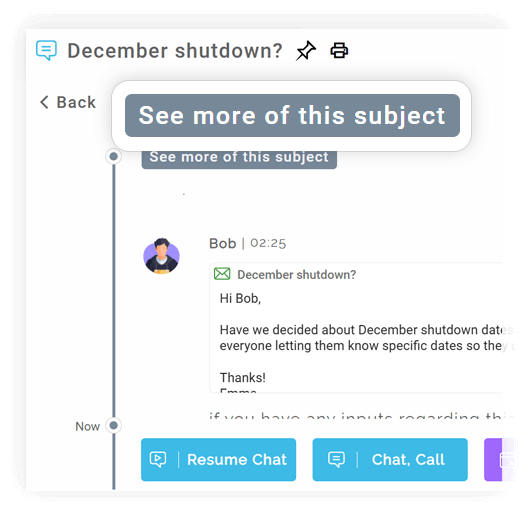
Merge conversations that cover the same subject into one unified view.
Message order, contributors, and context remain unchanged.
Prevents parallel discussions from drifting across multiple conversations.
Teams respond faster when all relevant context is in one place.
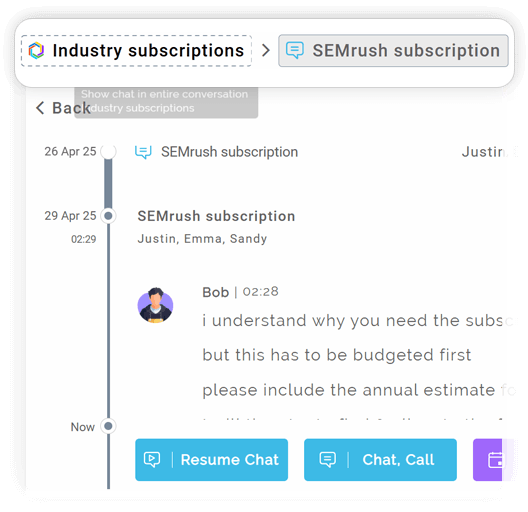
Past discussions remain accessible and reusable.
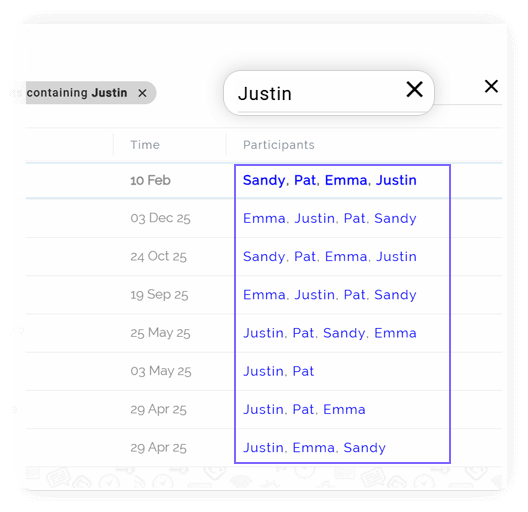
Search based on conversation name or search the entire conversation.
New team members can quickly understand decisions by reviewing topic history.
Transparent records show who contributed what, and when.
Topic-based conversations evolve into a living knowledge base.
Integration
Microsoft 365
Office productivity suite

Google Workspace
Cloud-based productivity suite

OneDrive
Cloud file storage

Google Drive
Cloud file storage and sharing

Dropbox
Cloud file storage and sharing

pCloud
Secure cloud file storage

GitHub
Source code hosting

HubSpot
Marketing automation platform

Microsoft Teams
Team collaboration platform
Emails + Chats Together
One continuous thread.
Automatic Context Detection
AI groups related messages.
Linked Files & Events
All content stays organized.
Unified History
Track how a topic evolved.
Merge Conversations
Combine related conversations.
AI-Powered Threading
Keep every detail in context.
Unified • Smart • Smooth
Hybrid Conversations are not just another feature; they are the core philosophy of Clariti. Instead of forcing communication into separate, disconnected silos—email clients, chat apps, file browsers—Hybrid Conversations allow teams to blend all these elements into unified, topic-based threads. Imagine a single conversation titled “Q4 Product Launch” that contains the initial email from a partner, the team’s instant messages debating the features, the shared presentation deck, and the final decision. This is a Hybrid Conversation: a complete, searchable narrative of a project’s entire lifecycle in one place.
The average professional toggles between dozens of apps daily, a costly exercise in context-switching that shatters focus. Combining these elements solves a fundamental problem: the loss of context. An email forwarded to a team with the subject “Thoughts?” forces everyone to waste time piecing together the story. In Clariti, that email is already connected to the chat discussion and the relevant files, providing immediate understanding. This integration mirrors how work naturally progresses—through a fluid mix of formal messages, quick questions, and shared resources.
Hybrid Conversations eliminate the “where was that?” scavenger hunt. There is no more searching through an inbox for an email that might have a file, then scrolling through a chat to find the feedback on it. Communication becomes radically simpler because every piece of information is intrinsically linked. This dramatically reduces misunderstandings and ensures everyone, from team veterans to new members, has access to the full picture, accelerating onboarding and streamlining project handoffs.
The benefits of this unified approach are profound. Increased Productivity is the most immediate gain, as employees reclaim hours once lost to app-switching and information retrieval. Enhanced Clarity ensures decisions are made with all available context, leading to better outcomes. Furthermore, it fosters Greater Accountability, as the entire history of a project is visible, making it clear who said what and when.
Context is the cornerstone of effective collaboration. Clariti automatically provides this by building a rich ecosystem around every interaction. When you view a chat message, you can instantly see the email that sparked it or the file that was shared in response. This transforms isolated data points into a meaningful story, empowering teams to contribute intelligently without needing a lengthy background briefing.
The time-saving aspect cannot be overstated. The constant mental
energy required to reconstruct the narrative of a project is exhausting. Hybrid Conversations automate this organization. By keeping everything in a dedicated thread, teams spend less time managing information and more time acting on it. The platform’s structure inherently encourages order, turning chaotic communication streams into a well-organized knowledge base.
Consider a software development team receiving a bug report via email. Instead of forwarding the email and starting a new chat, they can simply drag the email into a “Bug Fix” conversation. All subsequent chats about the issue, code snippets, and the final resolution are logged together. In marketing, a client’s campaign feedback email can be turned into a conversation where the team discusses ideas, shares design mockups, and finalizes the strategy, all without ever leaving the thread.
Adopting this new workflow is intuitive. The key is to start thinking in terms of subjects or topics. When a new project or task emerges, create a new conversation. As emails, chats, and files related to that topic come in, simply add them to the relevant thread. Clariti’s interface makes this process drag-and-drop simple, allowing teams to transition from siloed work to integrated collaboration seamlessly.
To get the most out of Hybrid Conversations, use descriptive titles for your threads. Be disciplined about adding related items to the correct conversation. Use the powerful search function to instantly locate past discussions. Encourage your entire team to adopt this “topic-first” mindset, and you will quickly see a collective rise in efficiency and a reduction in redundant questions.
As work becomes more asynchronous and teams more distributed, the tools that succeed will be those that unify, not divide. Hybrid Conversations represent the future because they align with how we think and work—in contexts, not in isolated apps. They move beyond simply enabling communication to fostering intelligent collaboration. By breaking down the digital walls between emails, chats, and files, Clariti isn’t just offering a feature; it’s providing a smarter, more sustainable foundation for the future of work.
15 Strategies to Master Hybrid Meetings Without Overload
Read more > >Is Your Team Still Stuck in Email? It’s Time to Embrace Clariti’s Hybrid Conversations
Read more > >Beyond Email Threads: How Clariti’s Hybrid Conversations Keep Complex Discussions Organized
Read more > >How to adapt internal communications for hybrid teams in 2026
Read more > >Hybrid Conversations are threaded discussions that naturally blend different types of communication. Instead of having emails, chats, and files scattered across separate apps, this feature brings them all into a single, contextual thread. This creates a unified story for every project or topic.
They work by linking related messages and content under a common subject line. For example, you can start with a chat message, pull in a relevant client email, and share a file—all within the same conversation thread. The system automatically organizes these elements, preserving the full context.
This approach eliminates the constant switching between inboxes, chat apps, and cloud storage. It ensures everyone has access to the complete picture, which drastically reduces misunderstandings and the time spent searching for information. It fundamentally makes collaboration more coherent.
Yes, that’s the core function. You can forward an external email into a Clariti conversation, where it becomes part of a thread that also includes team chats and shared documents. This bridges the gap between internal discussions and external communication seamlessly.
By keeping all context in one place, they cut down on repetitive questions and forward-the-email requests. Decisions are made faster because the entire history—from the initial idea in a chat to the final approval via email—is instantly accessible to everyone involved.
We too hate spam! Your email is secure with us.
(and check your spam folder just in case—whitelisting us helps ensure you don’t miss a thing).