


Blog
What Are Hybrid Meetings? Benefits, Challenges, and Best Practices
- By Vinod Kumar VR
- No Comments


- Published on
- 10 min read
Work today looks very different from before. Many people now work from home, from the office, or a mix of both. This change has made hybrid meetings very common. A hybrid meeting is one in which some people attend in person while others join online.
Recent data shows how big this shift is. According to McKinsey, over 90% of companies now support hybrid work in some form. Also, Gartner says 39% of employees work in a hybrid way. This means meetings must work well for both in-office and remote people.
But hybrid meetings are not always easy. Teams may face problems like poor sound, people talking at the same time, or remote workers feeling left out. These issues can slow down work and cause confusion.
Still, hybrid meetings offer many benefits. They help teams stay connected, save travel time, and include people from different places. They also help people balance work and life better.
In this blog, you will learn what hybrid meetings are, why they matter, their benefits and challenges, and simple best practices. This will help you run smooth and useful meetings for everyone.
What are hybrid meetings?
Hybrid meetings are meetings where some people join in person and others join online. Both groups take part at the same time. They use tools like Clariti, Zoom or Teams to connect.
Everyone can talk, share ideas, and work together. The goal is to include both remote and in-office people equally.
Why hybrid meetings are important
Flexibility for distributed teams
- Teams work from many places today. Hybrid meetings let everyone join easily. No one needs to travel far. This saves time and keeps work moving fast.
Retaining office culture while supporting remote work
- Hybrid meetings help keep team culture strong.
Face-to-Face Interaction
- People in the office can meet in person. This helps them share ideas quickly and build stronger connections.
Remote Inclusion
- Remote workers can join and take part. They feel included in team talks and decisions.
Team Connection
- Teams stay connected even from different places. This keeps work smooth and aligned.
Flexibility at Work
- Teams can work from anywhere. This supports both teamwork and flexible schedules.
Building Trust
- Regular interaction helps people trust each other. This improves teamwork and communication.
Key benefits of hybrid meetings
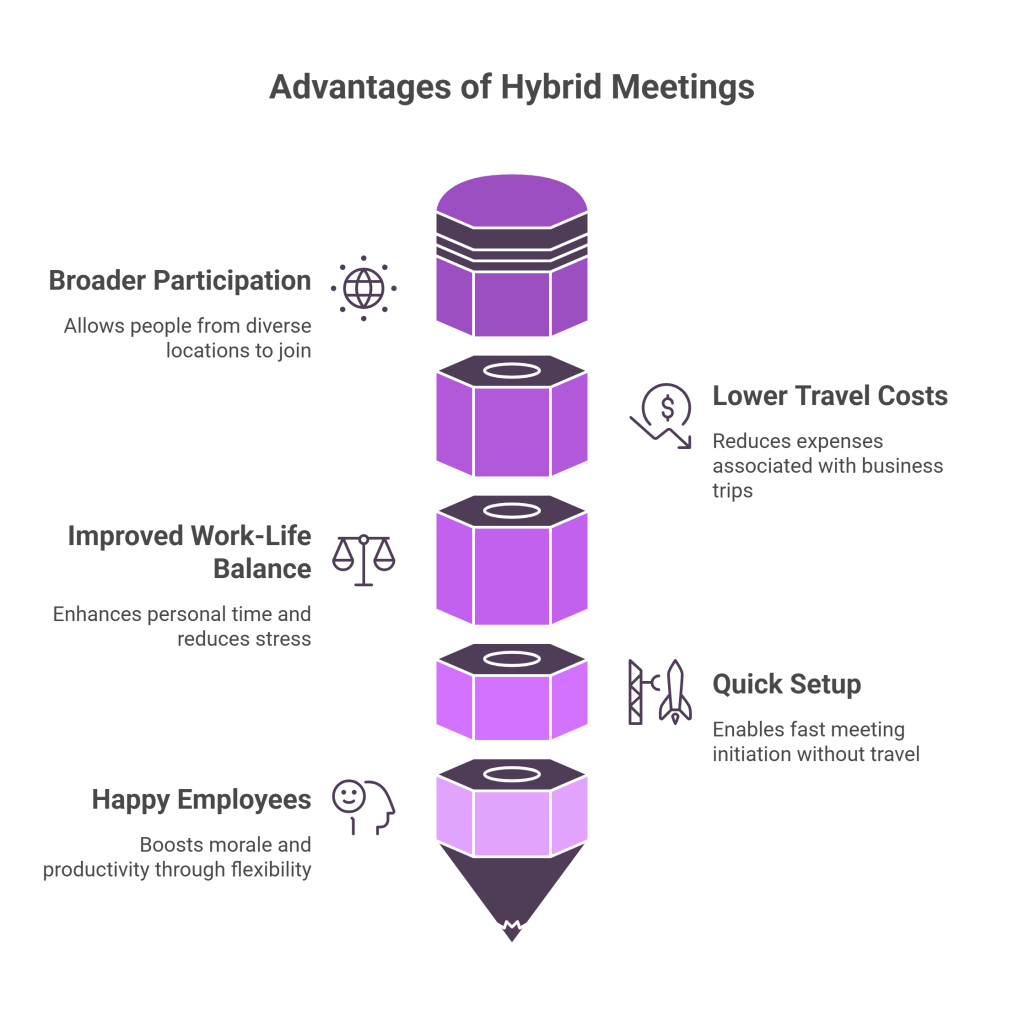
Broader participation across locations
- People from different cities or countries can join. This brings more ideas and better decisions.
Lower travel costs and improved work-life balance
- Hybrid meetings save money and time.
Less Travel Needed
- People do not need to travel often. This saves time and energy.
More Personal Time
- Less travel means more time for family and rest. This improves work-life balance.
Reduced Stress
- No daily commute means less stress. Employees feel more relaxed and focused.
Quick Setup
- Meetings can start fast without travel. This saves time for everyone.
Happy Employees
- Better balance and less stress make employees happier. Happy teams work better.
Common challenges in hybrid meetings
Hybrid meetings can face many issues:
Poor Internet
- Weak internet can break the flow. People may miss parts of the meeting.
Low Audio or Video Quality
- Bad sound or video makes it hard to understand. This can confuse participants.
Remote Users Feel Left Out
- Remote members may not get equal attention. They may feel ignored.
People Talking Over Each Other
- Many people speaking at once creates confusion. It slows down the meeting.
Tool Failures
- Meeting tools may stop working. This can delay or interrupt the session.
Tips to avoid “second-class” treatment of remote attendees
Include Remote Members
- Make sure remote users are part of every talk. This keeps them engaged.
Ask for Their Input
- Ask remote members to share ideas first. This ensures their voice is heard.
Use Good Tools
- Use clear audio and video tools. This improves communication for everyone.
Ensure Clear Access
- Make sure all can see and hear well. This avoids confusion and delays.
Equal Treatment
- Treat all participants the same. This builds fairness and trust.
How to plan a successful hybrid meeting
Set clear goals and an agenda
- Know the purpose of the meeting.
- Share the agenda early.
- This helps everyone prepare and stay focused.
Decide room layout, tech stack, and roles
- Set up the meeting room well.
- Choose the right tools and devices.
- Assign roles like:
- Moderator Role: The moderator leads the meeting. They keep discussions on track.
- Tech Support Role: The tech buddy fixes issues quickly. This keeps the meeting running smoothly.
- Timekeeper Role: The timekeeper manages time. They ensure the meeting stays on schedule.
Best practices during the meeting
Use a single main video feed, mute by default, and spotlight remote participants’ questions
- Keep one main screen for all.
- Mute when not speaking.
- Highlight remote questions so they are heard.
Encourage equal airtime and structured participation
- Give everyone a chance to speak.
- Use hand-raise or turn-taking.
- Avoid letting one group dominate.
Hybrid meeting tools and infrastructure
Common tools
- Collaboration tools: Miro, Google Docs, Clariti
- Video platforms: Zoom, Microsoft Teams, Google Meet
- Cameras: Wide-angle room cameras
- Microphones: Conference microphones
Tips for testing connections and backups
- Test internet, audio, and video before the meeting.
- Have backup options like phone dial-in.
- Check screen sharing in advance.
Hybrid vs. other meeting formats
Table: Hybrid vs. In-Person vs. Virtual
|
Feature
|
Hybrid
|
In-Person
|
Virtual
|
|---|---|---|---|
|
Participation
|
Mixed
|
Only in the room
|
Fully online
|
|
Cost
|
Medium
|
High
|
Low
|
|
Tech Needs
|
High
|
Low
|
Medium
|
|
Inclusiveness
|
High
|
Low
|
Medium
|
Participation scope, costs, tech needs, and inclusiveness
- Hybrid meetings offer the best balance.
- They include more people than in-person meetings.
- They cost less than travel-heavy meetings.
- But they need good technology to work well.
How to follow up after a hybrid meeting
- Share minutes, recordings, and action items with all participants
- Send notes after the meeting.
- Include key points and tasks.
- Share recordings for those who missed it.
How to collect feedback and improve future sessions
- Ask for feedback from participants.
- Use simple surveys or quick polls.
- Learn what worked and what didn’t.
- Improve the next meeting based on feedback.
How does Clariti help hybrid meetings?
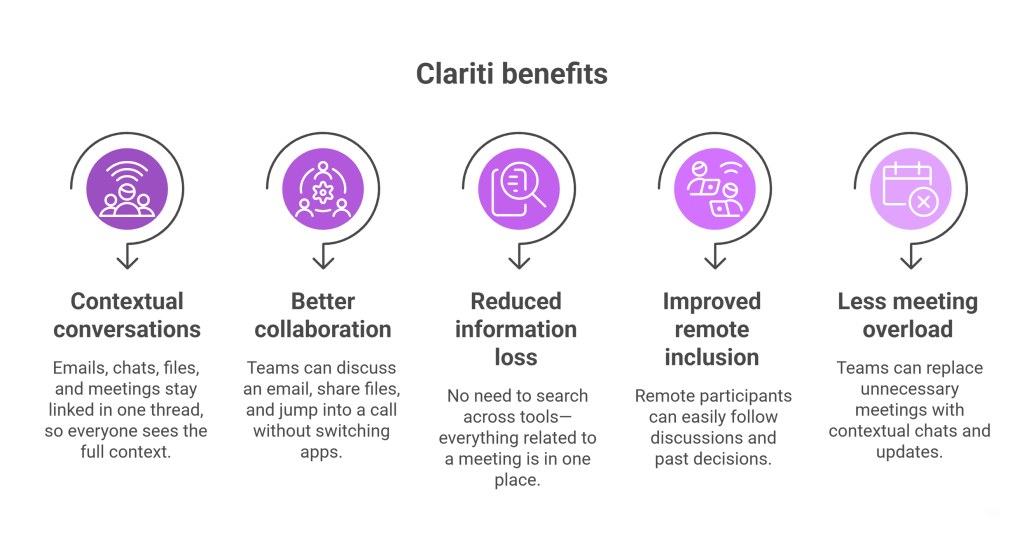
Clariti improves hybrid meetings by bringing all communication into one place and keeping everything in context.
- Contextual conversations: Emails, chats, files, and meetings stay linked in one thread, so everyone (remote and in-office) sees the full context.
- Better collaboration: Teams can discuss an email, share files, and jump into a call without switching apps.
- Reduced information loss: No need to search across tools—everything related to a meeting is in one place.
- Improved remote inclusion: Remote participants can easily follow discussions and past decisions.
- Less meeting overload: Teams can replace unnecessary meetings with contextual chats and updates.
In short, Clariti makes hybrid meetings more organized, inclusive, and productive by reducing context switching.
Conclusion
Hybrid meetings are now a key part of modern work. They help teams connect across locations and time zones. As more companies adopt hybrid work, these meetings will become even more important.
When done well, hybrid meetings bring many benefits. They improve teamwork, save time, and reduce costs. They also help employees enjoy better work-life balance. Teams can include more voices and make better decisions.
However, hybrid meetings also come with challenges. Poor technology, lack of planning, and unequal participation can reduce their value. Remote participants may feel left out if meetings are not managed properly. This is why good planning and clear rules are important.
By setting clear goals, using the right tools, and following best practices, teams can run smooth and effective meetings. Simple steps like testing technology, giving everyone a chance to speak, and sharing follow-up notes can make a big difference.
In the end, hybrid meetings are not just about technology. They are about people. When teams focus on inclusion, clarity, and communication, hybrid meetings become powerful tools for success. Start small, improve step by step, and build a meeting style that works for your team.
Frequently Asked Questions
What is a hybrid meeting?
A hybrid meeting is a mix of in-person and remote participation. Some people join from a meeting room, while others join online using video tools. It allows teams to collaborate from anywhere.
What are the benefits of hybrid meetings?
- Join from any location
- Reduce travel time and cost
- Support flexible work styles
- Improve work-life balance
- Increase overall participation
What are the biggest challenges of hybrid meetings?
Hybrid meetings can face issues like poor internet, low audio quality, and uneven participation. Remote attendees may sometimes feel less involved compared to those in the room.
How do you run a successful hybrid meeting?
Plan ahead and keep things simple. Set a clear goal, create an agenda, and assign roles like a moderator or tech support to keep the meeting smooth.
What tools do you need for hybrid meetings?
- Collaboration tools like Clariti, Teams and Slack.
- Video conferencing tools like Zoom.
- Good camera and microphone.
- Stable internet connection.
How do you keep remote participants engaged in a hybrid meeting?
Make sure remote participants are included early in the discussion. Ask for their input, use interactive elements, and ensure they can see and hear everything clearly.
Are hybrid meetings more expensive than in-person meetings?
Not always. While there may be some setup costs for tools and equipment, hybrid meetings often save money by reducing travel and logistics expenses.
How do you handle technical issues during a hybrid meeting?
Test everything before the meeting starts. Always have a backup plan like a dial-in option and assign someone to quickly handle any technical problems.
What is the difference between hybrid, virtual, and in-person meetings?
- Hybrid meetings combine both in-person and remote attendees.
- Virtual meetings are fully online, while in-person meetings happen only face to face.
- Hybrid offers the most flexibility.
How do you follow up after a hybrid meeting?
- Share meeting notes and recordings
- Assign action items with deadlines
- Collect feedback
- Track progress on next steps




Start for FREE with Personal CRM
We too hate spam! Your email is secure with us.

Spot secured. You're in.
You’re officially on the list for early access to Clariti.


No more switching tools.

No more lost context.

Just Clarity.
You’ll be among the first to experience it when we launch. We’ll let you know the moment it’s ready.

Keep an eye out for emails from @clariti.app.
(and check your spam folder just in case—whitelisting us helps ensure you don’t miss a thing).

